Printing after 3 days maintenance
1. Perform the daily maintenance as described
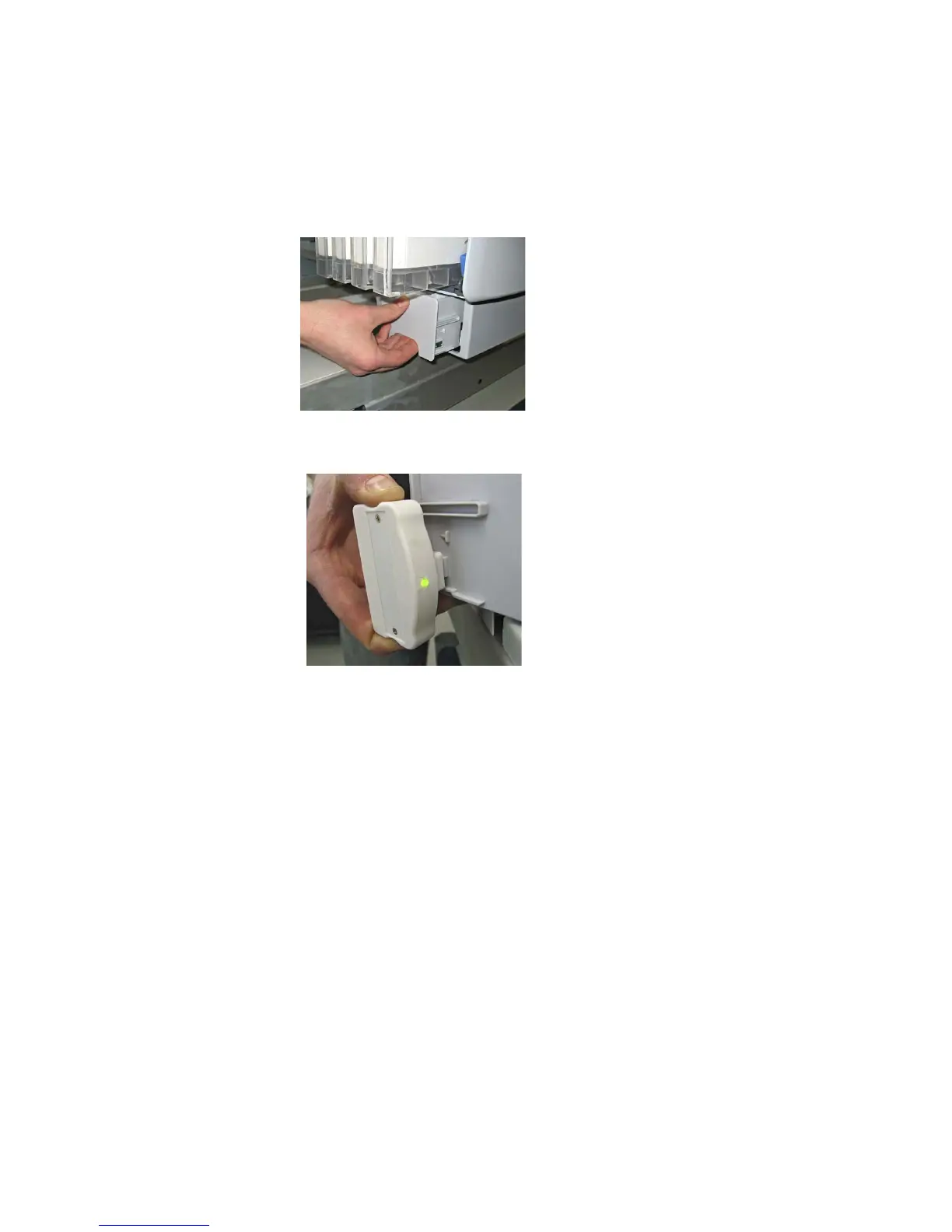
2. Remove and empty the waste ink tank
3. Reset the chip on the waste ink tank
4. Shake all white ink cartridges
5. Send a printout with white ink in an A4 size. Print again until the white
comes out
Printing after a week maintenance
1. Shake all white ink cartridges
2. Perform 1 powerful cleaning. If white still doesn’t come bright enough
perform another one.



 To Next Page