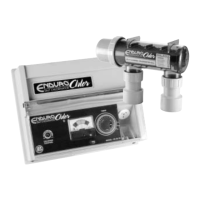
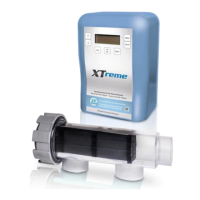
The Backwash function has been added to simplify how the pump is operated as you
adjust the Filter Lever into its different positions during a backwash.
NOTE: NEVER OPERATE THE FILTER LEVER WHILE THE PUMP IS OPERATING
WARNING: THE PUMP WILL START AND STOP AUTOMATICALLY
Enter the BACKWASH function by pressing the MODE button until BACKWASH is displayed
The screen will now display ..... SET VALVE TO BACKWASH AND PRESS ENTER ..... rotate
the lter valve to backwash, pressing enter will start the pump and you will see the dirty
water exit the waste pipe and in the clear glass installed on your lter.
The screen will now display ..... PRESS ENTER TO FINISH BACKWASH ...... press enter
once the water in the waste pipe has become clear, this will stop the pump so you can
rotate the lter valve.
Chlorinator will now display ..... SET VALVE TO RINSE AND PRESS ENTER ..... rotate
the lter valve to RINSE, pressing enter will start the pump, once water is owing
allow the pump to operate for at least 30 seconds or as per the lter manufacturers
recommendations to clean the last contaminates from the lter.
Chlorinator will now display ..... PRESS ENTER TO FINISH RINSE CYCLE.. ... press enter, the
chlorinator will display ...... SET VALVE TO FILTER AND PRESS ENTER .... press enter, the
backwash is now complete and the chlorinator will automatically revert back to the TIMER
mode.
Backwash
9


 To Next Page