&
$&
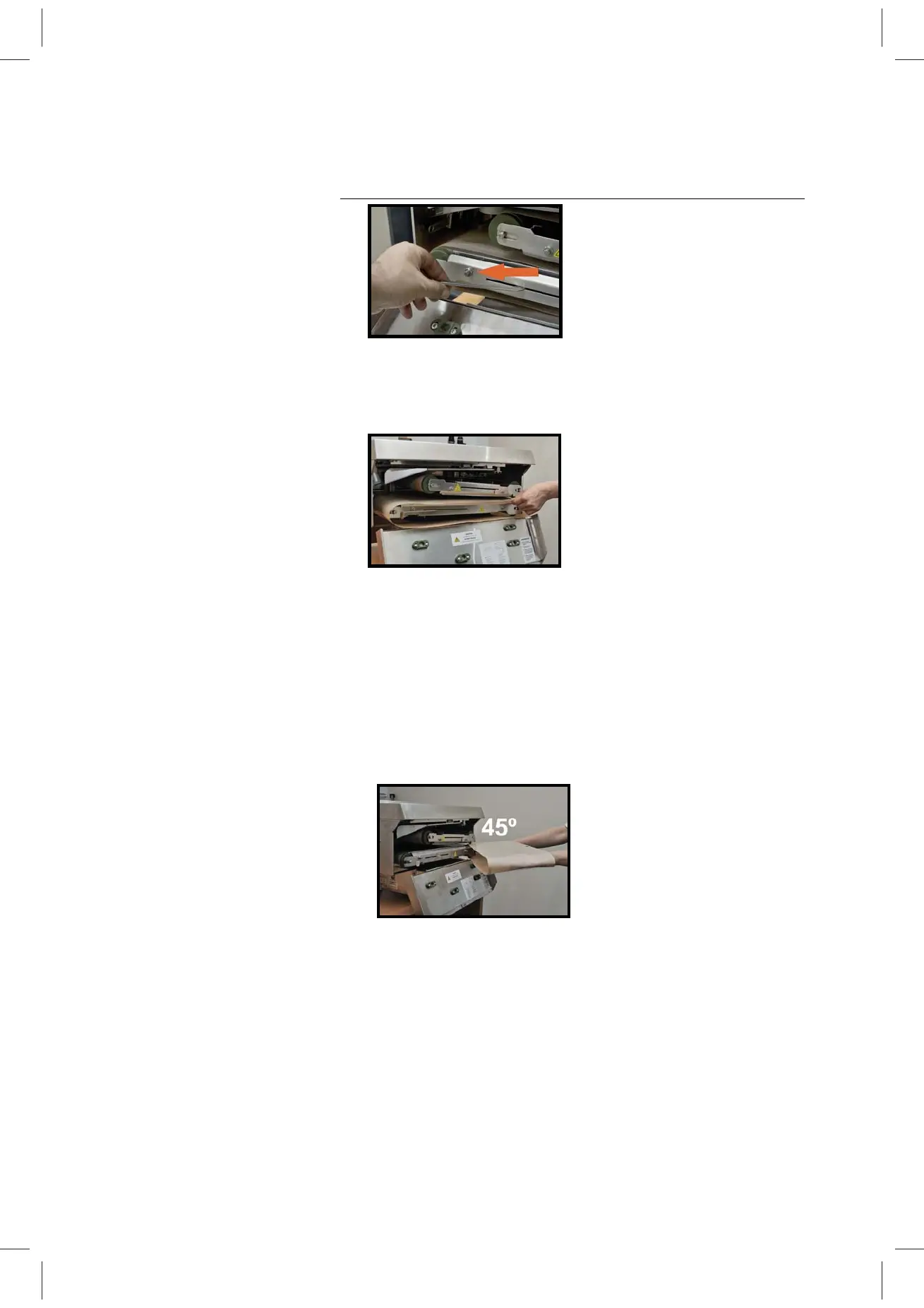
Figure 4
6 Remove the belt by evenly sliding it over the rollers and out of
the machine. Rotating the belts clockwise as you pull the belts
out towards you makes the process easier (Fig. 5).
Figure 5
Installing a belt
1 Remove the Belt Set (large & small belt) from the bag (make
sure to keep the belt code number close by). Lay the belts on
a flat dry surface and wipe the outside surface of both belts
thoroughly with a soft damp cloth. (Avoid creasing the belts.)
2 Position the new belt in front of the machine (preferably at a
slight angle – Fig.6).
Figure 6
3 While still in the maintenance position, hook the right-hand
end of the belt over the front of the right hand end roller and
then slide the left end of the belt over the left end roller (Fig.
7). Make sure your hands are in the horizontal position when
installing the belts (Fig. 8) and not in the vertical position (Fig.
8a).


 To Next Page