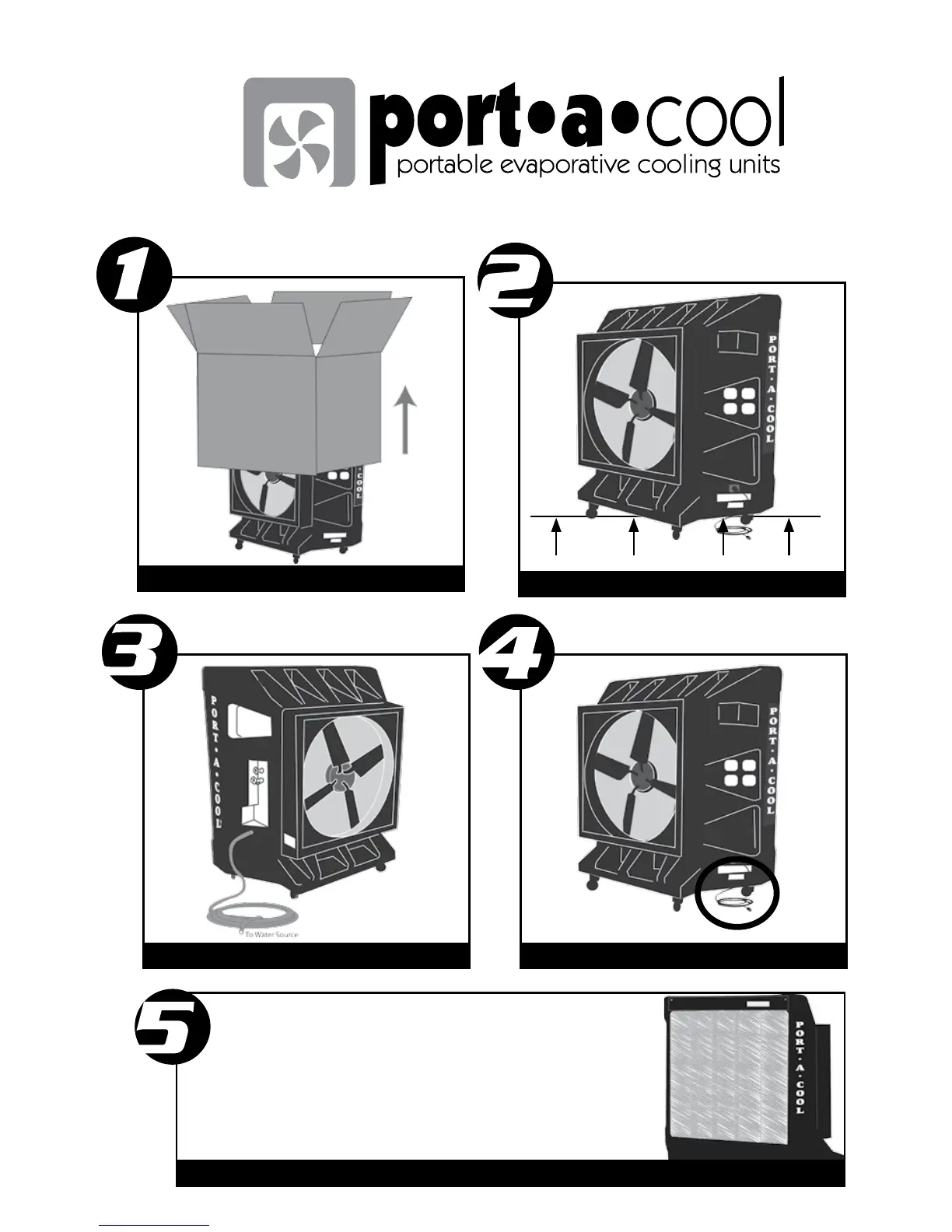
QUICK SET UP GUIDE
®
Remove box
Position unit on level surface
Fill sump or attach water hose Plug unit into appropriate outlet
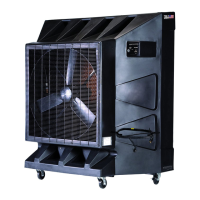
Fill the tank then turn on the pump switch and the fan.
Pads should appear wet before starting
the fan. Check the water gauge (see in-
structions for setup) to monitor water level
in tank.
PORT-A-COOL OWNER’S MANUAL • PAGE 36



 To Next Page