14
MAINTENANCE
KEEP TOOL CLEAN
Periodically blow out all air passages with dry compressed air. All plastic
parts should be cleaned with a soft damp cloth. NEVER use solvents to
clean plastic parts. They could possibly dissolve or otherwise damage the
material.
CAUTION: Wear safety glasses while using compressed air.
FAILURE TO START
Should your tool fail to start, check to make sure the prongs on the cord
plug are making good contact in the outlet. Also, check for blown fuses or
open circuit breakers in the line.
LUBRICATION
This tool has been lubricated with a sufficient amount of high grade lubricant
for the life of the unit under normal operating conditions. No further
lubrication is necessary.
BRUSH INSPECTION AND LUBRICATION
For your continued safety and electrical protection, brush inspection and
replacement on this tool should ONLY be performed by an AUTHORIZED
PORTER-CABLE SERVICE STATION or a PORTER-CABLE/DELTA
FACTORY SERVICE CENTER.
At approximately 100 hours of use, take or send your tool to your nearest
authorized Porter-Cable Service Station to be thoroughly cleaned and
inspected. Have worn parts replaced and lubricate with fresh lubricant. Have
new brushes installed, and test the tool for performance.
Any loss of power before the above maintenance check may indicate the
need for immediate servicing of your tool. DO NOT CONTINUE TO
OPERATE TOOL UNDER THIS CONDITION. If proper operating voltage is
present, return your tool to the service station for immediate service.
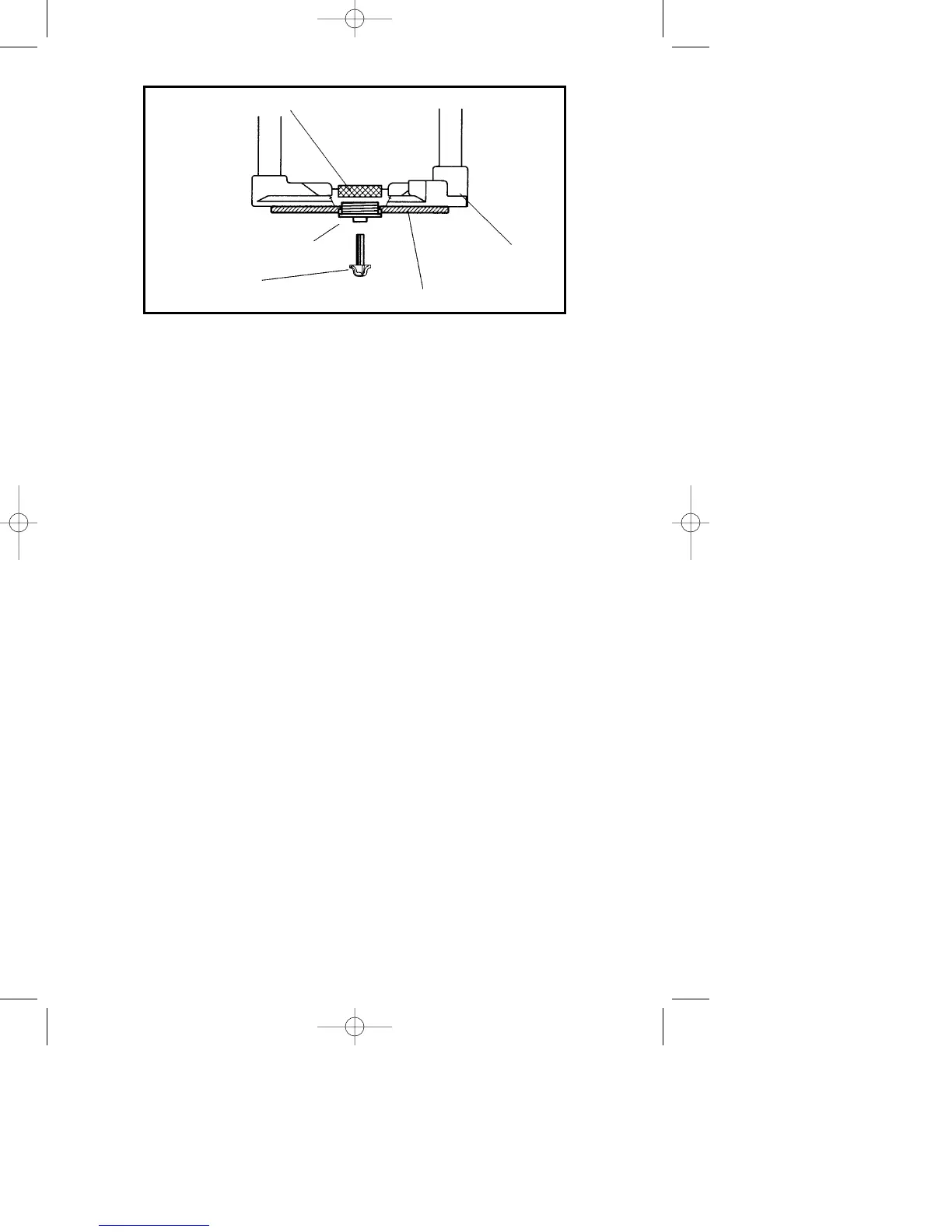
Fig. 19
LOCKNUT
TEMPLET GUIDE
ROUTER BIT
ROUTER
BASE
SUB-BASE



 To Next Page