9
NOTE: This tool is shipped completely assembled. No assembly time or
tools are required.
FUNCTIONAL DESCRIPTION
ASSEMBLY
FOREWORD
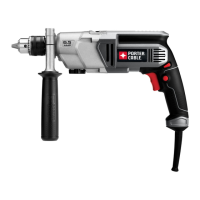
Your Porter-Cable Hammer-Drill is designed to drill holes of various sizes in
steel and concrete as indicated in the following chart:
MODEL SPEED MATERIAL MAX. HOLE DIA.
7751
0-1000 rpm Steel
1
/2"
Concrete
3
/4"
0-2500 rpm Steel
5
/16"
Concrete
3
/8"
INSTALLING AND REMOVING DRILL BITS
1. The three-jaw chuck is designed for self-centering of the drill bit. Open
the jaws by turning the outer sleeve counter-clockwise (when viewing the
chuck from the bit end), so that bit shank can be inserted easily.
2. Clean and insert the smooth end of the drill bit into the chuck as far as it
will go, then back it out approximately 1/16", or up to the flutes for small
bits.
3. While holding the bit with one hand, turn the outer sleeve clockwise until
the chuck grips the bit.
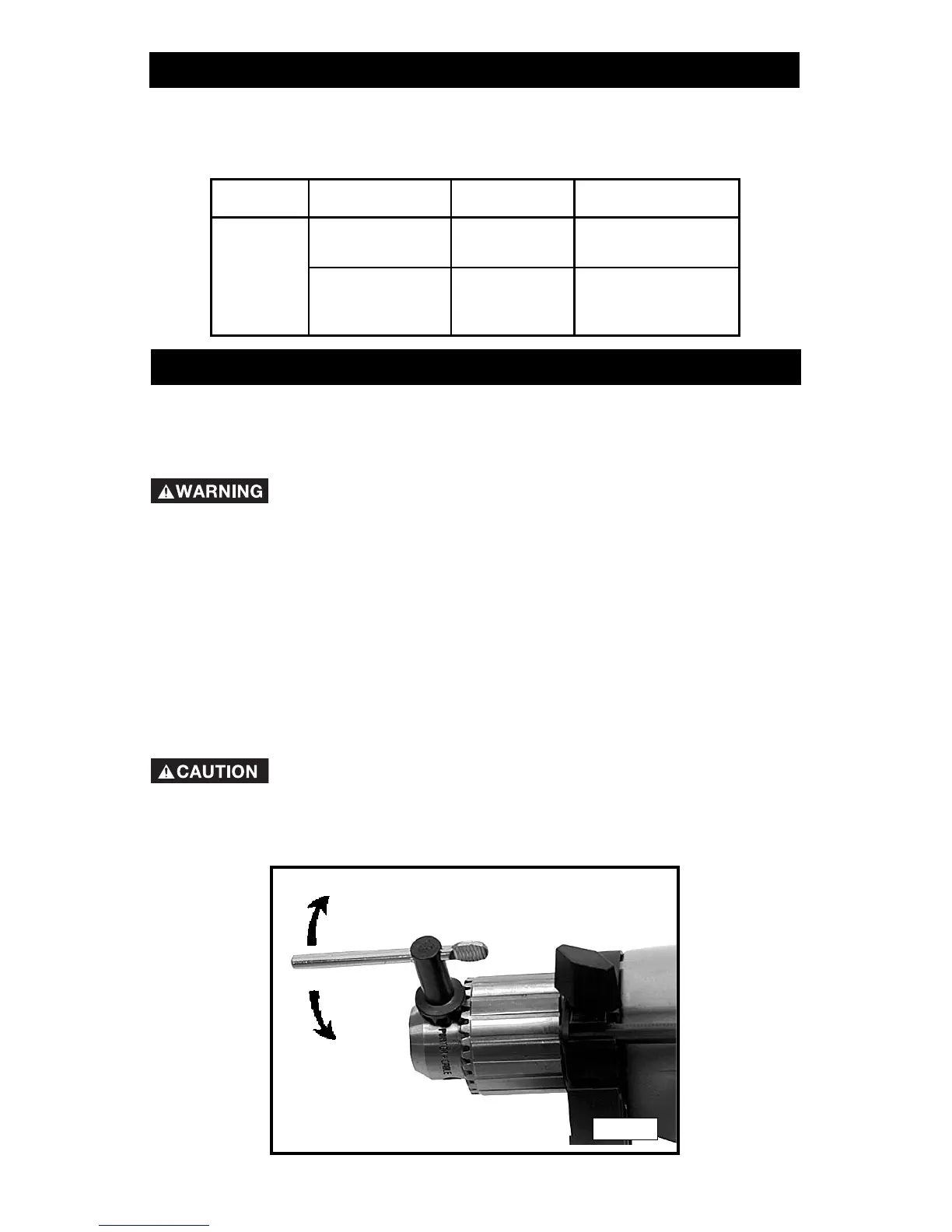
4. Tighten the chuck – insert the chuck key into each of 3 keyholes in the
chuck body (Fig. 1) and tighten each securely by turning the key
clockwise.
Remove the chuck key before starting the tool.
5. To remove the bit, reverse the procedure.
Disconnect tool from power source!
TIGHTEN
LOOSEN
Fig. 1



 To Next Page