4
OPERATION
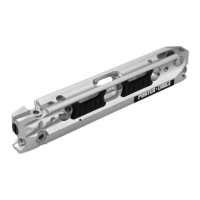
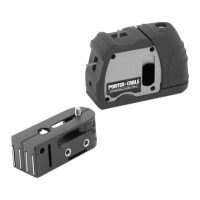
3. Mounting accessory features
Introduction
Congratulations! You’ve just purchased a time-saving, precision laser tool of
superior quality. Laser Square is not only precise, but it’s also easy to use.
Simply turn laser square on, place it on any surface and the perfectly balanced,
self-leveling pendulum inside the device takes care of the rest. If placed on a
surface which positions the pendulum beyond its operating range indicated in
the specifications laser square’s 3 beams will blink quickly, indicating the need
for the device to be re-positioned on a more level surface. It’s that simple. So get
to work and enjoy the time-savings which laser square provides.
4. How to use Laser Square
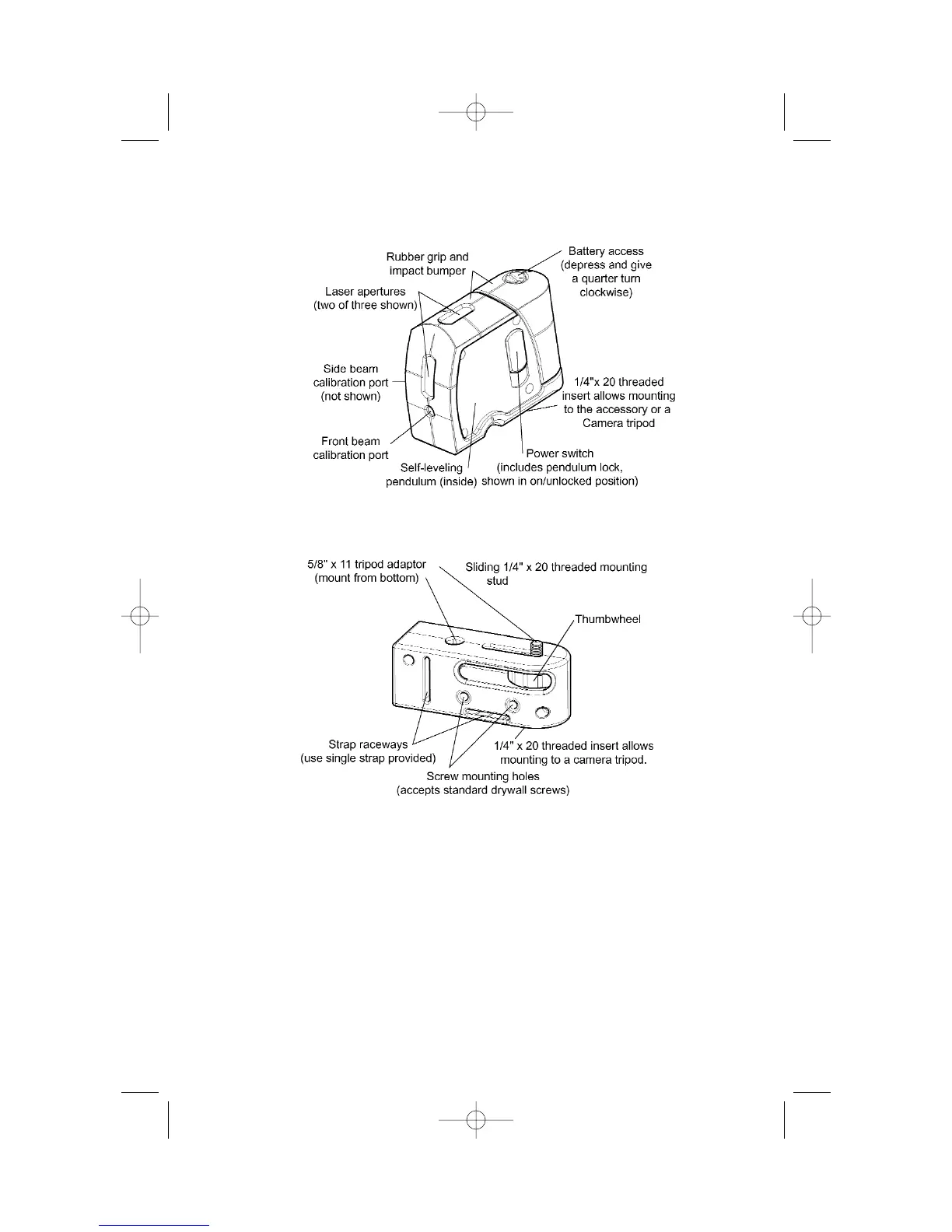
2. Laser Square features


 To Next Page