3. System Assembly & Disassembly
3-1.
Open the Rear Cover
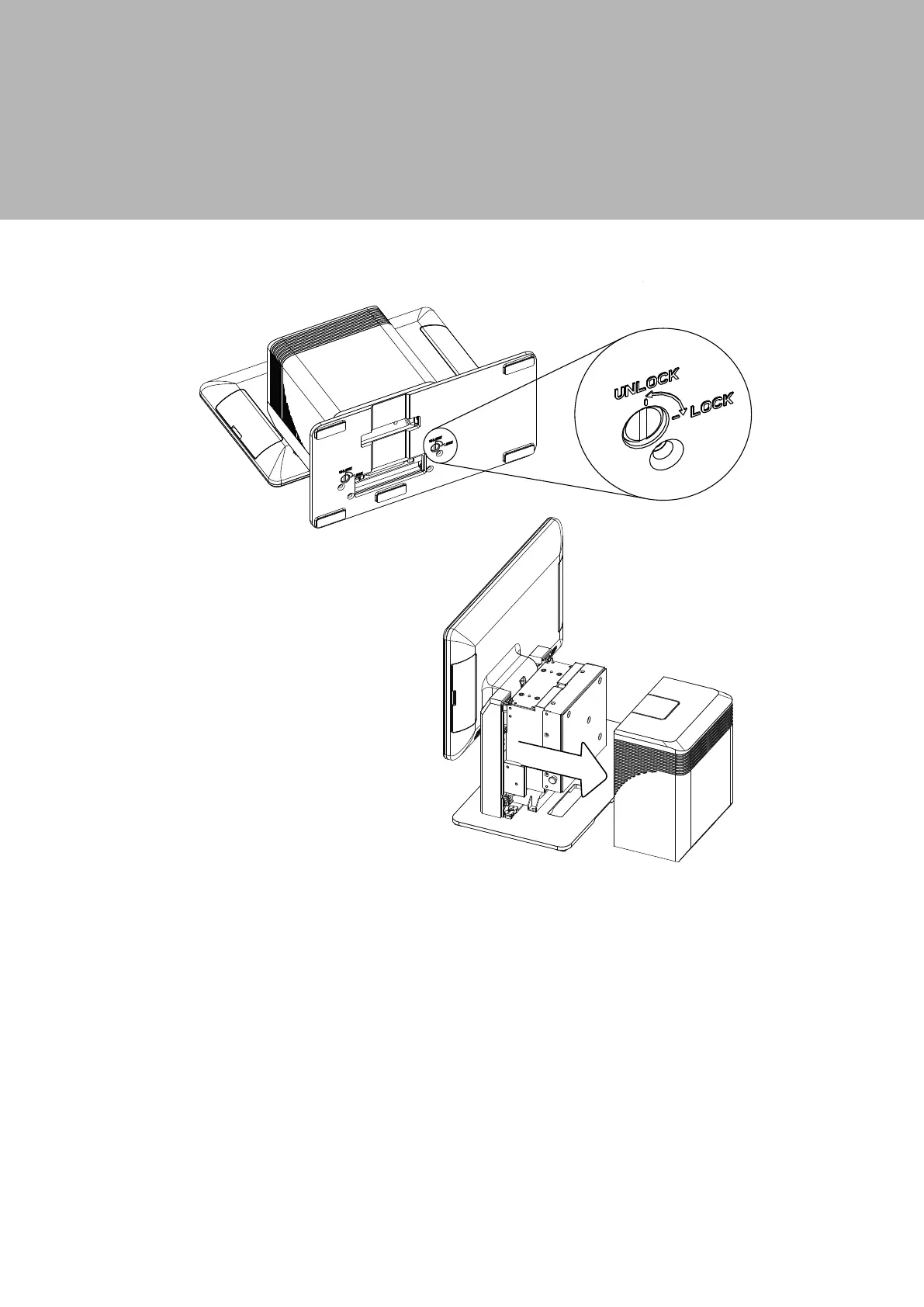
1. The back cover of the system is secured by two bolt screws which are located on
the bottom of the base plate.
2. To open the back cover, firstly place the system face down. From there, you will
be able to see the bottom of the system.
3. Insert a small coin into the large groove of the screw and turn counterclockwise
to unscrew.
4. Use both hands to pull the cover upward to release the rear cover from the
system.



 To Next Page