USING YOUR POWER PLATE®
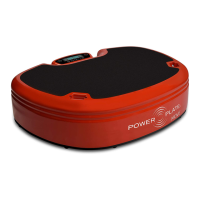
The Power Plate® MOVE™ is very easy to operate.
Once you become familiar with the basic operation,
you can begin your training.
XXXXX XXXX XXXXX
XXXXXX
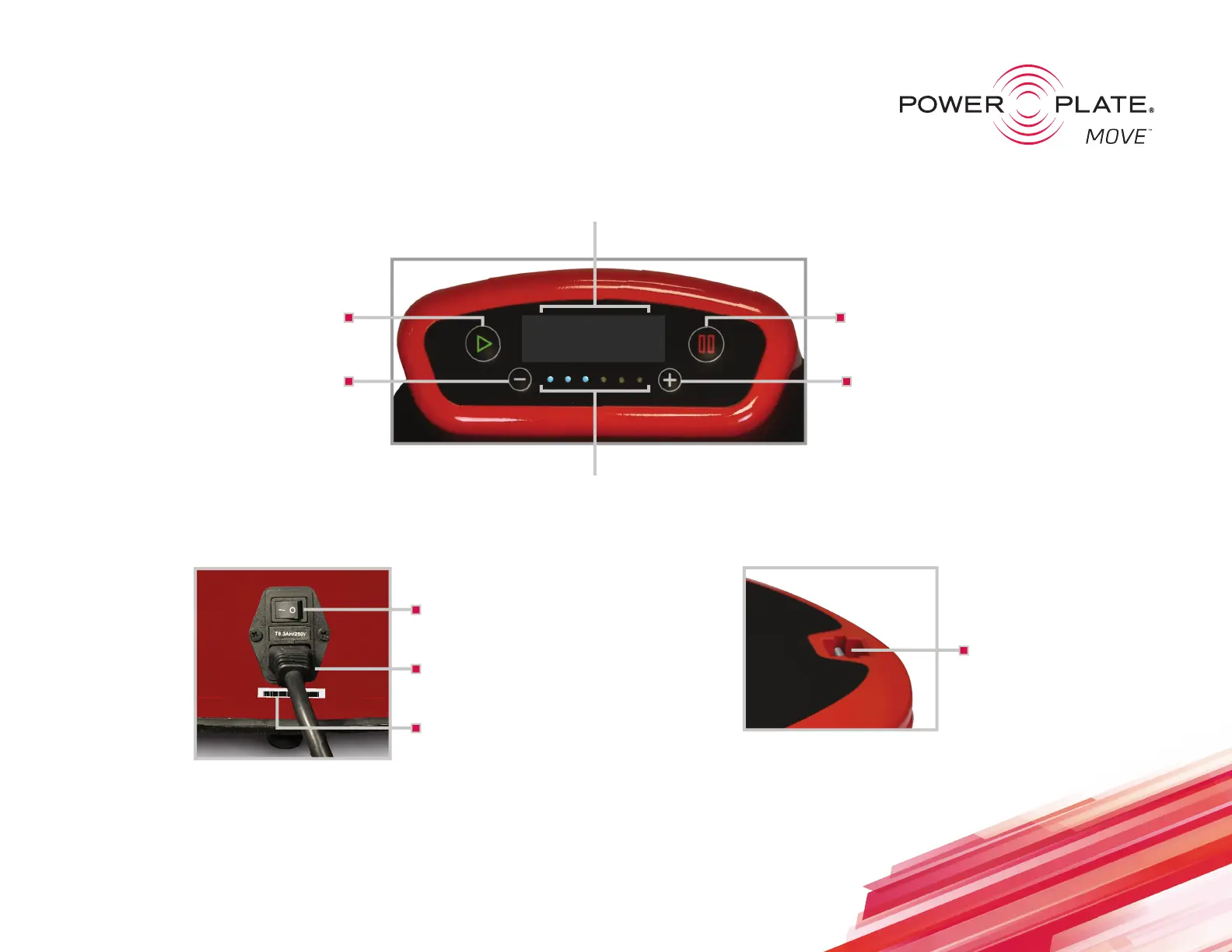
Power Switch
Turn the product on/off
Power Cord
Connect the product to a wall outlet
Attachment Points
For securing Static Straps
Serial Number
To register your product, visit:
powerplate.com/products/registration
Plus Button
Increases both Frequency & Amplitude
Pause Button
Pressing once stops vibration & pauses timer.
Pressing twice stops vibration & resets timer.
Light Indicator
Indicates the selected Frequency/Amplitude intensity
Time Indicator
Counts up from 0 to 9 minutes
Minus Button
Decreases both Frequency & Amplitude
Start Button
Starts vibration and begins timer
To access the full usermanual, visit:
https://powerplate
gulf.com
/shop/models/move
https://powerplate.in/shop/models/move


 To Previous Page