Visit our website at: www.power-tronics.com
Call Us at: (830) 895-4700
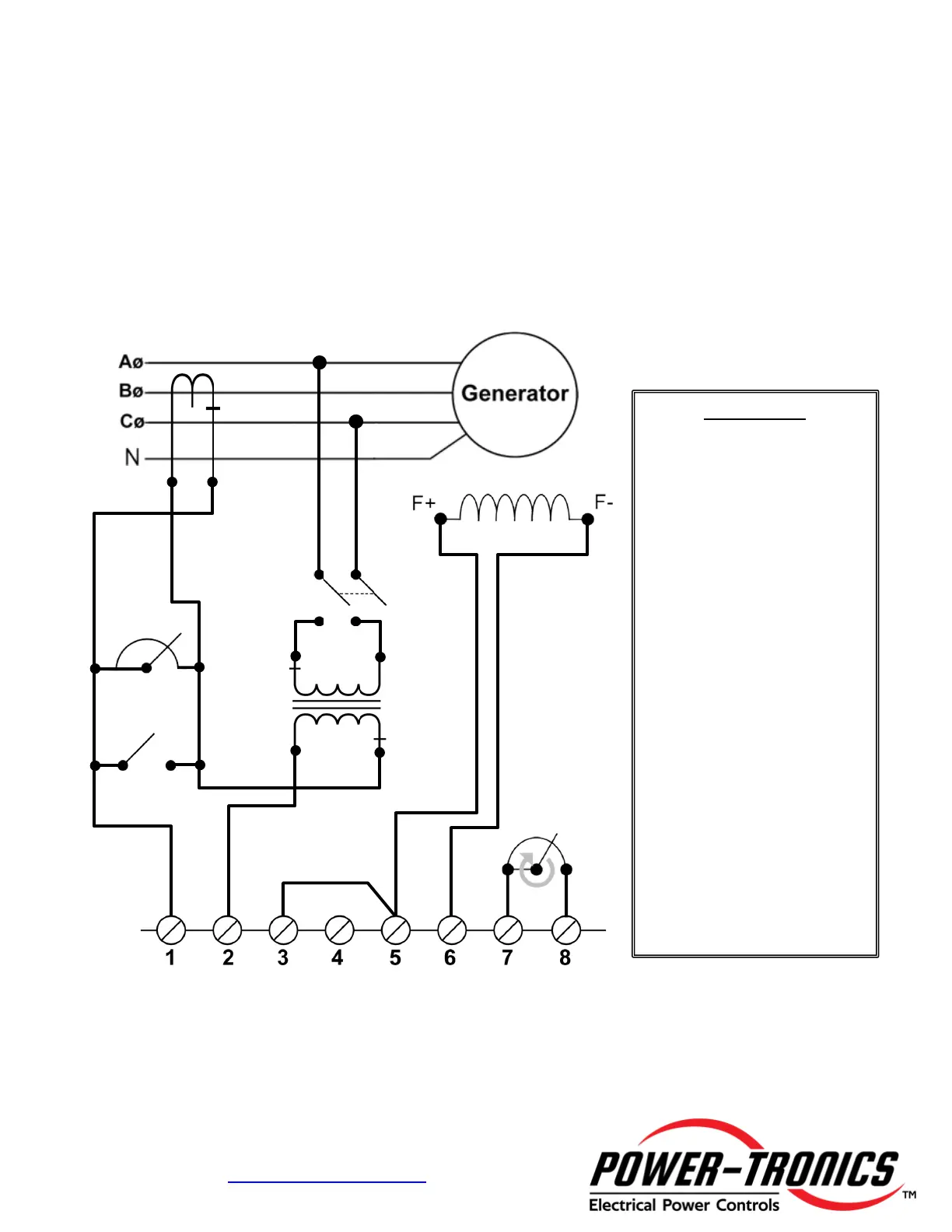
Parallel Configuration for Connection C
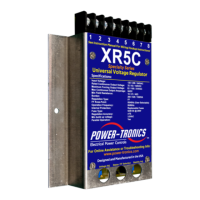
To use the XR5C Universal Voltage Regulator in a parallel configuration either with
another generator or with a buss such as a utility, use the diagram below for proper
hookup with the XR5C configured for Connection C.
NOTE: Power-Tronics products parallel using the Reactive Droop compensation method. This allows
our products to parallel with existing systems easily while also allowing islanded operation with the flip of
a switch. When initially installing the droop resistor, set it for approximately 2Ω before final adjustment
later. If the droop is excessive when load testing, reduce the resistance a bit at a time until satisfactory
droop is achieved. CT should be sized at 25-35VA burden!
XR5C Specialty Series
Universal Voltage Regulator
CT Rating:
XXX/5A @ 25-35VA
Switch
Rate for:
Primary Voltage
• Isolation Transformer is
recommended for best
results even if 120/139V is
present on generator.
• Size CT as closely to rated
generator output amperage
as possible for best
paralleling results. An
oversized CT will result in
poor paralleling or loss of
control!
• If generator terminal voltage
rises, or if generator exports
VARS excessively under
load, reverse CT leads.
• If the reactive droop
resistor/rheostat gives
erratic results or
inconsistent resistance,
lightly sand the exposed
wire with 400 grit sandpaper
to improve connection
between wire and slider.


 To Next Page
 Loading...