Fuse Replacement
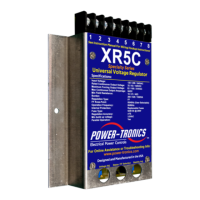
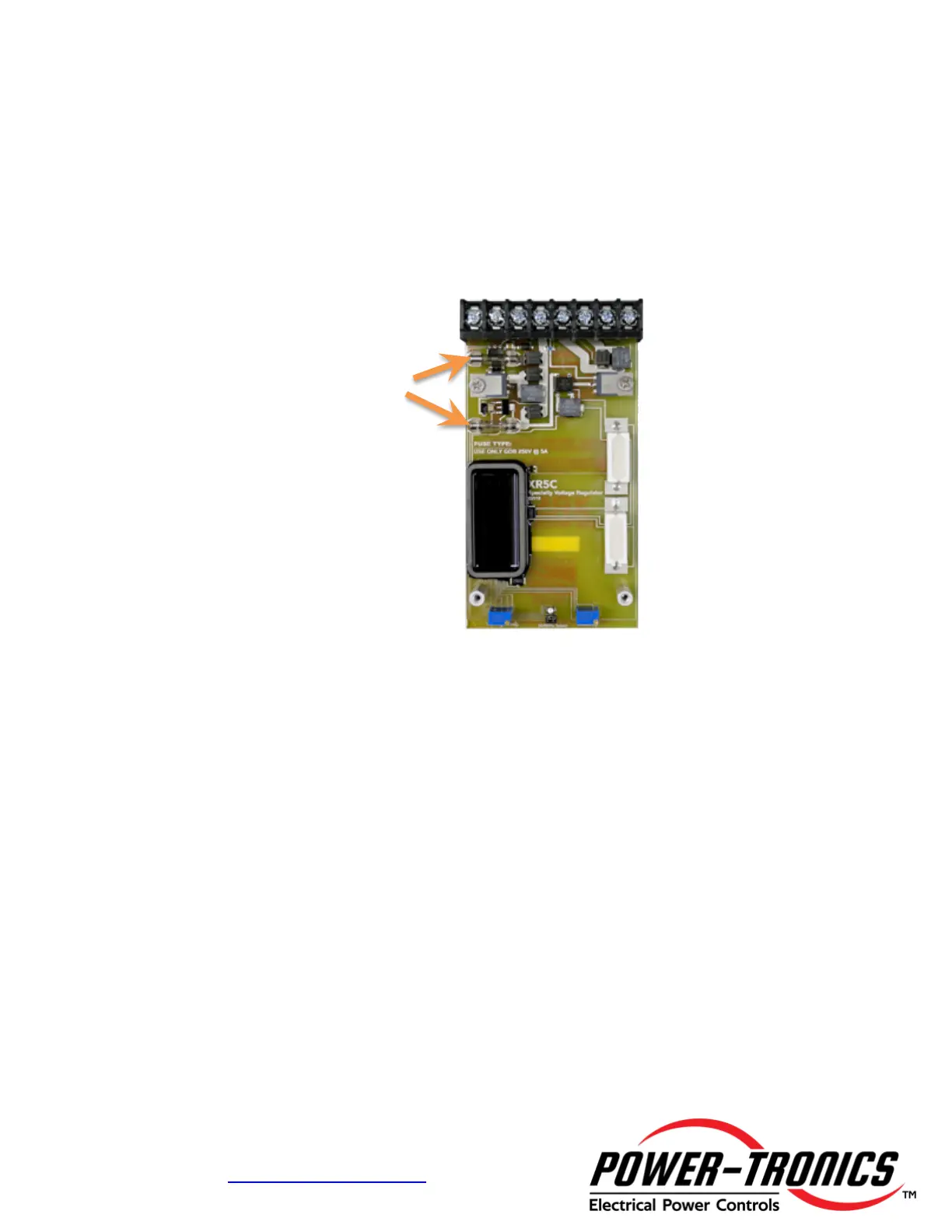
The XR5C contains two 20mm GDB cartridge fuses located for quick and convenient
replacement should they blow. To replace the fuses, follow the instructions below.
Fuse size is 20mm x 5mm rated at 5A at 250VAC.
Power-Tronics Part Number: 5R3-403 (Comes as a package of 10 fuses)
Cooper-Bussmann Part Number: BK/GDB-5A
Fuse Replacement Procedure:
(Refer to the image above for easy reference)
• Remove the 4 screws located on the front of the aluminum mounting can to allow
removal of the can.
• Remove the aluminum mounting can from the circuit card.
• Use a continuity tester or multimeter to test the fuses (A good fuse will read
continuity or 0Ω resistance)
• Replace open fuses then replace and re-tighten all screws.
• Fuse size is 20mm x 5mm, 5A @ 250VAC. (DO NOT REPLACE WITH ANY
OTHER TYPE OR RATING OF FUSE! YOU WILL VOID YOUR WARRANTY
AND SEVERE DAMAGE AND PERSONAL INJURY COULD RESULT BY
DOING SO!)


 To Next Page
 Loading...