- 13 -
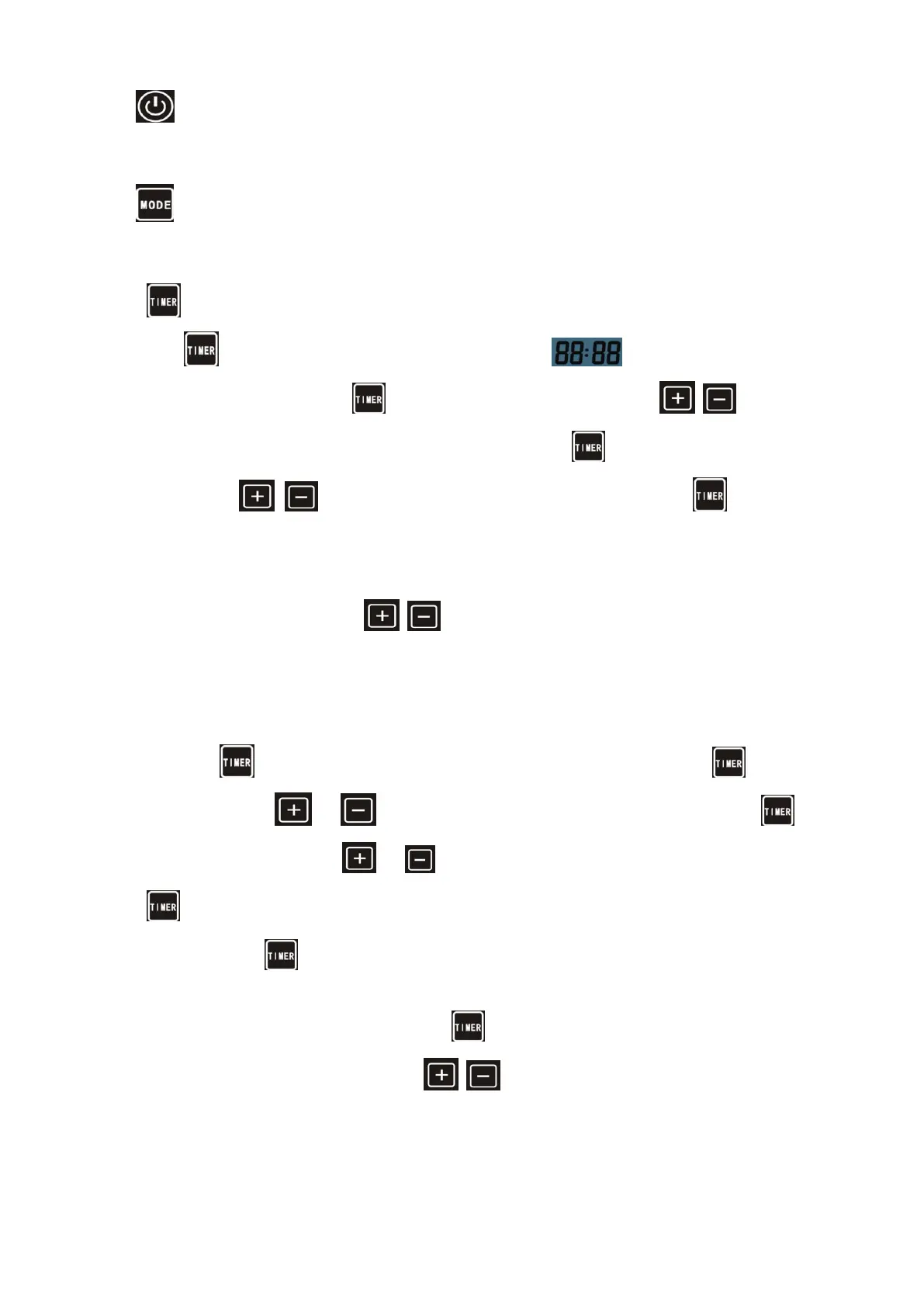
Press to stop the heat pump.
6.3 Choose heating/cooling/Automatic mode:
Press until “heat” or “Cool” “Automatic” light is on.
6.4 Setting the real time
Timer button: used for clock and timing setting
Touch button to enter clock setting, the clock at the bottom flashing to enter the clock Settings,
if need set the clock, click on the button to enter the hours setting, combine button to change
the hour Settings, after setting completed, and then click on the button to enter the minutes setting,
combined with change the minutes Settings, set up is completed, press complete set and
return to main interface.
6.5 Water temperature setting:
On standby or running mode, press to adjust the desired water temperature
6.6 Automatic start/stop of the heat pump
Long press button, enter the time setting for group 1 timing on/off settings, click the button to enter
hours setting, press or button to change the time, after setting completed, click the button
to enter minutes setting, press or button to change the time,after setting completed , click on the
button to enter regular shutdown Settings, set method is same with timing setting, after setting
completed,click the to enter next group setting. Same setting method based on above operation.
During timing setting state , click the to cancel current timing setting.
During the the main interface ,Press to set the current mode’s setting
temperature.


 To Next Page