26
Troubleshooting
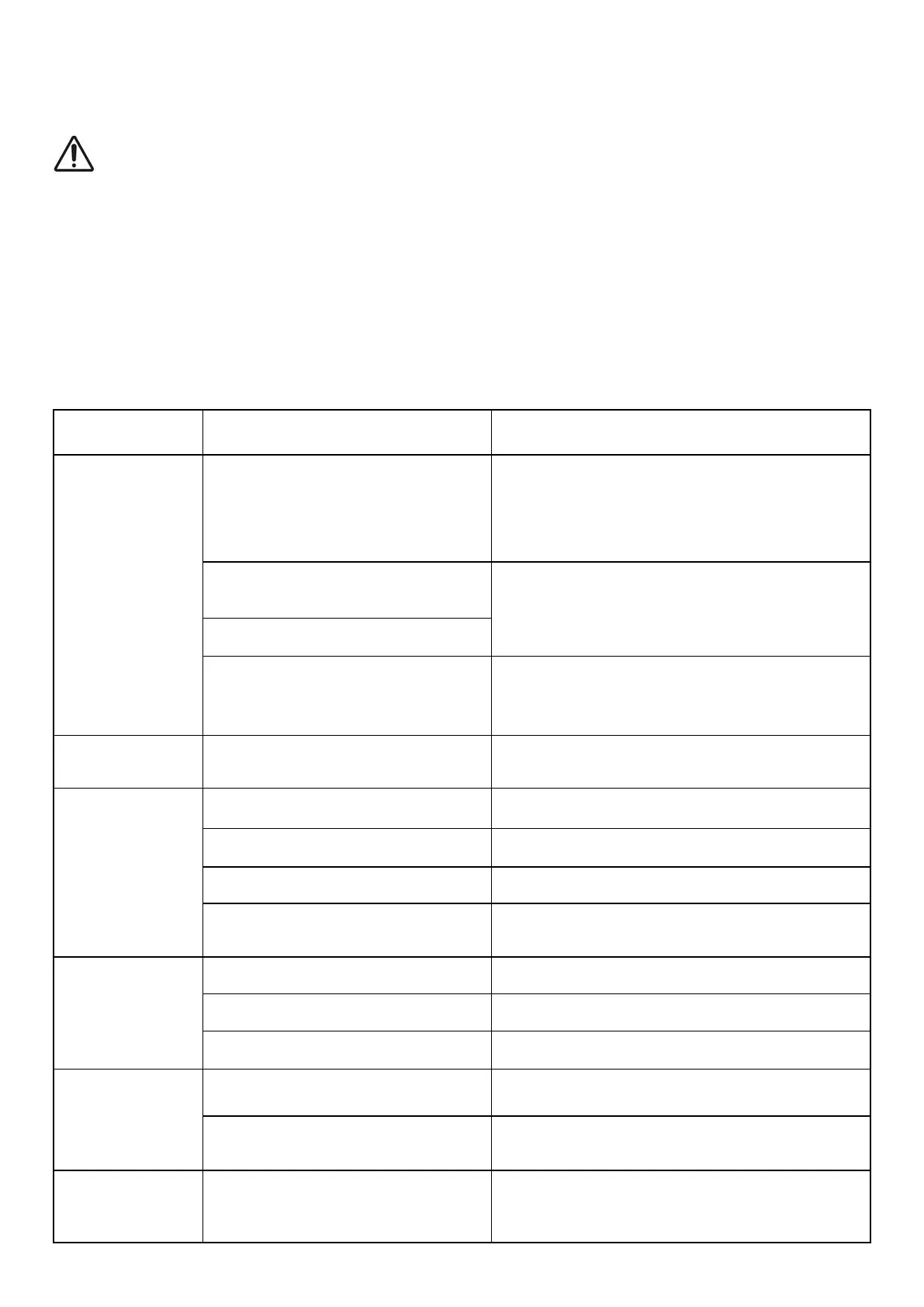
WARNING!
Only perform the steps described within these instructions.
All further inspection, maintenance and repair work must be performed by
a qualified specialist.
Always turn off the machine and remove the plug before making
any adjustment.
The following table provides solutions to common problems encountered
with the mower.
Fault Possible Cause Solution
Mower does
not start
No power at
mains socket
Check the fuse, switch, socket,
cable, and wire, and have any
repairs carried out by a qualified
electrician
Defective safety button
or switch lever
Contact the after sales helpline
Defective motor
Grass too long
Set at a higher cut setting. Lift
the front wheels slightly by
pressing down on the handle bar
Motor stops
Blade is blocked
Disconnect from the mains and
remove blockage
Untidy
finish, motor
labours
Cut height too low Set a higher cutting height
Blade blunt Sharpen or replace the blade
Blade area blocked Remove blockage
Blade assembled
incorrectly
Install the blade correctly
Blade fails
to turn
Blade blocked by grass Remove blockage
Drive belt broken Contact the after sales helpline
Blade nut loose Tighten the blade nut
Strange
noises,
rattling or
vibrations
Blade nut loose Tighten the blade nut
Blade damaged Replace the blade
Smoke or
burning
smell
Drive belt worn
or damaged
Contact the after sales helpline


 To Next Page