19
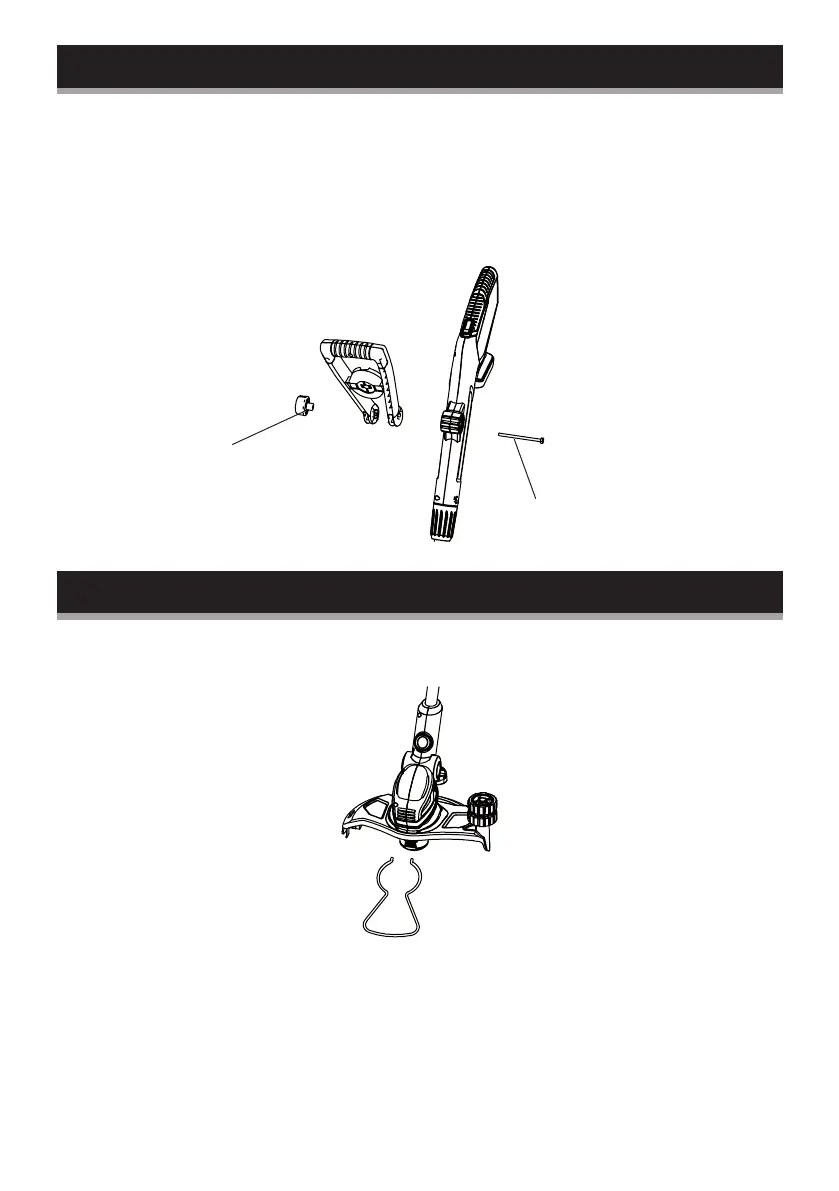
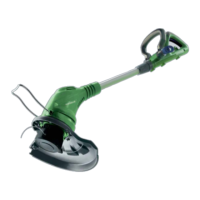
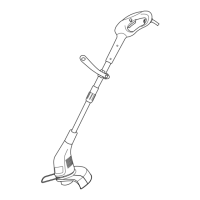
Front handle assembly
1. Loosen the knob and remove it together with the bolt from the
front handle.
2. Align the front handle to the support and place it onto it.
3. Insert the bolt from the right through the opening. Ensure
that the bolt head sits properly in the recessed shape in the
support, then tighten the knob.
Plant protector assembly
Assemble the plant protector into the slot in between the guard
and the motor housing.
knob
bolt



 To Next Page