5. OPERATION
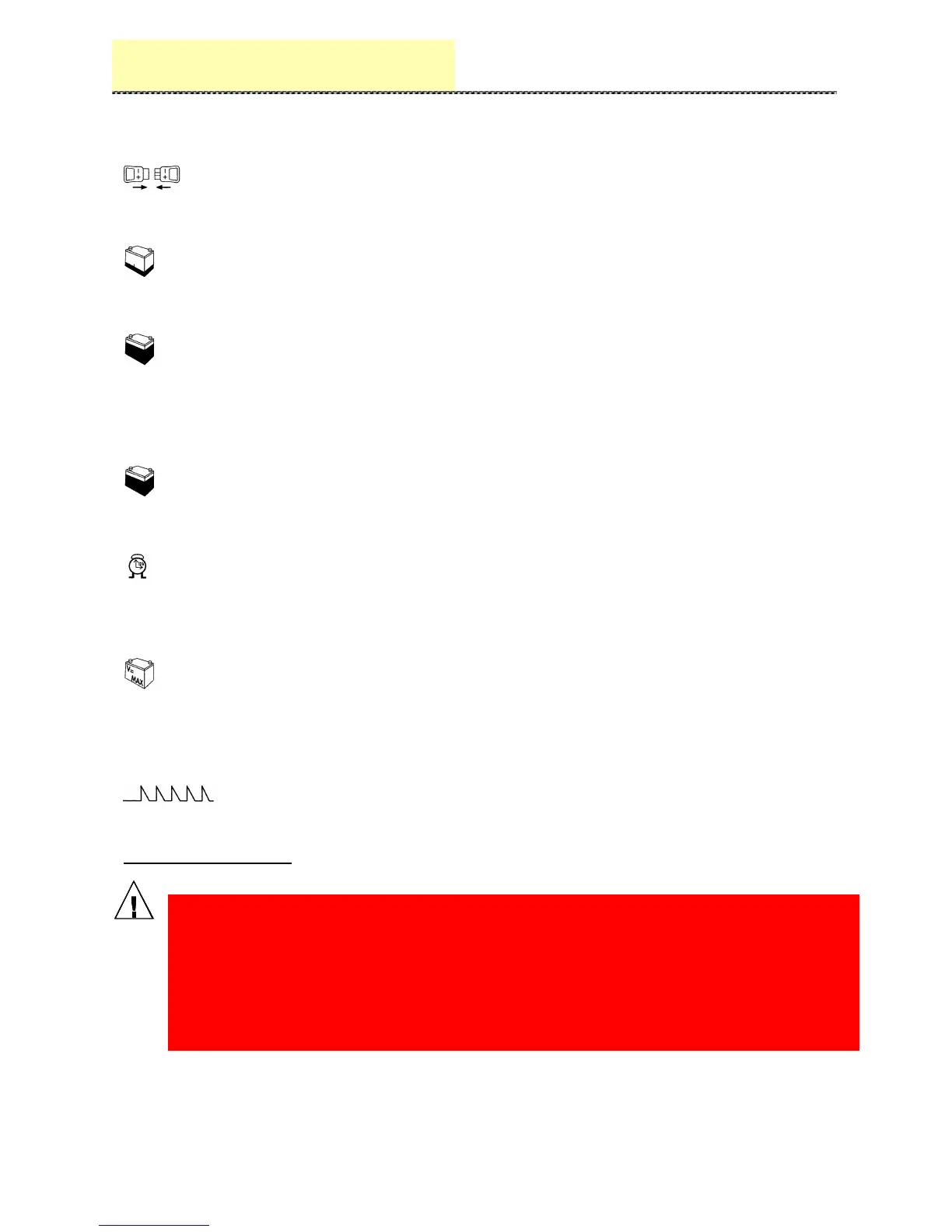
LED 1 (yellow)
Battery connected
LED 2 (yellow)
Initial charge. The charge starts and the voltage per cell is lower than 2.4V.
LED 3 (yellow)
Final charge. Shows that the voltage per cell has exceeded 2.4V.
The charging process continues for 3/4 hours and at the end of this time
the charge iscompleted and the remote control switch will be placed in quiescent position.
LED 4 (green)
Charged battery. Means 3/4 hours have gone and the battery is charged.
LED 5 (red)
Maximum time. Lights if the battery has not reached the full charge within 12 hours. The
remote control switch will be placed in quiescent position.
LED 6 (red).
Lights if the voltage per cell exceeds 2.7V at any time of the charge. This situation occurs
if the battery is damaged or overcharged. The charging process will stop and the remote
control switch will be placed in quiescent position.
LED 7 (yellow).
Equalization. When lit, it enables the charge equalization function (weekend charge),
push the EQ.switch.
ATTENTION, PLEASE:
BEFORE DISCONNECTING THE CONNECTOR BETWEEN THE BATTERY AND
THE CHARGER, PLEASE, MAKE SURETHE CHARGE LIFE CYCLE HAS
FINISHED, OTHERWISE BEFORE DISCONNECTING YOU MUST STOP THE
CHARGE MANUALLY, IN ACCORDANCE WITH THE SECURITY STANDARDS.
THIS OPERATION GUARANTEES MORE RELIABILITY OF THE INNER
ELECTRONIC COMPONENTS OF THE EQUIPEMENT.



 To Next Page