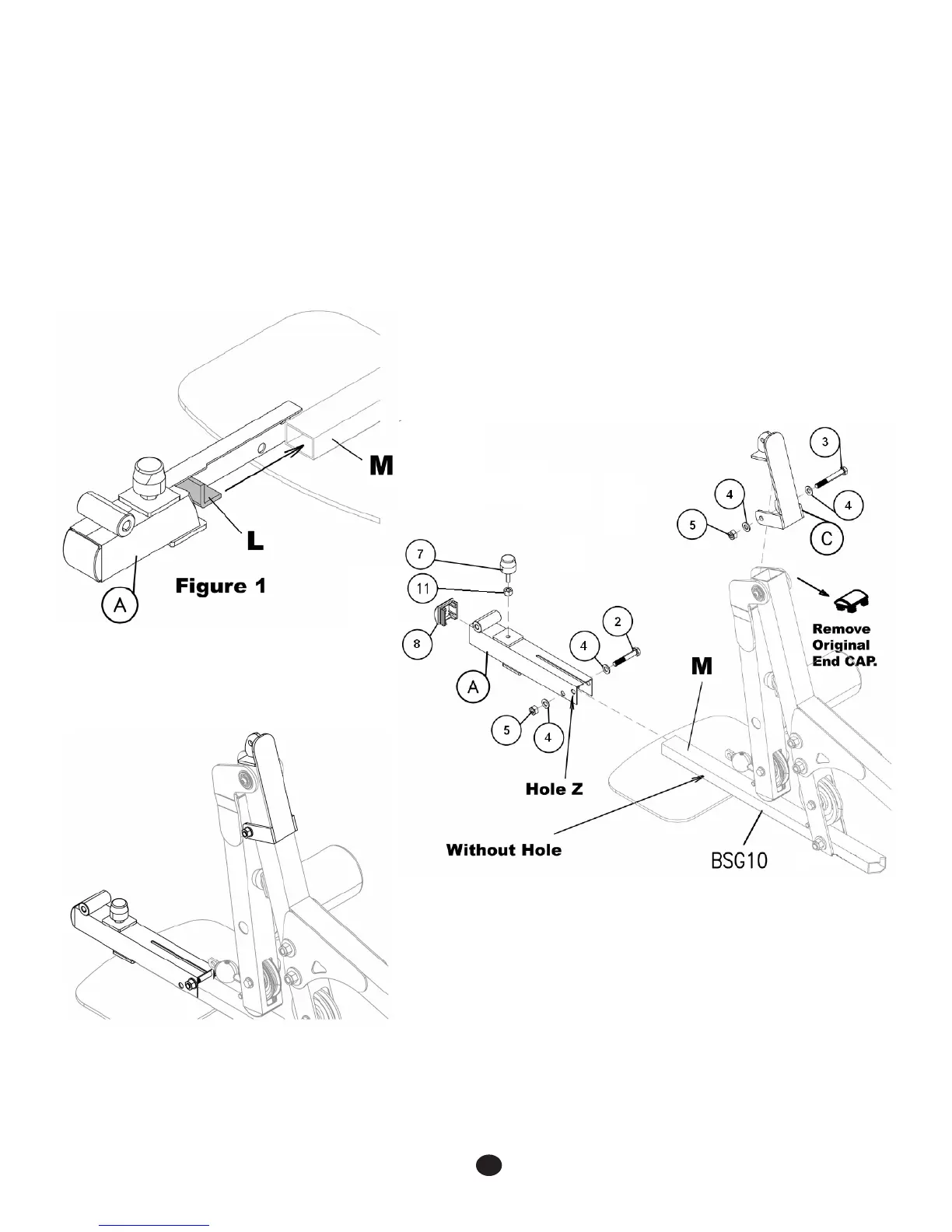
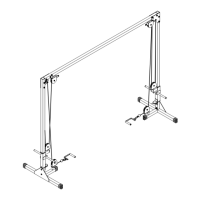
Case 2 Instructions - Lower Bracket Installation - Step1
1. Slide the Main Lower Bracket (A) over the end of the BSG10 Foot Plate Bracket (M).
2. Refer to Figure 1 and notice that the Internal Catch (L) must slide into the end of tube (M).
3. Install bolt (2), washers (4) and nylon lock nut (5) into Hole (Z) and tighten.
4. *Install Rubber Stopper (7) and nut (11) onto the top of Main Lower Bracket (A) and install plastic Endcap (8).
5. Remove the plastic Endcap from the end of the BSG10 Leg Extension Frame.
6. AttachtheCableConnectingBrackettothetopoftheLegExtensionFramesothetopangecoversthetubeend.
7. Install bolt (3), washers (4) and nylon nut (5) into the holes on the front of the Cable Connecting Bracket and tighten.
2
*Attention: Some parts have been pre-installed.
Hardware pack measurement not to scale.



 To Next Page