EasyManua.ls Logo

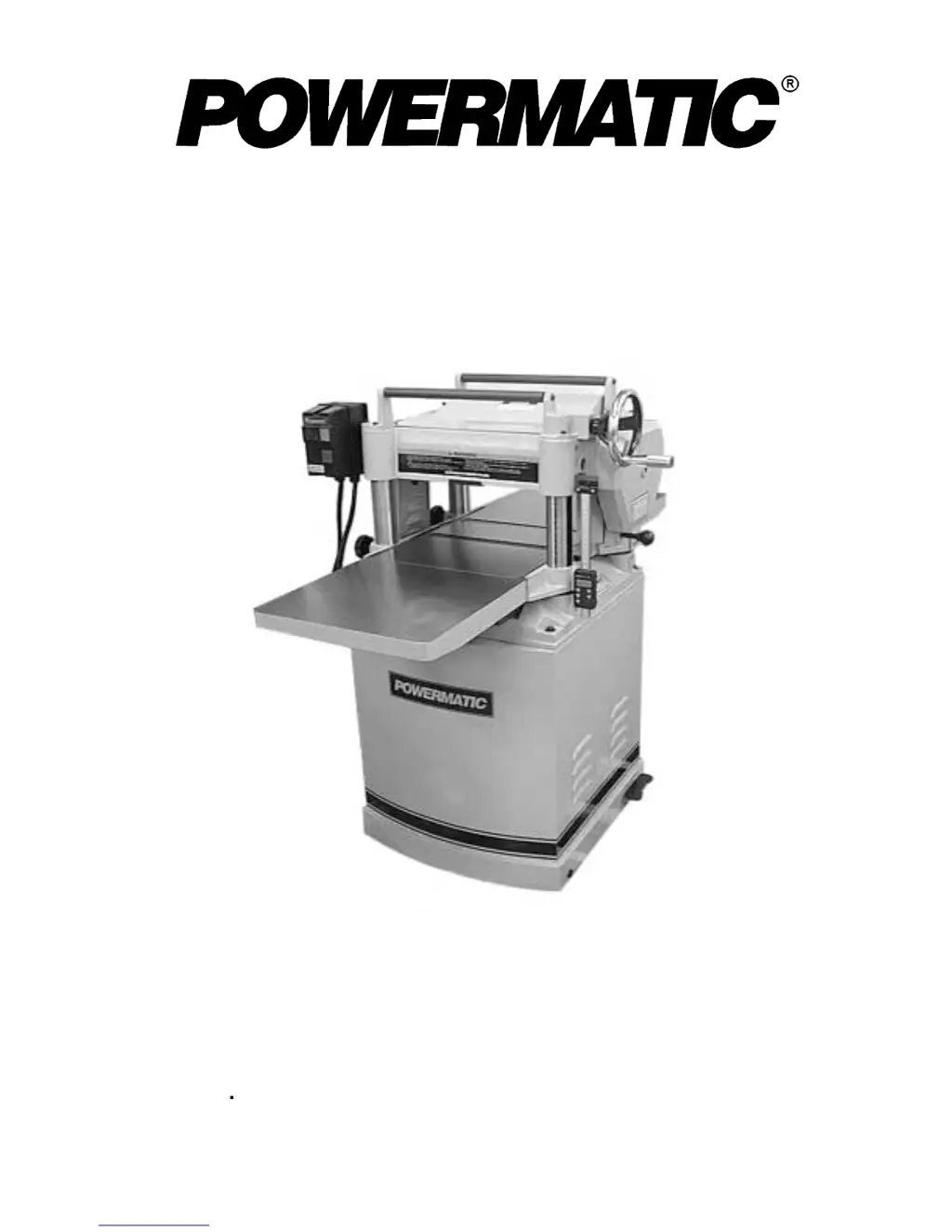
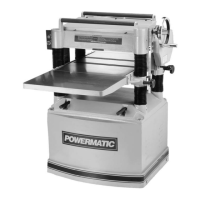
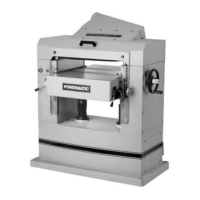
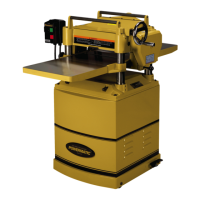
Powermatic 15S - User Manual

Powermatic 15S
48 pages
Print Icon
To Next Page IconTo Next Page
Loading...
OWNER’S MANUAL
Model 15S Planer
WMH TOOL GROUP
Consumer Woodworking Division
2420 Vantage Drive
Elgin, IL 60123
Ph: 888-804-7129
Fax: 800-274-6840
E-mail: powermatic@wmhtoolgroup.com M-0460286 10/03
www.wmhtoolgroup.com
Copyright © WMH Tool Group

Other manuals for Powermatic 15S

Questions and Answers

  • R
    Raymond BuckJul 26, 2025
    Why is lumber not feeding well through my Powermatic 15S?
    • S
      Sarah StevensonJul 27, 2025
      Poor feeding of lumber in your Powermatic Planer can occur due to inadequate feed roller pressure. Adjust the feed roller tension; if proper tension cannot be achieved, replace the feed rollers. A rough or dirty planer table can also cause this issue; clean pitch and residue from the table and apply paste wax. If the belt is slipping on the pulleys, tighten it. Lastly, a clogged feed roller surface can cause poor feeding; clean pitch and residue off the roller.
  • B
    bridgesdouglasJul 31, 2025
    How to prevent snipe on a Powermatic 15S Planer?
    • J
      James JosephAug 1, 2025
      Snipe occurs when the table rollers are not set properly, so adjust the rollers to the proper height. It can also happen due to inadequate support of long boards; use extension rollers to support them. Uneven feed roller pressure from front to back may also cause snipe, so adjust the feed roller pressure. Dull knives or knife inserts can also be a cause; sharpen or replace the knives (15S) or rotate or replace the inserts (15HH). Finally, ensure lumber is butted properly, end to end, as it passes through the Powermatic Planer.
  • S
    Scott MedinaAug 5, 2025
    What to do if Powermatic 15S causes torn grain?
    • A
      Amanda MullenAug 5, 2025
      Torn grain on your Powermatic Planer can be caused by a cut that is too heavy, so adjust to the proper depth of cut. Also, knives (or inserts) cutting against the grain can cause this issue; where possible, cut along the grain. Dull knives or knife inserts are another potential cause; sharpen or replace the knives (15S) or rotate or replace the inserts (15HH).
  • M
    Michael MartinAug 10, 2025
    What causes rough grain on a Powermatic Planer?
    • J
      Jessica LewisAug 10, 2025
      Rough or raised grain when using your Powermatic Planer can be due to dull knives or knife inserts. Sharpen or replace the knives (15S) or rotate or replace the inserts (15HH). It may also happen if the cut is too heavy, so adjust to a proper depth of cut. Also, planing wood with high moisture content can cause this; remove moisture by drying, or use different stock.
  • S
    Suzanne DeleonAug 16, 2025
    Why does my Powermatic 15S Planer leave a fuzzy grain?
    • M
      Melissa MorrisonAug 16, 2025
      A fuzzy grain on your Powermatic Planer can occur if you are planing wood with high moisture content. Remove moisture by drying, or use different stock. It can also be caused by dull knives or knife inserts; sharpen or replace the knives (15S) or rotate or replace the inserts (15HH).
  • O
    ojonesAug 20, 2025
    How to fix rounded surface with Powermatic 15S?
    • C
      Christopher Wall PhDAug 20, 2025
      A rounded, glossy surface from your Powermatic Planer can be caused by dull knives or knife inserts; sharpen or replace the knives (15S) or rotate or replace the inserts (15HH). If the feed rate is too slow, increase it. Also, if the cutting depth is too shallow, increase the cutting depth.

Summary

Warranty and Service Information

Limited Warranty Details

Details the terms and conditions of the product warranty, including exclusions and limitations.

Safety Rules and Precautions

Machine Safety Decals and Warnings

Features Overview of the 15 S Planer

Technical Specifications

Installation and Assembly

Electrical Connections

Adjustments

Table Roller Adjustment

Cutterhead and Knife Replacement

Replacing Cutterhead Knives

Detailed procedure for safely removing and installing new cutterhead knives.

Cutterhead Adjustments

Work Table Parallel to Cutterhead

Procedures to check and adjust table parallelism with the cutterhead.

Transmitting Rollers Overview

Roller Tension and Height

Roller Height Adjustment

Guides on setting the correct height for infeed, chipbreaker, and outfeed rollers.

Feed Speed Control

Depth of Cut Adjustment

Maintenance Procedures

Gearbox Lubricant Replacement

Digital Scale Functions

Digital Scale Calibration

Digital Scale Operation Modes

Troubleshooting: Digital Scale

Troubleshooting: Performance Problems

Troubleshooting: Mechanical & Electrical Problems

Replacement Parts & Service

Electrical Schematic

Maintenance Checklist

Powermatic 15S Specifications

General IconGeneral
Motor Power3 HP
Voltage230 V
Amperage15 A
Max. Planing Width15 inches
Max. Planing Depth6 inches
Cutterhead Speed5000 RPM
Number of Knives3
Cutterhead Diameter3 inches
Dust Port Diameter4 inches
Maximum Depth of Cut1/8 inch
Feed Rate20 FPM

Related product manuals