Home
PowerShield
UPS
Centurion Series
Page 14 (UPS Setting Parameters)
PowerShield Centurion Series - UPS Setting Parameters
24 pages
Manual
Save Page as PDF
To Next Page
To Next Page
To Previous Page
To Previous Page
Loading...
www
.powe
rshield.com.au
13
3-5. UPS Setting
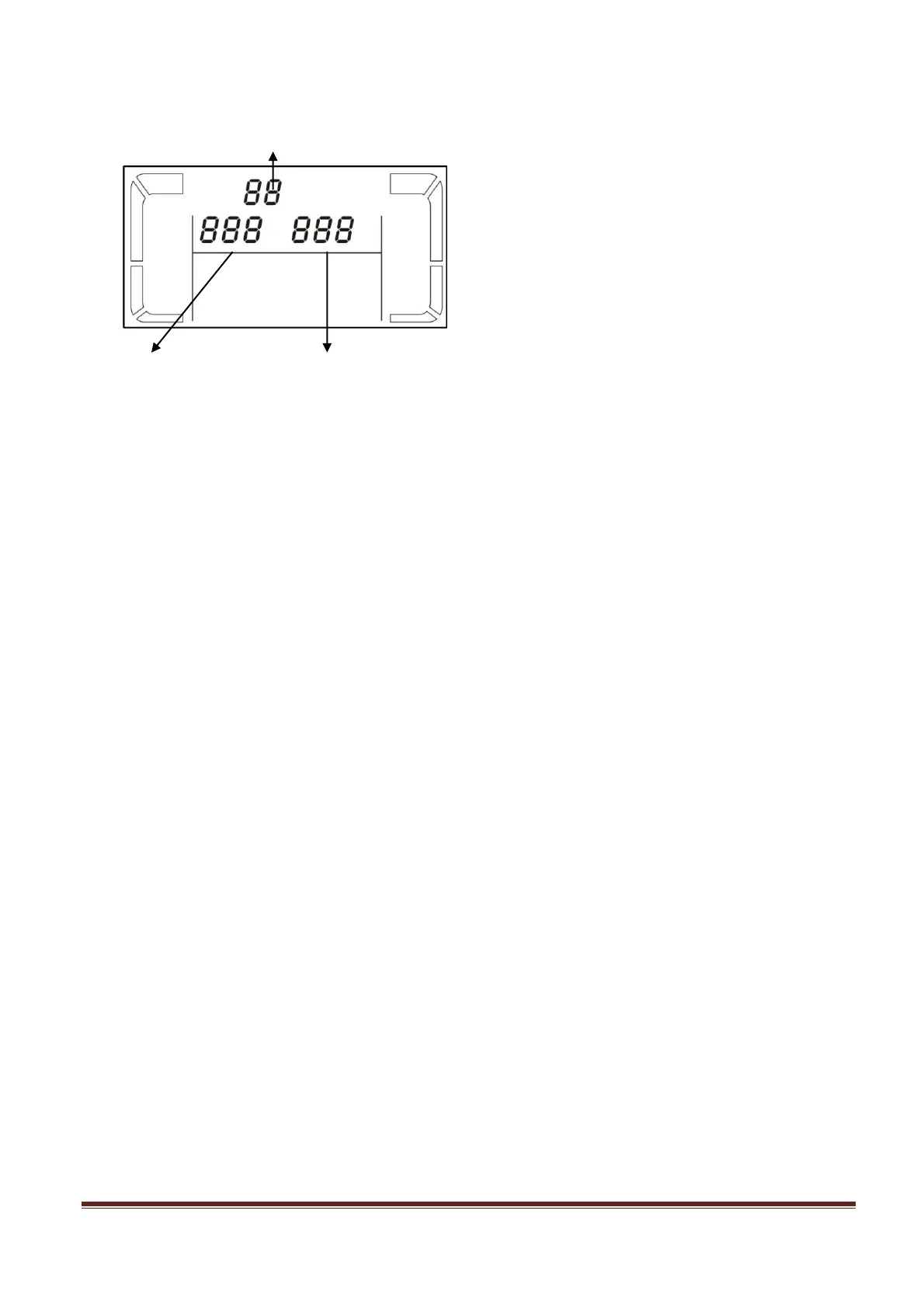
There are three par
ameters to set up
the
UPS.
Par
ameter 1: It’s for
p
rogram
alternati
ves. There are
9 prog
r
ams to set
up. Refer
to b
elow table.
Par
ameter 2 and parameter 3 are
the
setting options or val
ues for each
program.
Par
ameter 1
Par
ameter
2
Par
ameter 3
13
15
Table of Contents
Main Page
Default Chapter
3
Table of Contents
3
1 Important Safety Warning
4
Transportation
4
Preparation
4
Installation
4
Operation
5
Maintenance, Service and Faults
5
2 Installation and Setup
6
Rear Panel View
6
Setup the UPS
8
3 Operations
11
Button Operation
11
LCD Panel
12
Audible Alarm
13
LCD Display Wordings Index
13
UPS Setting
14
Operating Mode Description
17
Faults Reference Code
17
Warning Indicator
18
4 Troubleshooting
19
5 Service
21
6 Storage and Maintenance
22
7 Contact Powershield
22
8 Product Specification
23
Related product manuals
PowerShield Centurion
28 pages
PowerShield Centurion RT Series
25 pages
PowerShield Commander 1100
26 pages
PowerShield Defender 1200
7 pages
PowerShield Defender Series
7 pages
PowerShield 8
43 pages
PowerShield PSCE1000
26 pages



 To Next Page