Operation
40
Powerware
®
9150 User’s Guide
:
www.powerware.com
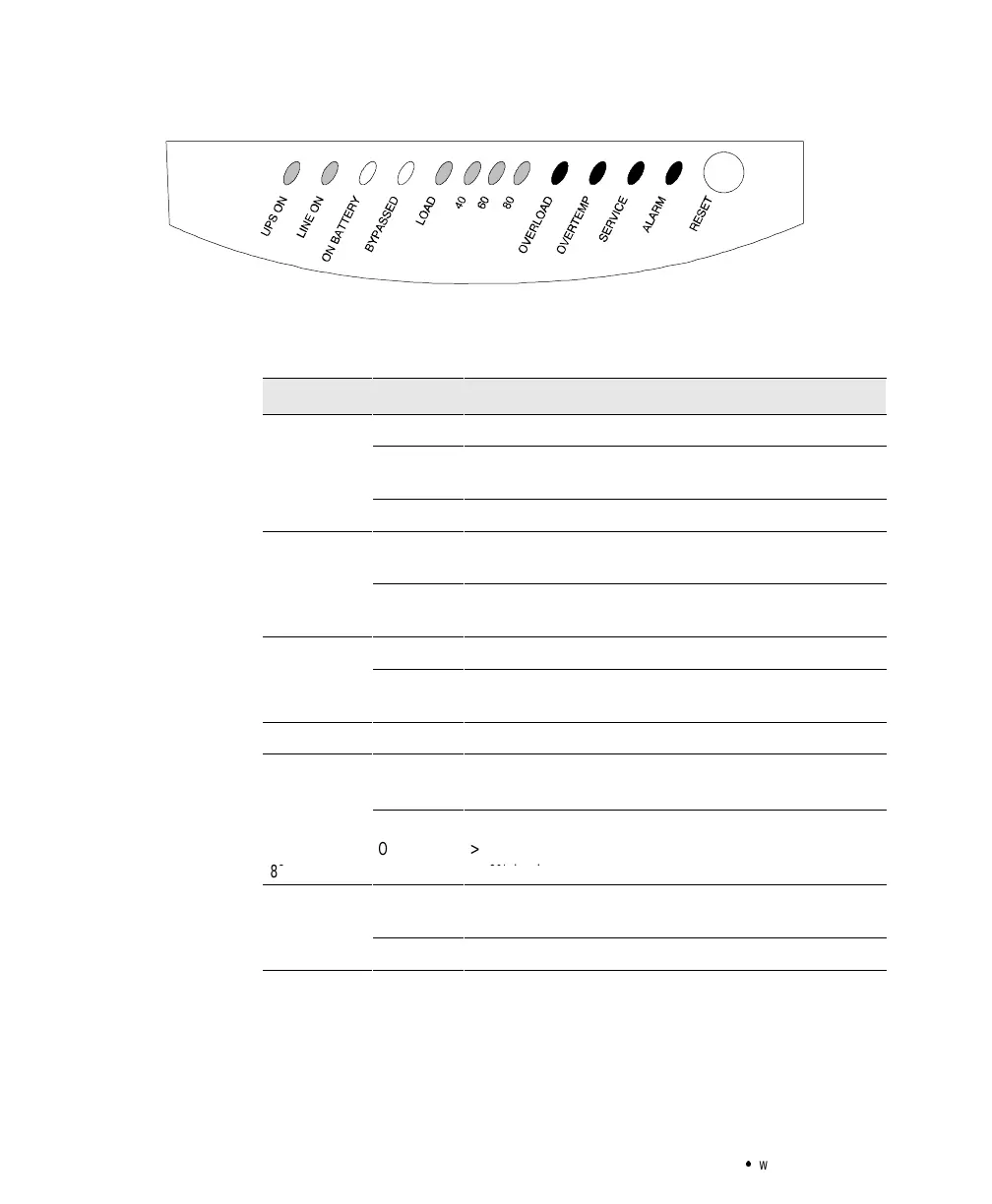
Figure 15. LED Panel
The following table shows the LED status and description.
LED Status Description
UPSON
On UPS is operating normally.
Blinking UPS is starting up or is shut down and waiting for power to
return.
Off UPS is turned off and will not turn on automatically.
LINE ON
On The utility voltage is acceptable for UPS and BYPASS
operation.
Off The utility voltage is not acceptable for BYPASS operation. The
UPS may still be operating on utility power.
ON BATTERY
On UPS is in Battery Mode.
Blinking The battery voltage is low and has less than five minutes of
backup time left before UPS shutdown.
BYPASSED On UPS is in Bypass Mode.
LOAD On
Off
Output is on.
No output.
n
>
oa
60
On
> 60% load
80 On > 80% load
OVERLOAD
On Power requirements exceed the UPS capacity (greater than
100% of nominal).
Blinking Overload condition caused the UPS to shut down.



 To Next Page