EasyManua.ls Logo

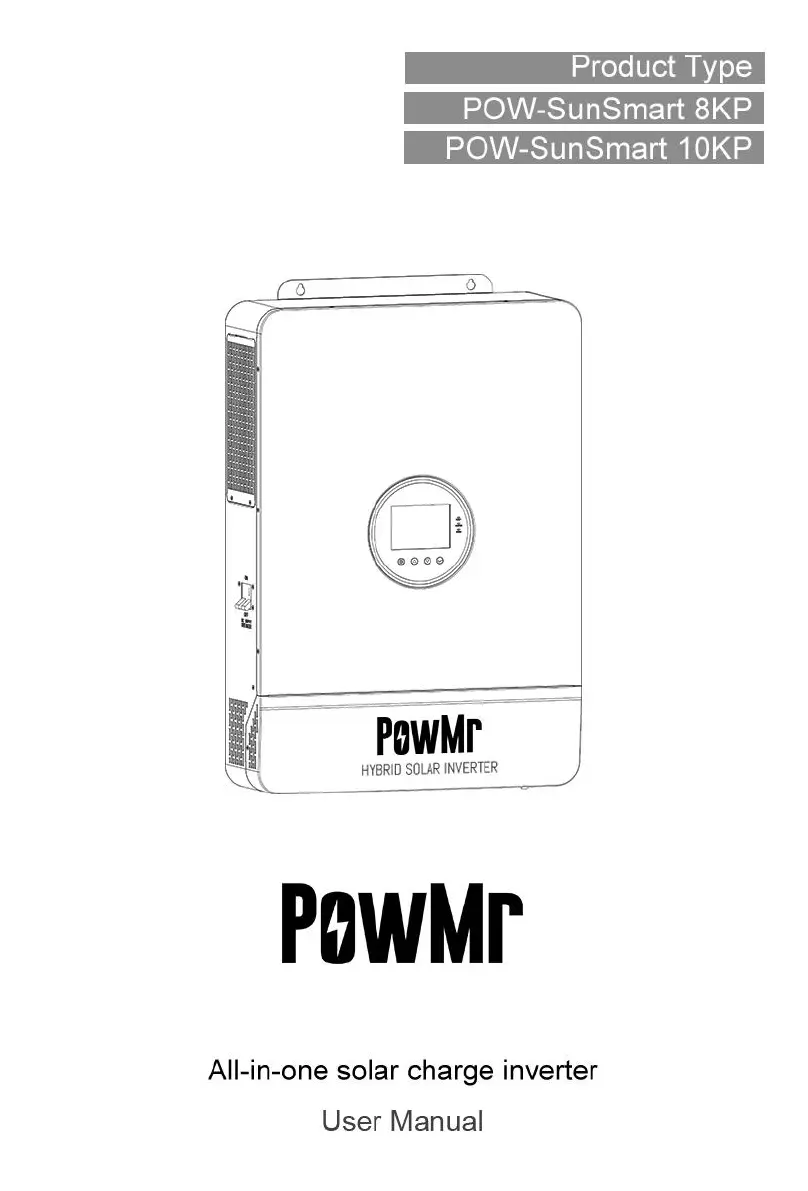
PowMr POW-SunSmart 8KP - User Manual

PowMr POW-SunSmart 8KP
76 pages
Print Icon
To Next Page IconTo Next Page
Loading...
1
Parallel Version

Questions and Answers

  • L
    Lawrence HardyAug 15, 2025
    What to do if my PowMr POW-SunSmart 8KP has no screen display?
    • B
      briannacrossAug 15, 2025
      If your PowMr Inverter screen is blank, it may not be receiving power or the device switch at the bottom isn't on. First, check if the battery or PV air-switch is closed. Then, make sure the switch is in the 'ON' position. Finally, press any button on the screen to wake it from sleep mode.
  • H
    Holly ChoiAug 18, 2025
    What to do if PowMr POW-SunSmart 8KP Inverter shows a 'Disconnected battery' error?
    • B
      Brenda DavidAug 18, 2025
      If your PowMr Inverter indicates a disconnected battery, the battery might not be properly connected, or the lithium-ion battery's BMS is in discharge protection. Check the battery connection to ensure it's secure. Also, verify that the battery's circuit breaker is closed and confirm that the Li-ion battery's BMS can communicate correctly.
  • R
    Robin EvansAug 21, 2025
    Why does my PowMr POW-SunSmart 8KP Inverter show 'Battery under- voltage'?
    • J
      James Castro DVMAug 21, 2025
      The 'Battery under- voltage' error on your PowMr Inverter means the battery voltage is lower than the set value in parameter [14]. To resolve this, charge the battery until its voltage exceeds the value specified in parameter [14].
  • F
    fbrownAug 25, 2025
    What to do if PowMr POW-SunSmart 8KP displays 'Battery over- discharge'?
    • M
      mbowenAug 25, 2025
      If your PowMr Inverter shows 'Battery over- discharge', the battery voltage is lower than the value set in parameter [12]. You can manually reset it by powering off and restarting the device. Alternatively, it will automatically reset once you charge the battery so that its voltage is higher than the value set in parameter [35].
  • K
    Kerry GarnerAug 27, 2025
    What causes 'Battery over- voltage when charging' on PowMr POW-SunSmart 8KP?
    • N
      nthorntonAug 27, 2025
      The 'Battery over- voltage when charging' error on your PowMr Inverter indicates that the battery voltage is too high. Power off and restart the inverter manually. Check if the battery voltage exceeds the limit. If it does, discharge the battery until the voltage drops below the battery's over-voltage recovery point.
  • T
    Tiffany DavisAug 30, 2025
    What to do if my PowMr Inverter shows 'Bypass over- load (software detection)'?
    • C
      christy18Aug 30, 2025
      The 'Bypass over- load (software detection)' error on your PowMr Inverter indicates that the bypass output power or current has been overloaded for too long. Reduce the load power and then restart the device. For more details, refer to item 11 of the protection features.
  • V
    Valerie RobinsonSep 2, 2025
    What to do if my PowMr POW-SunSmart 8KP shows 'Utility input phase fault'?
    • K
      Kelly BoyerSep 2, 2025
      The 'Utility input phase fault' on your PowMr Inverter means the AC input phase doesn't match the AC output phase. Ensure that the phase of the AC input is the same as the phase of the AC output. For example, if the output is in split-phase mode, the input must also be in split-phase.
  • J
    jessica67Sep 5, 2025
    What causes 'Heat sink of PV input over- temperature (software detection)' in PowMr POW-SunSmart 8KP Inverter?
    • A
      Aaron DavidSep 5, 2025
      The 'Heat sink of PV input over- temperature (software detection)' error on your PowMr Inverter means the PV input heat sink temperature has exceeded 90 degrees Celsius for 3 seconds. The device will resume normal charge and discharge when the heat sink temperature cools down to below the over-temperature recovery temperature.
  • M
    morsepeggySep 8, 2025
    How to fix a PowMr POW-SunSmart 8KP Inverter with a fan failure?
    • D
      Daniel DouglasSep 8, 2025
      If your PowMr Inverter reports a fan failure, which is detected by hardware for 3 seconds, switch off the inverter and manually toggle the fan to check if any foreign objects are blocking it.
  • T
    Tara KramerSep 12, 2025
    What to do for 'AC Input relay short- circuit' in PowMr POW-SunSmart 8KP Inverter?
    • F
      fgonzalezSep 12, 2025
      If your PowMr Inverter displays an 'AC Input relay short- circuit' error, it indicates that the relay for the AC input is sticking. Try manually powering off and restarting the device. If the fault reappears after restarting, you need to contact after-sales service to repair the machine.

Summary

Safety

How to Use This Manual

Provides guidance on how to effectively use the manual for product operation and maintenance.

Symbols in This Manual

Explains the meaning of various symbols used in the manual for hazard identification.

Safety Instructions

Contains critical safety instructions and warnings for installation and operation of the inverter.

Production Instructions

Instructions

General overview of the POW-SunSmart series inverter technology and application.

Features

Details the key features and capabilities of the solar energy storage inverter.

System Connection Diagram

Illustrates the components and configuration of a complete system application scenario.

Production Overview

Provides a visual overview of the inverter's physical layout and dimensions.

Installation

Select the Mount location

Guidance on choosing an appropriate location for mounting the inverter.

Mount the Inverter

Step-by-step instructions for physically mounting the inverter on a wall.

Remove the Terminal Cover and Insect Screen

Procedure for accessing internal components by removing covers and screens.

Connection

Connection Overview

Summary of electrical connection methods for split-phase and single-phase modes.

Cable & Circuit Breaker Requirement

Specifies required cable diameters and circuit breaker ratings for PV, AC, and battery.

AC Input & Output Connection

Details on how to connect AC input and output wires to the inverter.

Battery Connection

Instructions for correctly connecting the battery to the inverter.

PV Connection

Guidance on connecting photovoltaic (PV) modules to the inverter.

Dry Contact Connection

Instructions for connecting the dry contact port for signal outputs.

Grounding Connection

Details on how to properly ground the inverter for safety.

Inverter Start

Sequence of steps to safely start up the inverter after installation.

Operation

Operation and Display Panel

Overview of the inverter's control panel, touchable keys, and LED indicators.

Setting

Guide to configuring various operational parameters and settings of the inverter.

AC Output Mode

Explanation of different AC output modes and their priority settings.

Battery Charging Mode

Details on selecting and configuring various battery charging modes.

Time-slot Charging;Discharging Function

How to set up timed charging and discharging periods based on tariffs.

Battery Parameters

Table of configurable parameters for different battery types (Lead-acid, Li-ion).

Communication

Overview

Introduction to the communication interfaces available on the inverter.

USB-B Port

Details on using the USB-B port for parameter reading and modification.

WIFI Port

Information on connecting to Wi-Fi/GPRS modules for remote monitoring.

RS485;CAN Port

Instructions for connecting to the BMS of Li-ion batteries.

Dry Contact Port

Description of functions for the dry contact port (ON/OFF, signals).

Fault Codes and Response Measures

Fault Codes

A list of fault codes, their meanings, effect on outputs, and instructions.

Trouble Shooting

Guides on diagnosing and resolving common inverter faults and issues.

Protection Function and Product Maintenance

Protection Function

Details on various protection features implemented in the inverter.

Maintenance

Recommendations for regular inspection and maintenance for optimal performance.

Parameter Table

Appendix: Parallel Connection

Parallel Operation

Information on supporting up to six inverters in parallel operation.

Cautions for Parallel Connection

Important warnings and considerations for PV, battery, and AC wiring in parallel.

Wiring diagram for single-phase parallel connection (phase difference between L1 and L2: 0°)

Wiring diagram for single-phase parallel connection with 0° phase difference.

Wiring diagram for two-phase parallel connection (phase difference between L1 and L2: 0°)

Diagrams for two-phase parallel connection with 0° phase difference.

Wiring diagram for split-phase parallel connection (phase difference between L1 and L2: 180°)

Diagrams for split-phase parallel connection with 180° phase difference.

Wiring diagram for three-phase parallel connection

Wiring diagrams for three-phase parallel connection configurations.

PowMr POW-SunSmart 8KP Specifications

General IconGeneral
BrandPowMr
ModelPOW-SunSmart 8KP
CategoryInverter
LanguageEnglish

Related product manuals