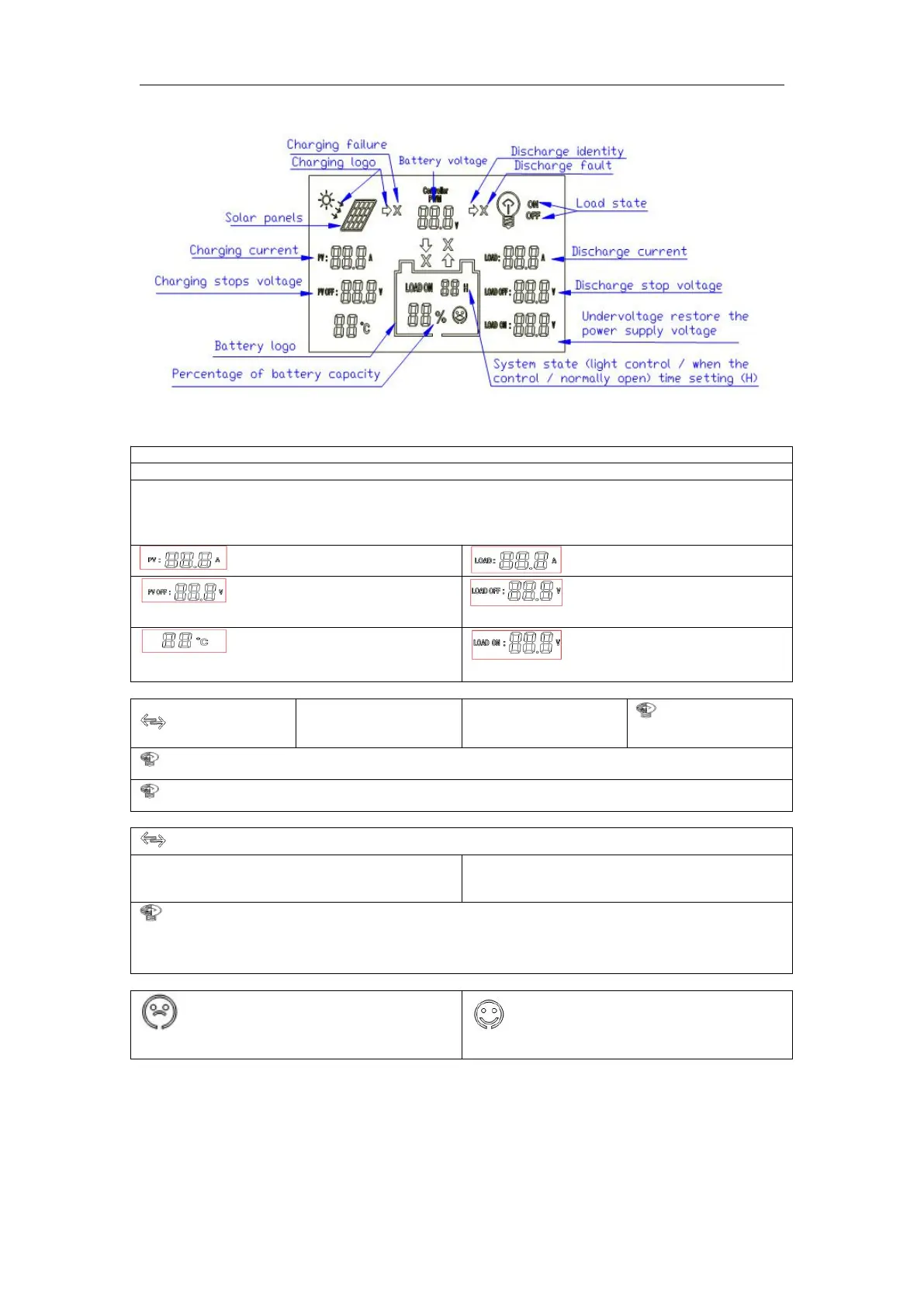
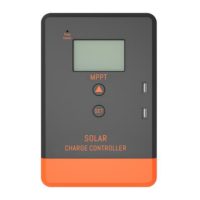
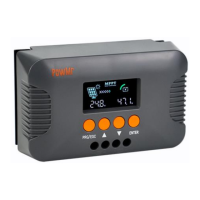
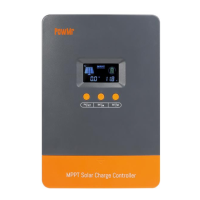
LOAD ON 1 H---23H Load control (1 hour --- 23 hours can be set)
LOAD ON 24H 24 hour -is normally open state
0h-light control mode, power supply load after dark, closed after daybreak the load
24h-represents a normal mode, in the case of no fault, the load is always in the power supply state.
1h ~ 23h-light control delay mode, after dark began to power the load, and delay to set the time to close
the load.
Voltage charging station (can be
set)
Undervoltage protection voltage
(can be set)
Temperature display (around the
probe)
Undervoltage recovery voltage
(can be set)
2 Function keys:
“-” Set parameters:
"Minus"
Long press and hold this button for 5 seconds to restore the factory settings
"×" error or system failure, click this button, you can troubleshoot or eliminate "x"
3 Parameter settings (≥ 5 seconds keystrokes, parameters are saved automatically)
:PV OFF:88.8V→LOAD ON:24H→LOAD OFF:88.8V→LOAD ON:88.8V(
Set order (automatic cycle)
This button can be "manually" open load or manually close the load.
Long press and hold this button for 5 seconds to restore the factory settings
"×" error or system failure, click this button, you can troubleshoot or eliminate "x"
4 Common fault with processing methods
Battery under-voltage protection
Battery normal power supply
a) Under voltage protection and handling: screen display as shown on the right indicates the
battery voltage is below the undervoltage protection voltage, the controller has entered
undervoltage
b) Retaining state, disconnect the load circuit. Using solar panels or charger to charge the battery
when the accumulator
c) After the battery voltage reaches the undervoltage recovery voltage, the controller will restore
power to the load, into normal working condition



 To Next Page