3. Operation
UP! mini 3D Printer User Manual 11
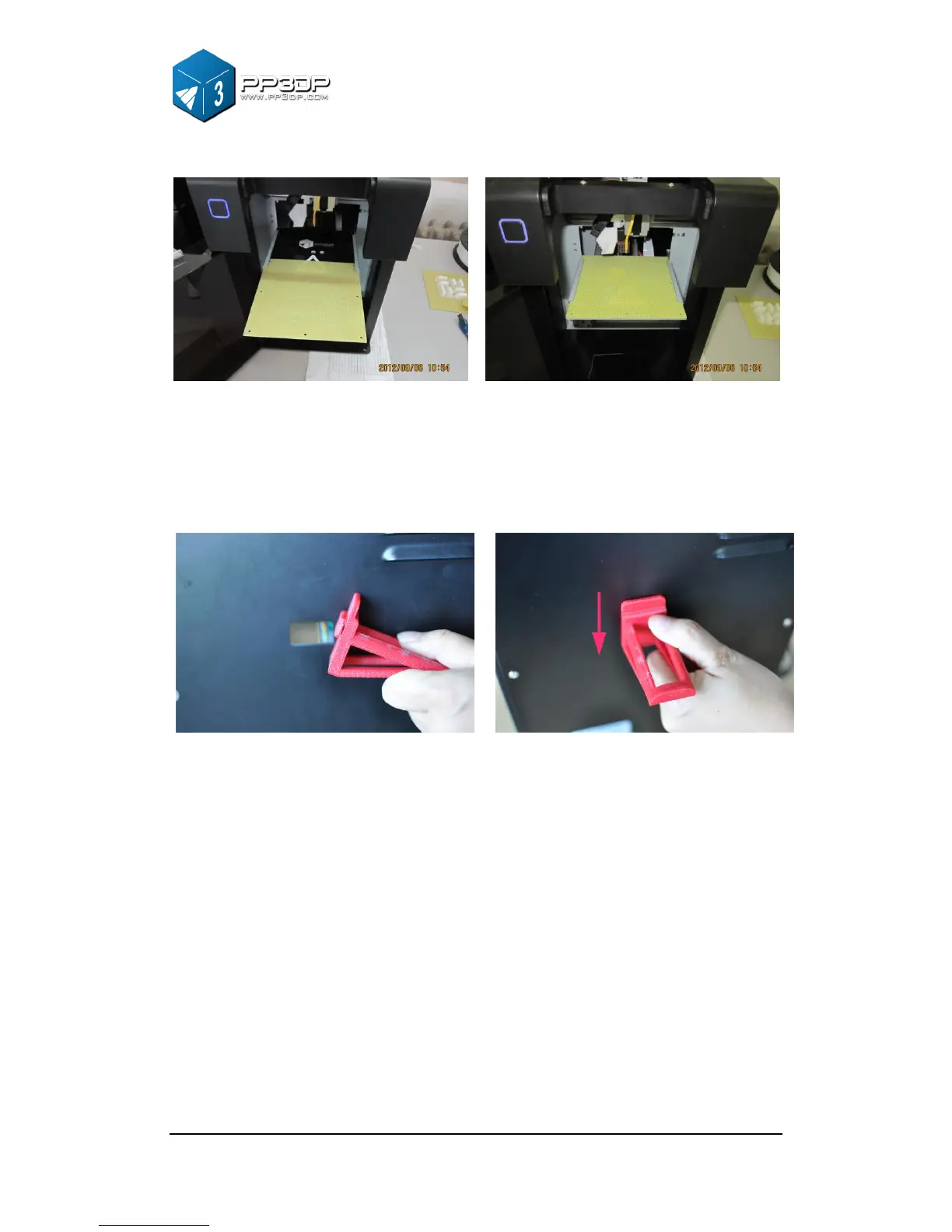
Figure 3-2 Print Platform
Platform
Insert the cell board into the platform slot. Moderate force is recommended
when inserting the cellboard.
Figure 3-3 Roller Shaft
Roller shaft
Insert the roller shaft into the hole at the back of printer, and press it downward.
The roller shaft should fit in the hole nicely.



 To Next Page