3. Operation
UP! mini 3D Printer User Manual 25
mechanical bond with the bottom surface, which prevents the model from
lifting.
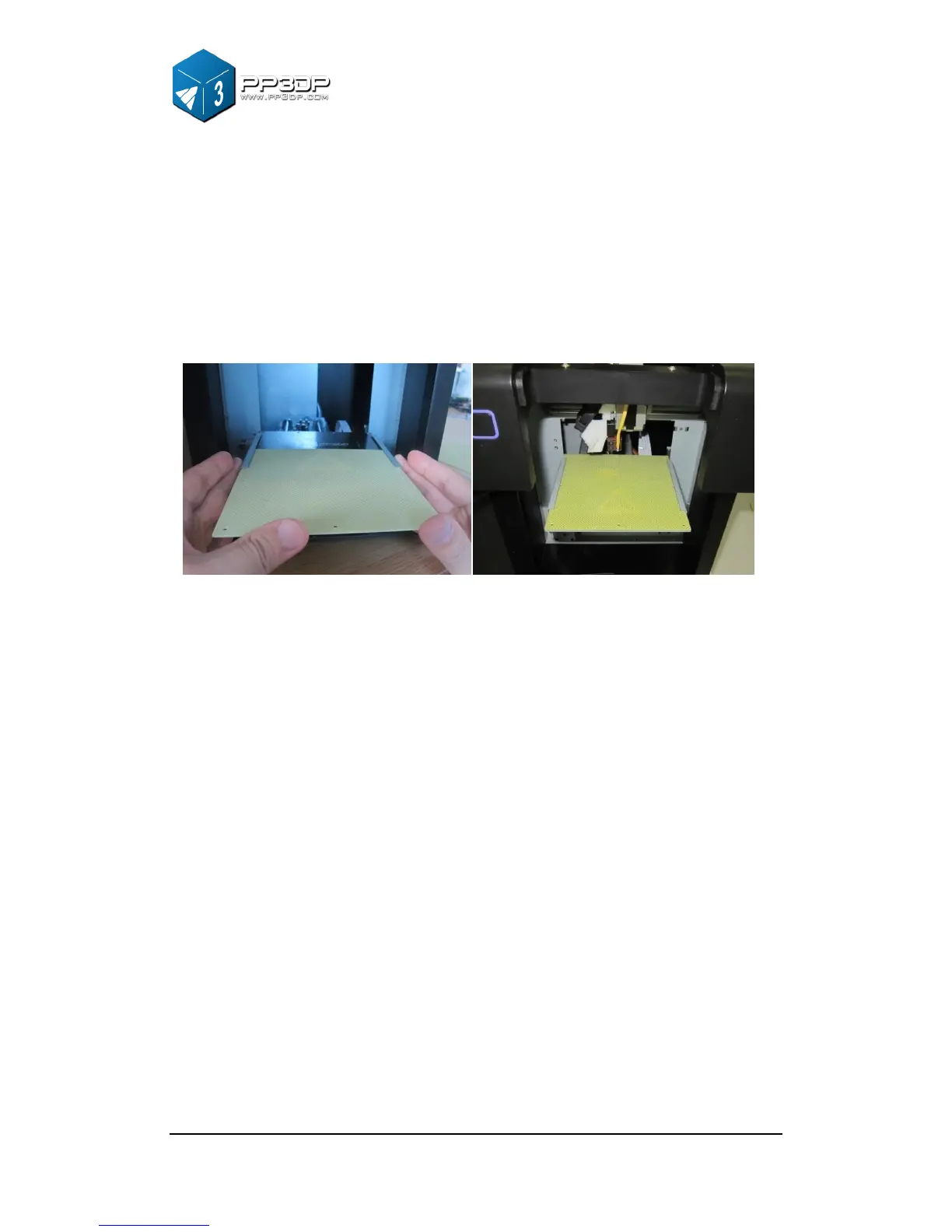
When inserting or extracting a cell board into the platform slot, moderate
strength should be well-distributed, without using strong force, and hold the
metal guides on both sides to prevent the print platform from moving.
Figure 3-19 Installing a cell board
3.3.3 Calibrating Nozzle Height
This section is the most important section of the entire manual. Please
read it carefully and make sure that you understand the nozzle height
setup procedure, which is vital to successful 3D printing.
In order to print successfully, the platform should be set to start at a Z position
with 0.2mm gap from the nozzle. Each printer is slightly different, and the
distance between platform and nozzle is not the same, and needs to be
calibrated before printing starts. The correct distance between the nozzle
and platform is recorded in the “Nozzle” box of the “Print” Dialog (found
under the “3D Print” menu). We use the “Maintain” dialogue box to
calibrate the nozzle height.


 To Next Page