3. Operation
UP! mini 3D Printer User Manual 14
install UP! software, UP! printer drivers, and UP! sample files.
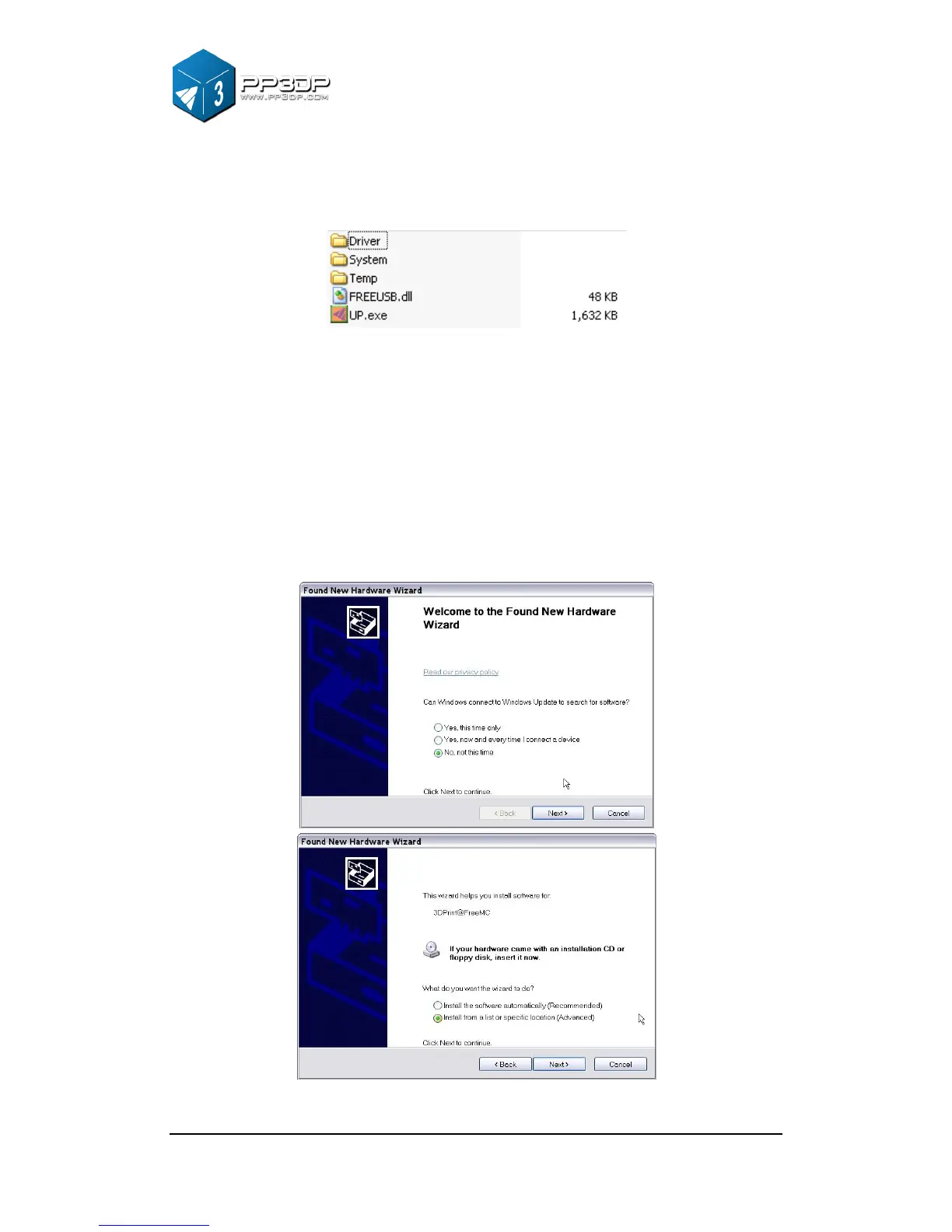
Figure 3-6 UP! Software Directory
3.1.3 Driver Installation
Connect the printer to a computer with a USB cable. The computer should pop
up the “Found New Hardware Wizard” window. Choose “No, not this time”
option, and then click “Next”. Choose “Install from a list or specific location
(Advanced)”, and click “Next”.
Figure 3-7 Snap shots of UP! Software installation



 To Next Page