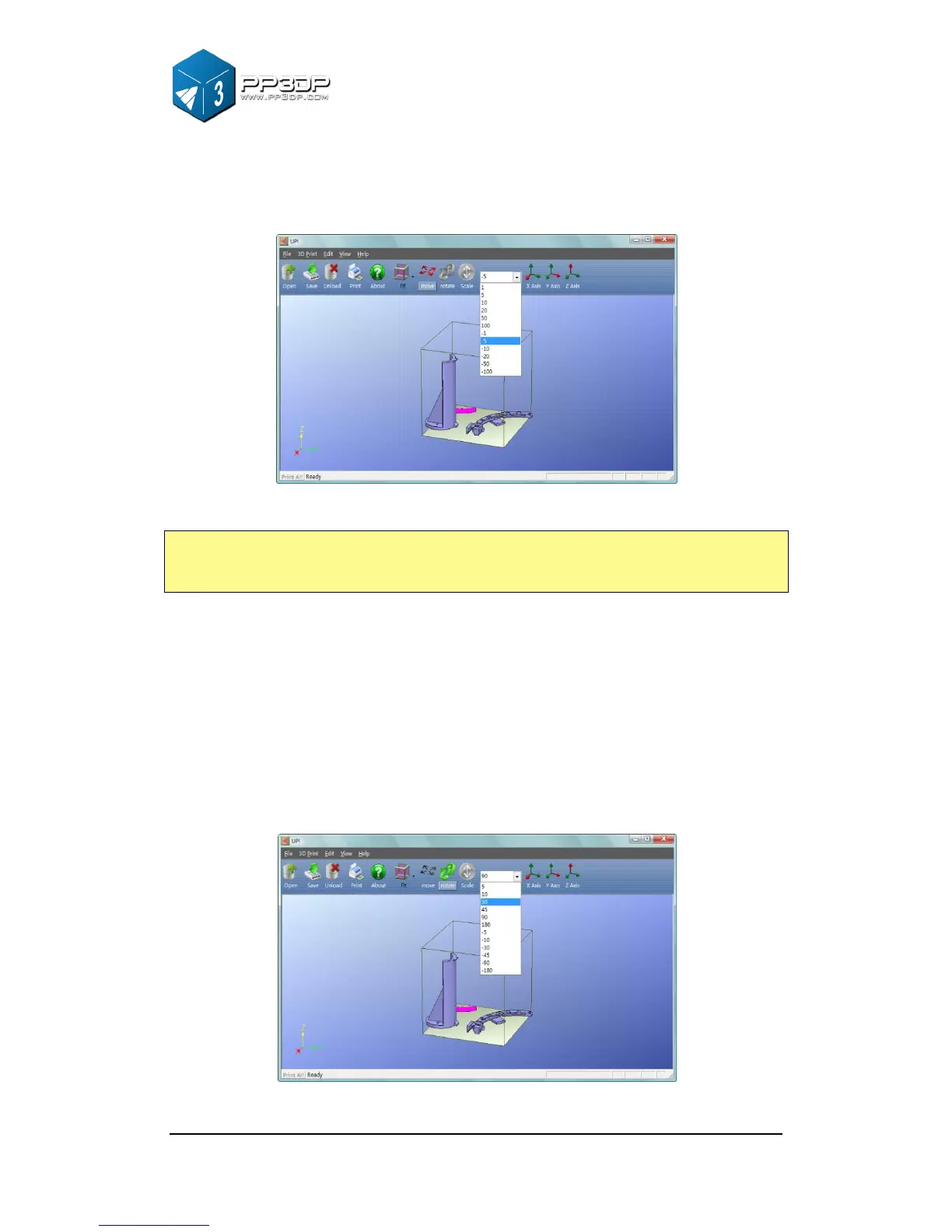
Rotating a model: Click the “Rotate” button on the toolbar, in the text box,
choose or input the value of rotating degree you want to rotate the model, then
choose the axis along which the model rotates by clicking the axis button.
For example: Rotate the model around Y axis by 30
o
.
Procedure: 1. Click “Rotate”; 2.Input 30 in the text box;3. Click “Y axis”.
Note: A positive number means rotating the model counter-clockwise and a
negative number means rotating the model clockwise.
Figure 3-17 Rotate a model



 To Next Page