3. Operation
UP! mini 3D Printer User Manual 38
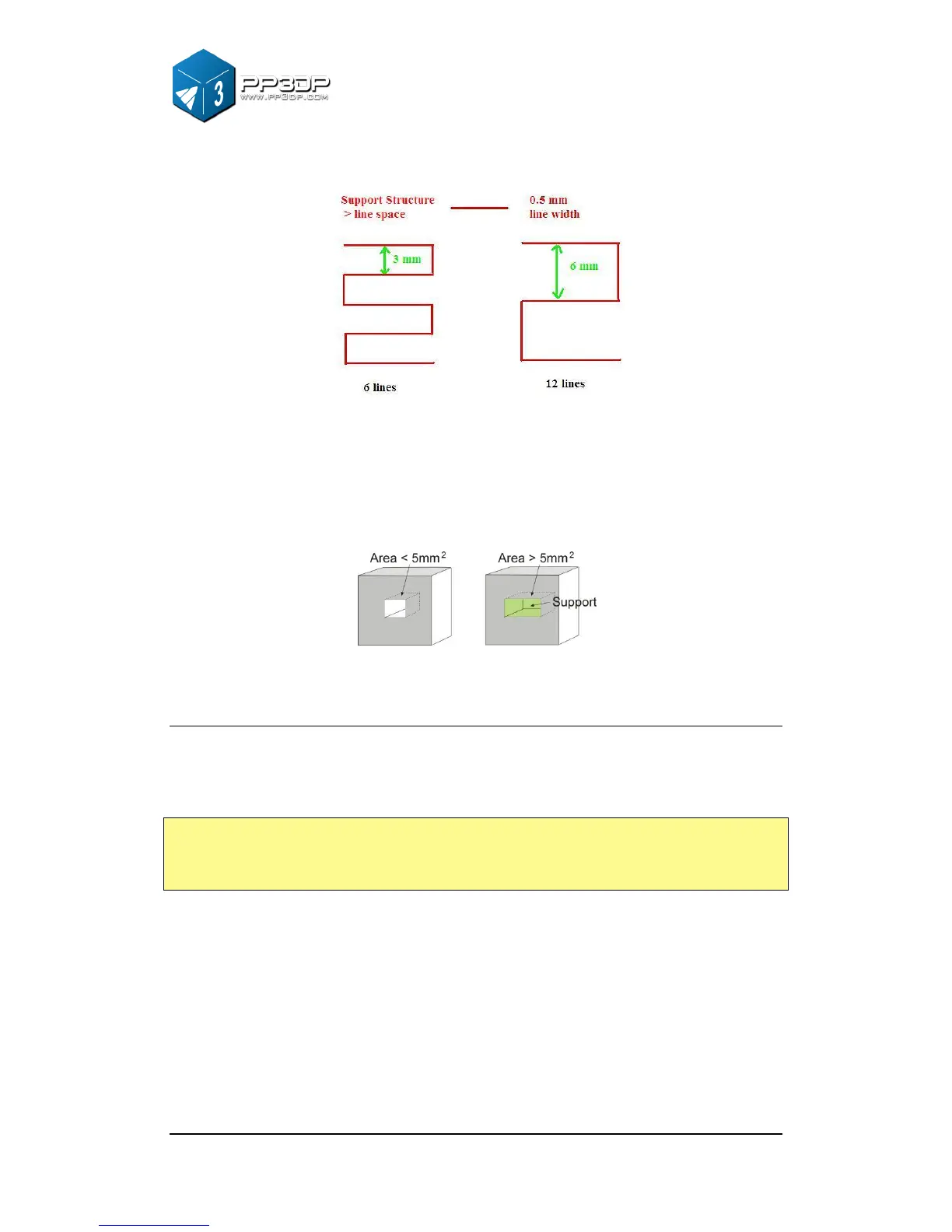
Figure 3-31 Infill Gap
Area: The surface area above which support structure gets generated. If the
value is set to 5 mm
2
, for instance, there will be no support structure generated
for all the overhanging surface with area less than 5 mm
2
. Benefit? Material is
saved and faster print speed is achieved.
Figure 3-32 Support Structure for Small Area
Other Options
Stable Support: Stable support creates more solid support. The model printed
with this option is less likely to distort, but the support structure is more difficult
to remove.
Tip: All setup and configuration settings are stored in the UP! Software, not on
UP! Printer, which means that, if you change to a different computer, you
have to do all the calibration and setup procedure again.



 To Next Page