4/18
INSTALL THE PROJECTOR
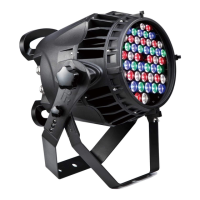
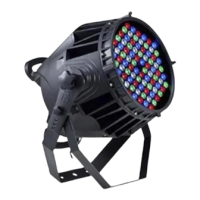
Take 2 clamps and safety cord out from the package and mount 2 clamps on the underside of fixture with 2 retainers
attached to each clamp. Hang the fixture on the structure and fasten the screws attached to each clamp. Always ensure
that the projector is firmly anchored to avoid vibration and slipping whilst functioning. Always ensure that the structure that
you are going to mount the projector is secure and is strong enough to support a weight of PR-8800.
WARNING:
1. The projector MUST be lifted or carried by the HANDLES instead of clamps.
2. For safety the safety cord should afford 10 times of the unit’s weight.
CONTROL SYSTEM AND POWER CONNECTION
Connection between the controller and a projector and between one projector and another must be made with a 2
core-screened cable, with each core having at least a 0.5mm diameter. Please use the projector’s cannon 3- pin signal
input and output cables as connection. The 3-pin signal connections are connected as shown in the figure above.
Note: Care should be taken to ensure that none of the pins touch the metallic body of the plug or each other. The body of
the plug is not connected in any way. The fixture accepts digital control signals in protocol DMX512 (1990).
The amount of projectors connected in parallel is not more than 32. Connect the controller’s output to the first fixture’s
input cable with a 3-pin signal cable, connect the first fixture’s output cable to the second fixture’s input cable and connect
the rest fixtures in the same way. Eventually, connect the last fixture’s output cable to a DMX terminator. Note: Only when
all the start addresses of fixtures are set the same,
synchronous control could be achieved.
When the first fixture is not connected to the controller, and all the other connections are the same as above, it is master /
slave mode connection. To achieve master / slave mode, set the first fixture master, the others salve( slave is default).
As for power connections, each projector has to be supplied separately by external power. Use the power cord of each
projector to connect the mains power directly, paying attention to the voltage and frequency marked on the panel of the
projector.


 To Next Page