6/18
TO SET THE DMX START ADDRESS
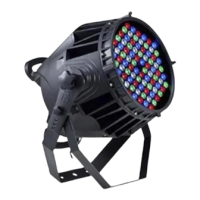
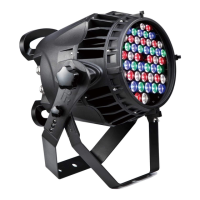
Each Xpar348 must be given a DMX start address so that the correct projector responds to the correct control signals.
This DMX start address is the channel number from which the projector starts to “listen” to the digital control information
being sent out from the controller. The Xpar348 has 3 DMX modes, which are standard mode, extended mode and
short mode. For example, the standard mode has 11 channels, so set the No. 1 projector’s address 001, No. 2
projector’s address 012, No. 3 projector’s address 023, No. 4 projector’s address 034, and so on.
Launch the projector. Press button ENTER for more than 5 seconds to unlock the panel.
Press button FUNC, UP or DOWN to find “AddR” menu.
Then press ENTER to show DMX address and press UP or DOWN to set DMX address.
At this time, the address will flash continuously. Press button ENTER to confirm and it means the setting has been
enabled.
Press button FUNC, it will return to the upper menu one by one.


 To Next Page