5909V101 -IN 19
Configuration of USB communication in PReset
1. Start the PReset program and choose [Functions] [Set COM port],
and the ”Options” window is shown on screen.
2. Select ”Next 5909”. PReset now selects a COM port which will be
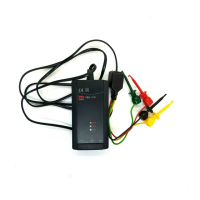
linked with the USB port to which Loop Link is connected.
3. If you want to configure Loop Link for other USB ports, you must
connect Loop Link to these ports and install the USB drivers for
each port. The other USB ports will not be linked with a COM port in
PReset until ”Next 5909” has been selected.


 To Next Page