10
OPERATION
This charging station is suitable for electrically charging one or two vehicles with type 2 charging couplings.
Please also refer to the operating instructions for your electric vehicle.
LED-DISPLAY
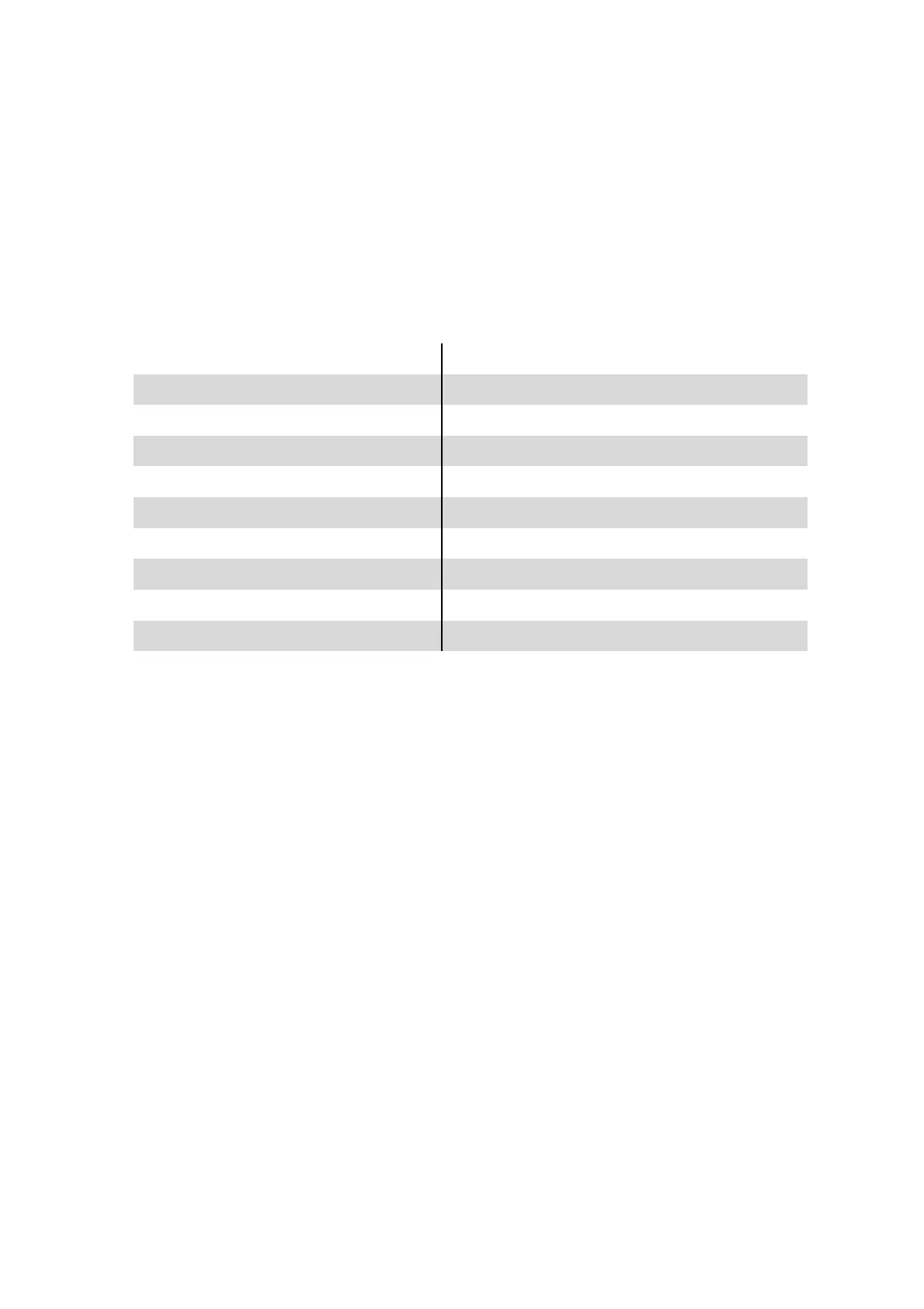
The wallbox is equipped with a separate LED indicator light for each charging cable, which shows the current status during
operation.
LED-DISPLAY DEVICE STATUS
Green No vehicle connected, wallbox ready for operation
Blue No vehicle connected, box locked via RFID module*.
Yellow Vehicle connected, waiting state, charging process completed
Green, flashing slowly Vehicle is being charged
Red, flashing Charging cable has a short circuit, plug is very dirty
Red, flashing repeatedly 2 times CP signal not stable, plug dirty
Red, flashing repeatedly 3 times Diode in vehicle defective, plug dirty
3 seconds pink flashing RFID card* not known / all RFID cards* successfully deleted
3 seconds white RFID card* has been tuned in
The LED indicator lights also show the preset current consumption every time the box is restarted.
LEARNING OF RFID CARDS
In order to use the RFID module, it is necessary to learn at least one RFID card.
RFID-Cards can be learned as follows:
1. Open the wallbox with the key provided.
2. Press and hold the Learn button on the RFID module and place the card to be learned on the outside right of the
wallbox.
A learned RFID card is indicated by a white status LED on the wallbox.
In this way, up to 100 RFID cards, possibly also from third-party providers, can be trained.
ERASING RFID CARDS
Note: It is not possible to delete individual RFID cards. The deletion process removes all previously
taught-in cards.
1. First open the wallbox with the key provided.
2. Start the deletion process by pressing and holding the Clear and Learn buttons on the RFID module until the LED display
flashes pink. The memory was successfully cleared.
3. Close the wallbox.


 To Next Page