17
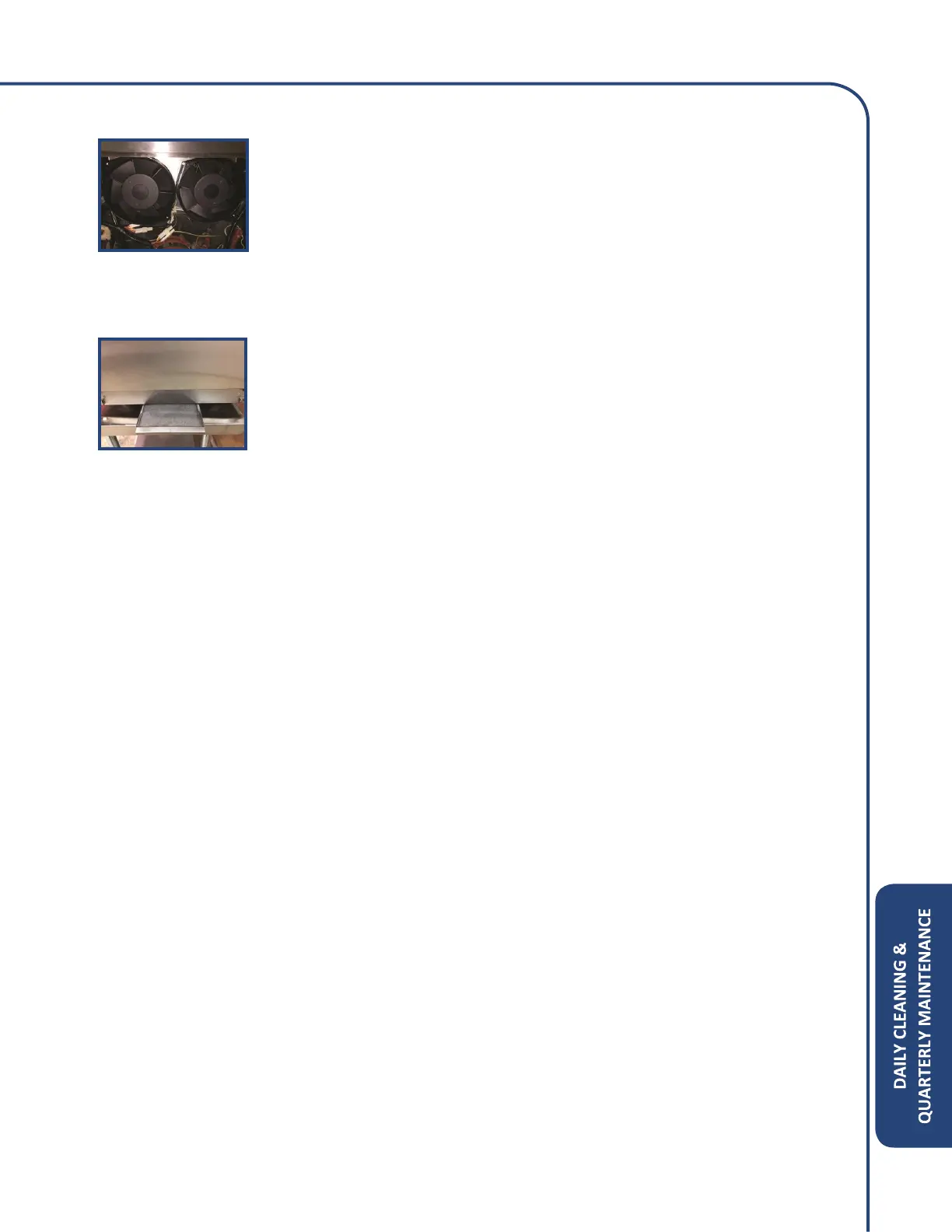
Step 8: Accessing Cooling Fans
• If there is excessive build u on cooling fans, remove all Phillips screws
around the outer edge of the rear panel.
• Remove the rear panel completely to gain access to both cooling fans.
• You may use a clean damp cloth to clean the cooling fan blades.
• Reinstall the rear panel and verify the vent tube goes into the rear
catalyst housing.
Step 9: Install Air Filter
• Reinstall air filter and make sure all Phillips screws are secure.
• The oven is ready to be turned on.



 To Next Page