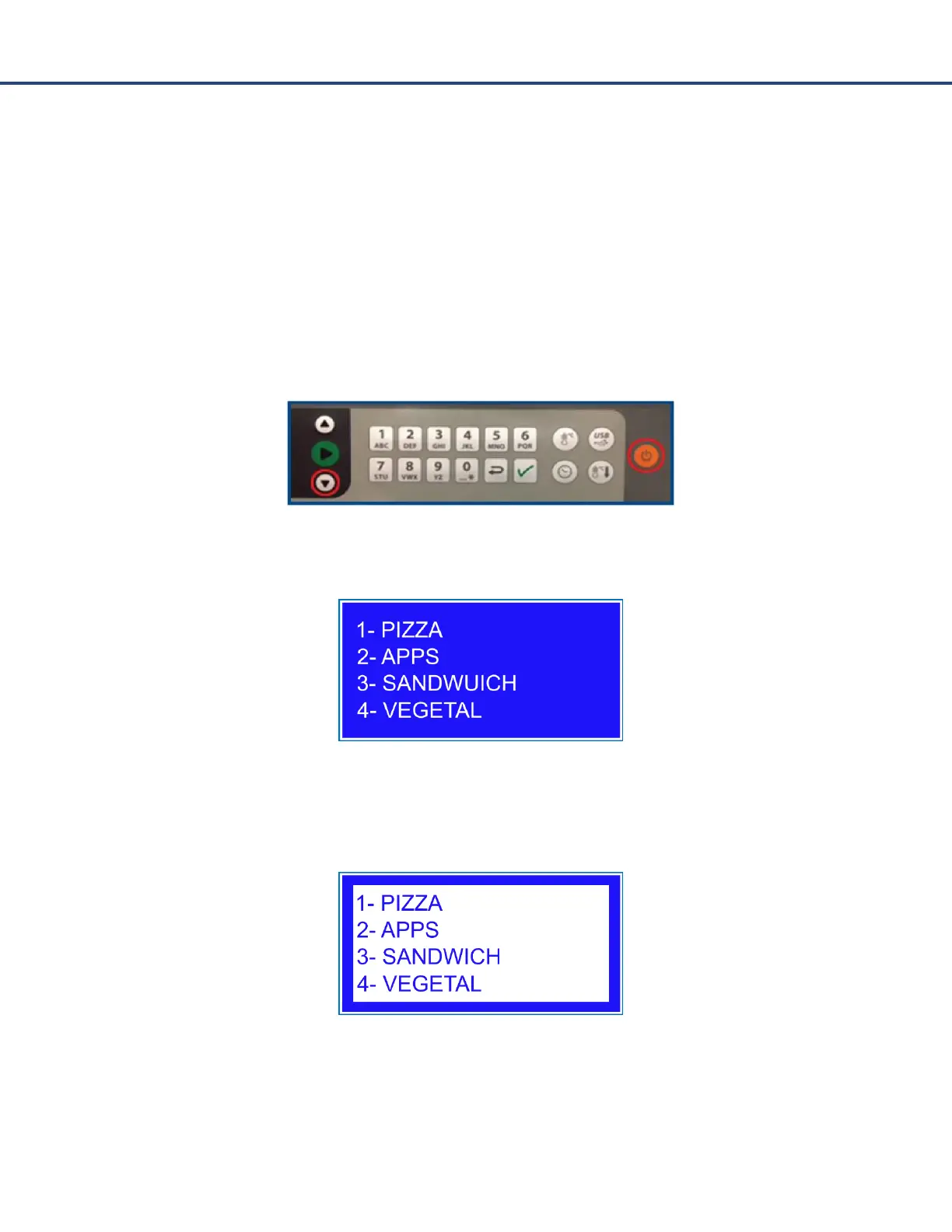
Edit Mode
From Edit Mode, the operator can create, change, or delete menu settings and rename category
and item names.
Follow these steps to access Edit Mode:
1. While the oven is turned off, press and hold the Down arrow and On/Off keys at the same
time. This will bring up the menu screen and Edit Mode can be accessed from this point.
2. Option 2, allow the oven to warm up and bring up menu.
3. Press Enter on either the category or sub menu screen and the entire screen will highlight.
The operator can select the numerical button associated with the category or menu they want
to edit.



 To Next Page