35
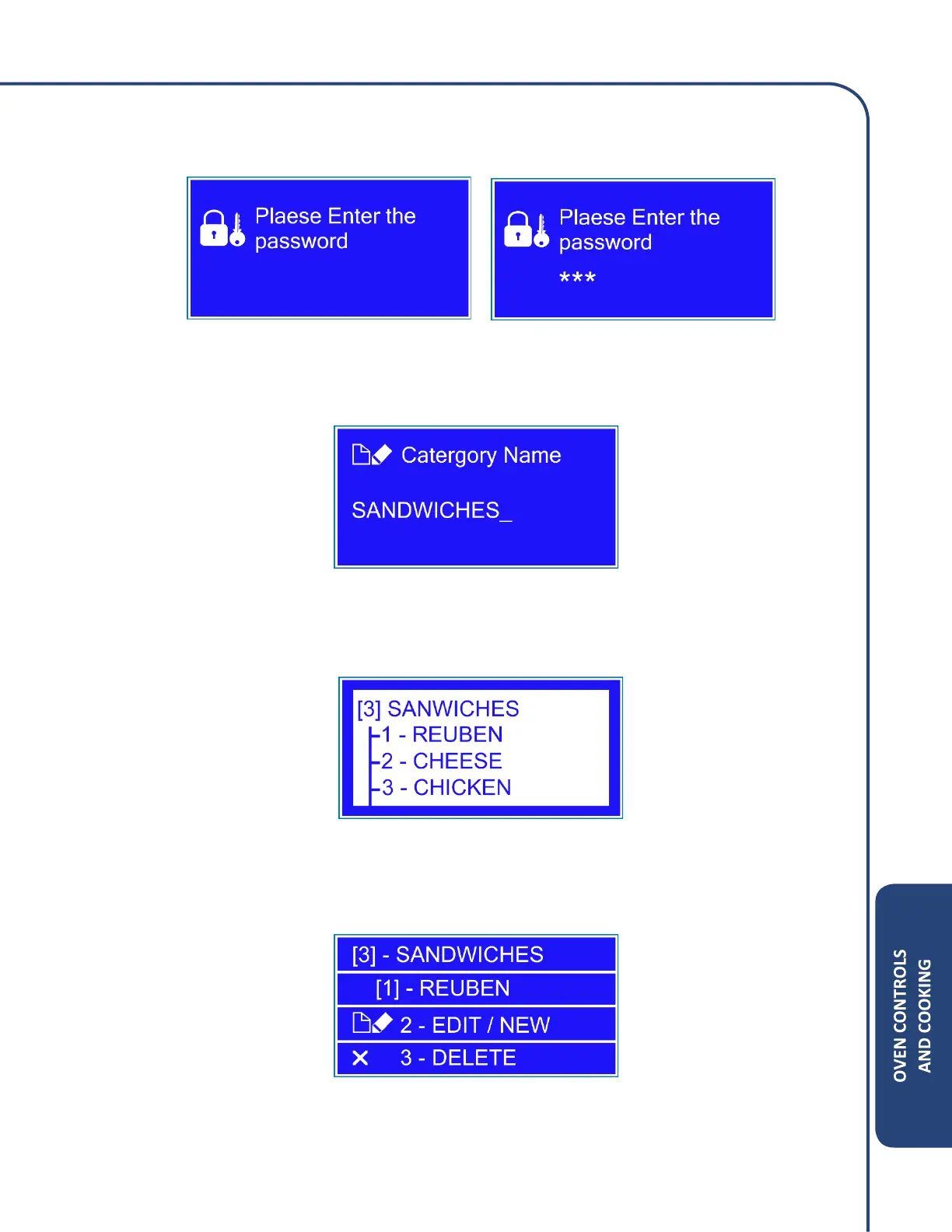
4. The oven will require a password to make any changes. The default password is 123 and then
press Enter.
5. Editing the Category will only allow you to change the name of the selected Category. Use the
numerical keys to name the category.
6. Creating/Editing a menu: Once a category is selected, press the Enter key to highlight the
menu screen. Choose which menu you want to edit by pressing the numerical keys next to the
item.
7. Press the number 2 to begin editing or creating a menu. Press the number 3 to delete the
menu selected.



 To Next Page