29
Cooking
The unit has a General Market menu installed from factory and is ready to operate out of the box.
The end user can delete or edit these recipes to their own preference. New menu settings can be
uploaded using a USB drive or inputting manually.
Temperature Set Up/ Preheating
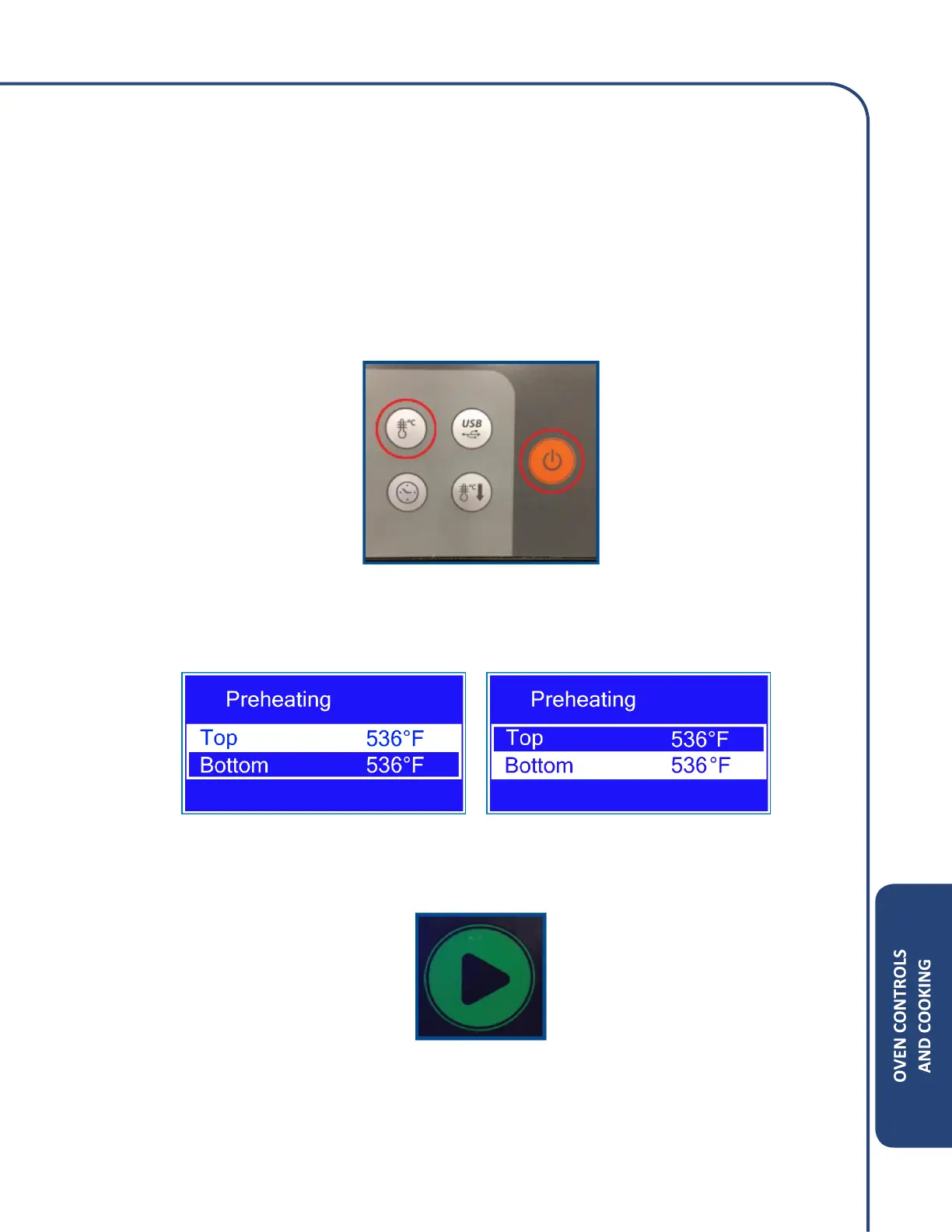
1. Select Cook Temperature by pressing the Temperature ad On/Off keys at the same time.
2. The following screen will appear and allow changes to be made to the top and bottom set
point temperatures by pressing the Enter key.
3. To turn the oven, press the Play button as shown below.



 To Next Page