31
Cooking the Food
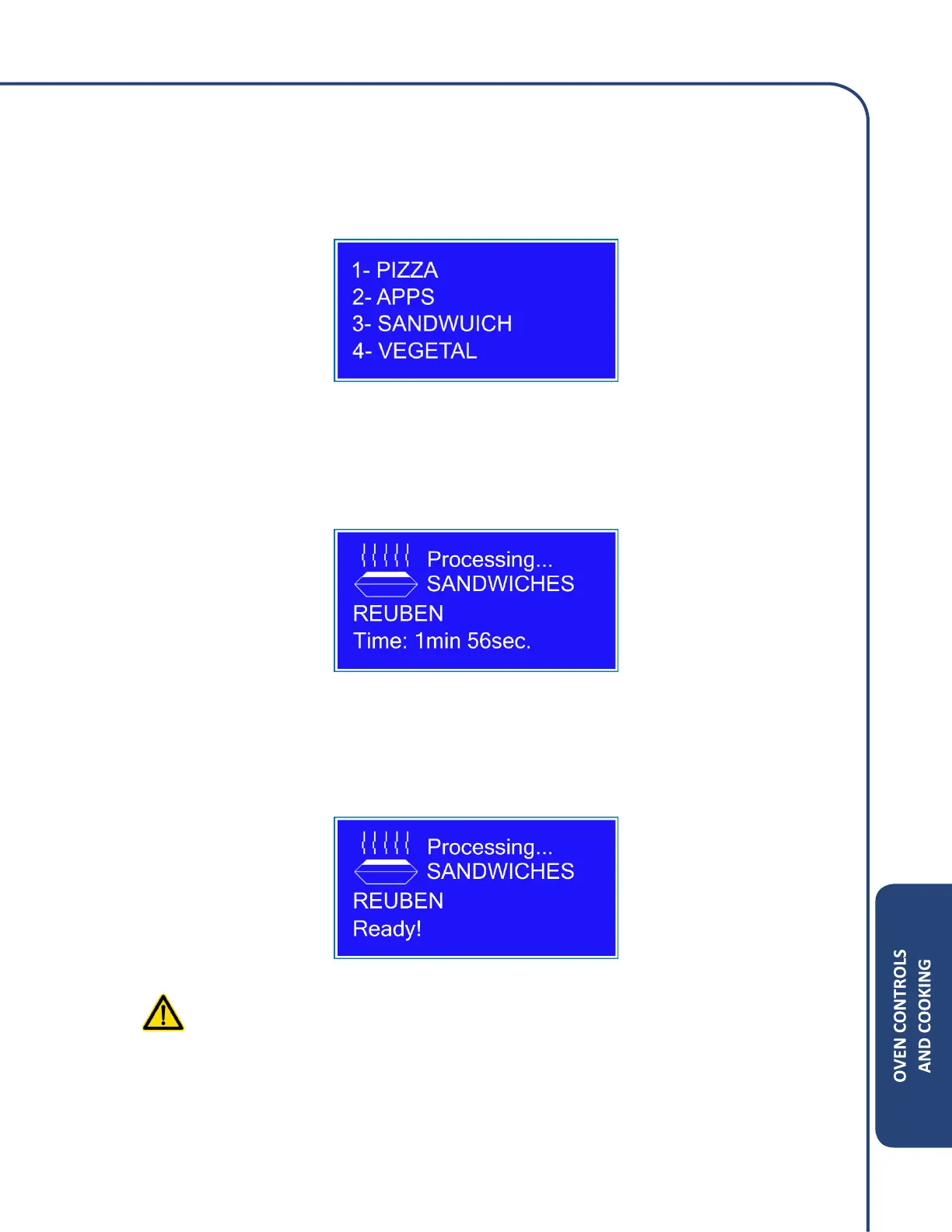
1. Select the food category by pressing the numerical button associated with category.
Example: Press the number 3 to select Sandwich category.
(Note: The Up or Down arrow keys can be pressed to view categories 5-8.)
2. The following message will appear while the cook cycle is processing
3. The oven will display Ready when cook cycle is complete. The food is ready to be checked or
removed at this point.
WARNING: Food content and container be HOT please exercise caution when
removing.



 To Next Page