37
Importing / Exporting Menu
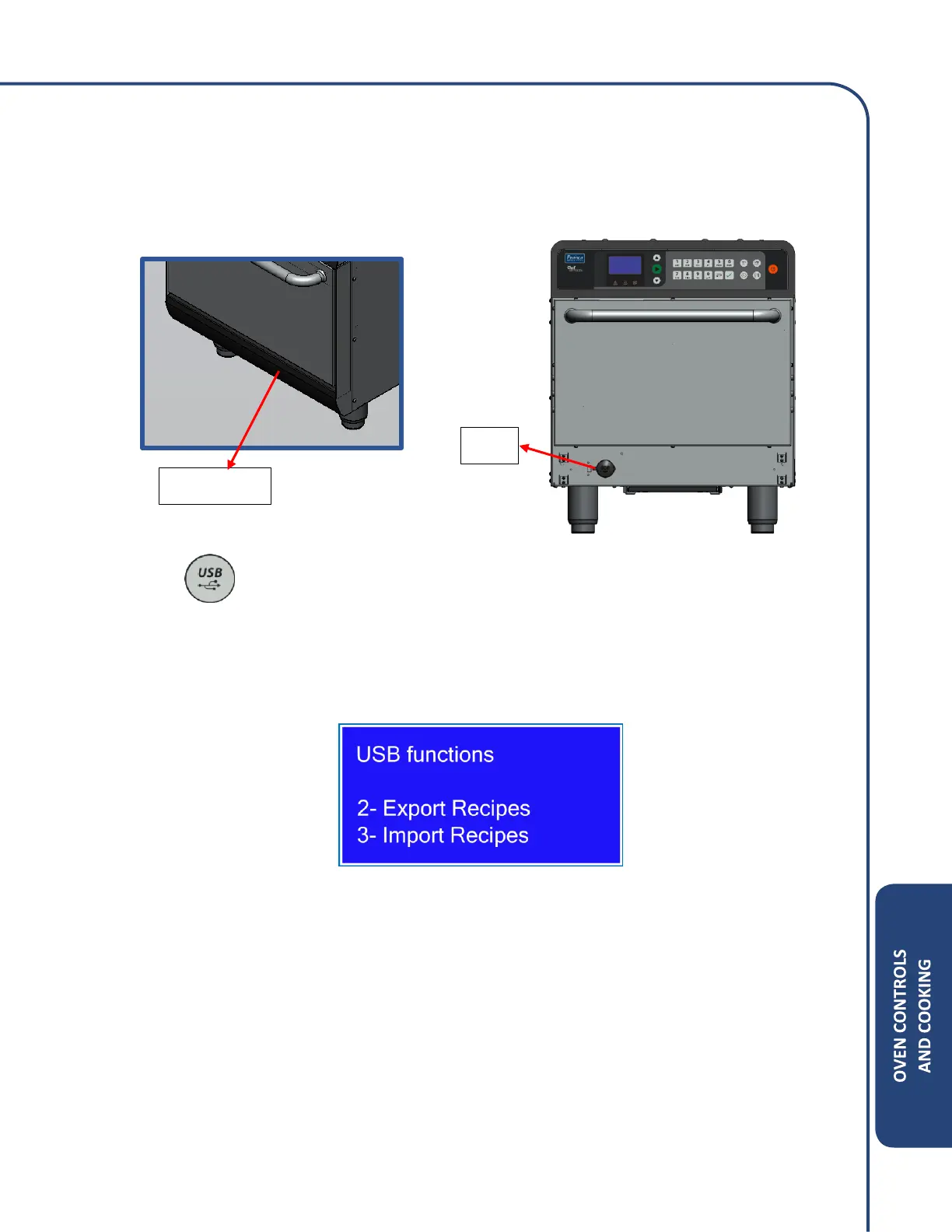
a) To import or export a menu, remove the black cover under the door, lift the rubber tab of
the USB terminal, and insert the USB drive while the unit is on and the menu is displayed.
b) Press .
c) Using the alphanumeric keypad, press option 2 or 3
• Option 2 – Export all recipes from the oven to a USB drive.
• Option 3 – Import recipes from a USB drive to the oven.



 To Next Page