39
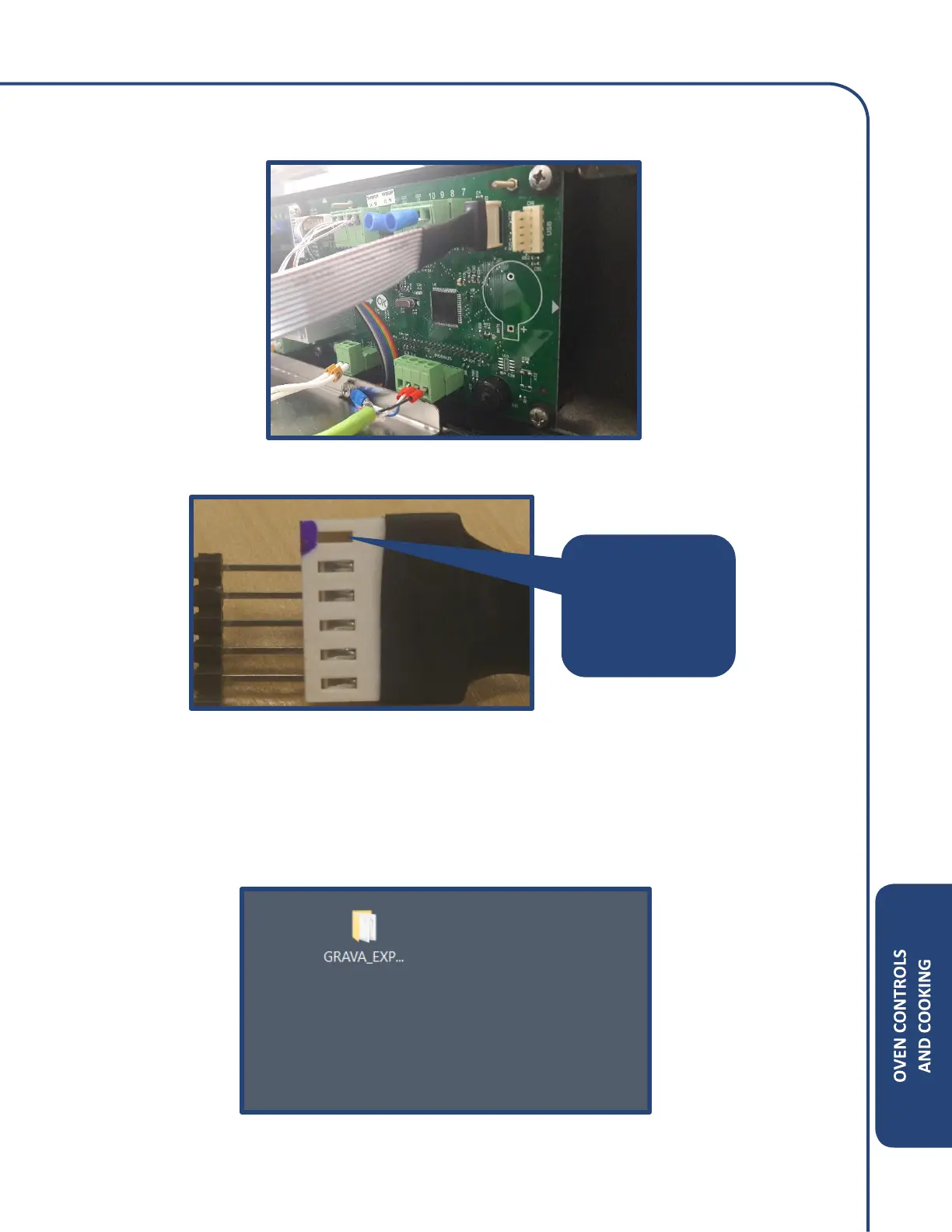
Step 3: Connect the ribbon cable of the black box to the display control board. See illustration.
Please note the orientation when installing the ribbon cable. See illustration.
Step 4: Connect the USB connector from the black box to a computer. Wait approximately 2 minutes
for the drivers to download.
Step 5: Apply power to the oven but do not press the ON key.
Unzip the file “GRAVA_EXP…”
Note: A Zip or RAR file extractor is needed.
• Blue side
should be up!
• Empty pin up!



 To Next Page