41
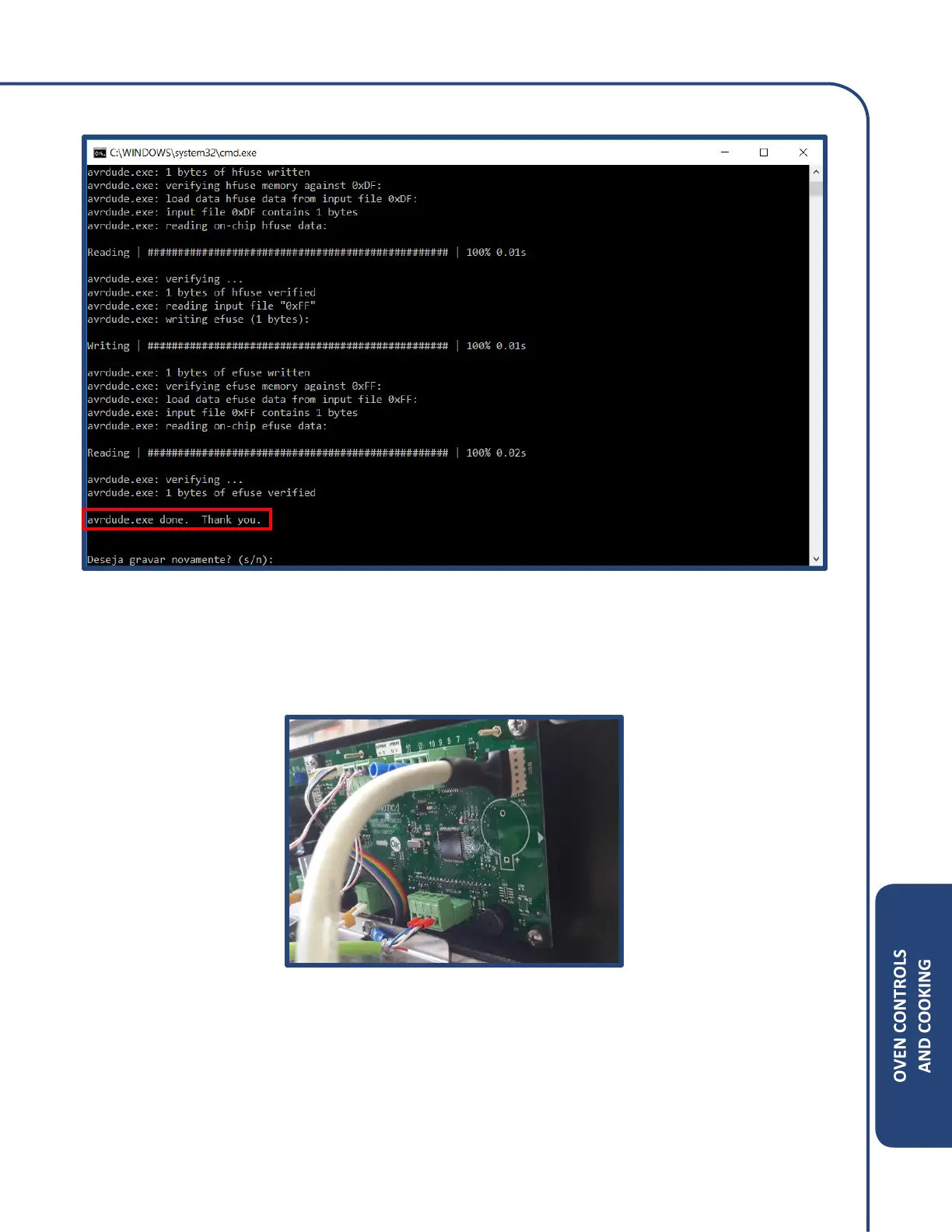
Step 8: Once the file transfer is complete, the following screen should appear.
Step 9: Close the command prompt screen and remove the ribbon cable from the display control
board.
Reconnect the oven USB cable back to the display control board. See illustration.
Step 10: Unplug the power cord from wall and wait 2 minutes before reconnecting.
Reconnect the power plug and wait for 5 seconds.
Press the power ON and the number 2 key at the same time to confirm the software version.



 To Next Page