57
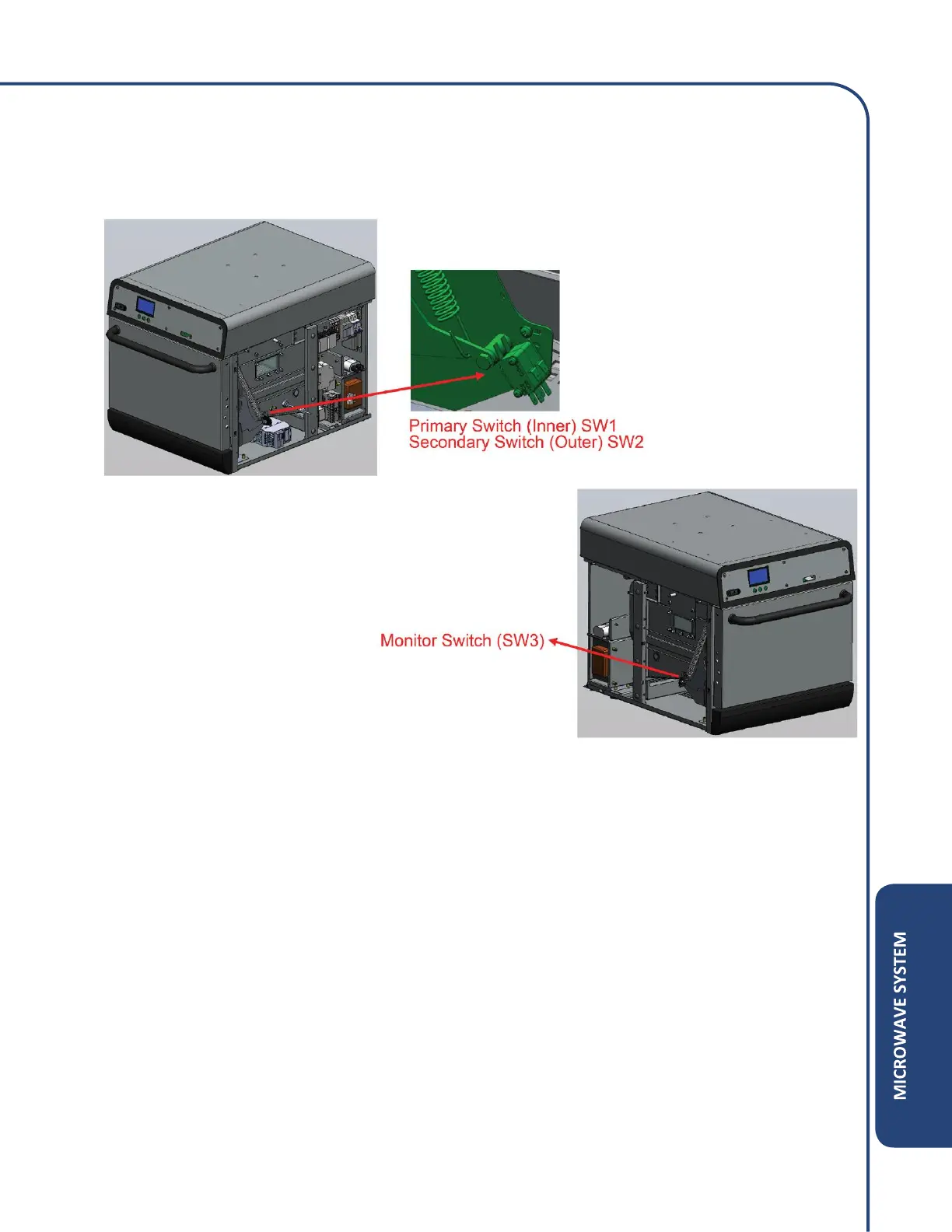
Micro Door Switches
The SW1, SW2, and SW3 switches are activated by the opening and closing of the door. A signal is
sent to the control board when the door switch is either open or closed.
Door Switch Test
1) Unplug unit and remove both side panels of the equipment.
2) Disconnect the door switches wires.
3) Leave the oven door open and measure the continuity between the COM1 terminal and the
NO3 terminal of the SW1, SW2 and SW3 switches.
4) If the door switch terminals have no continuity, move on to the next test.
• If the door switch read continuity, the door switch is bad and needs to be replaced.
5) Close the oven door and verify the continuity between the COM1 and NO3 terminals on all
switches.
• If the terminals have continuity while the switch is closed, move on to the next test.
• If no continuity is present while switch is closed, replace the door switch.



 To Next Page