English
13
Series 321
6. Overview of menus
NOTE
With user guidance activated, the keys that currently have a function or can be used backlit.
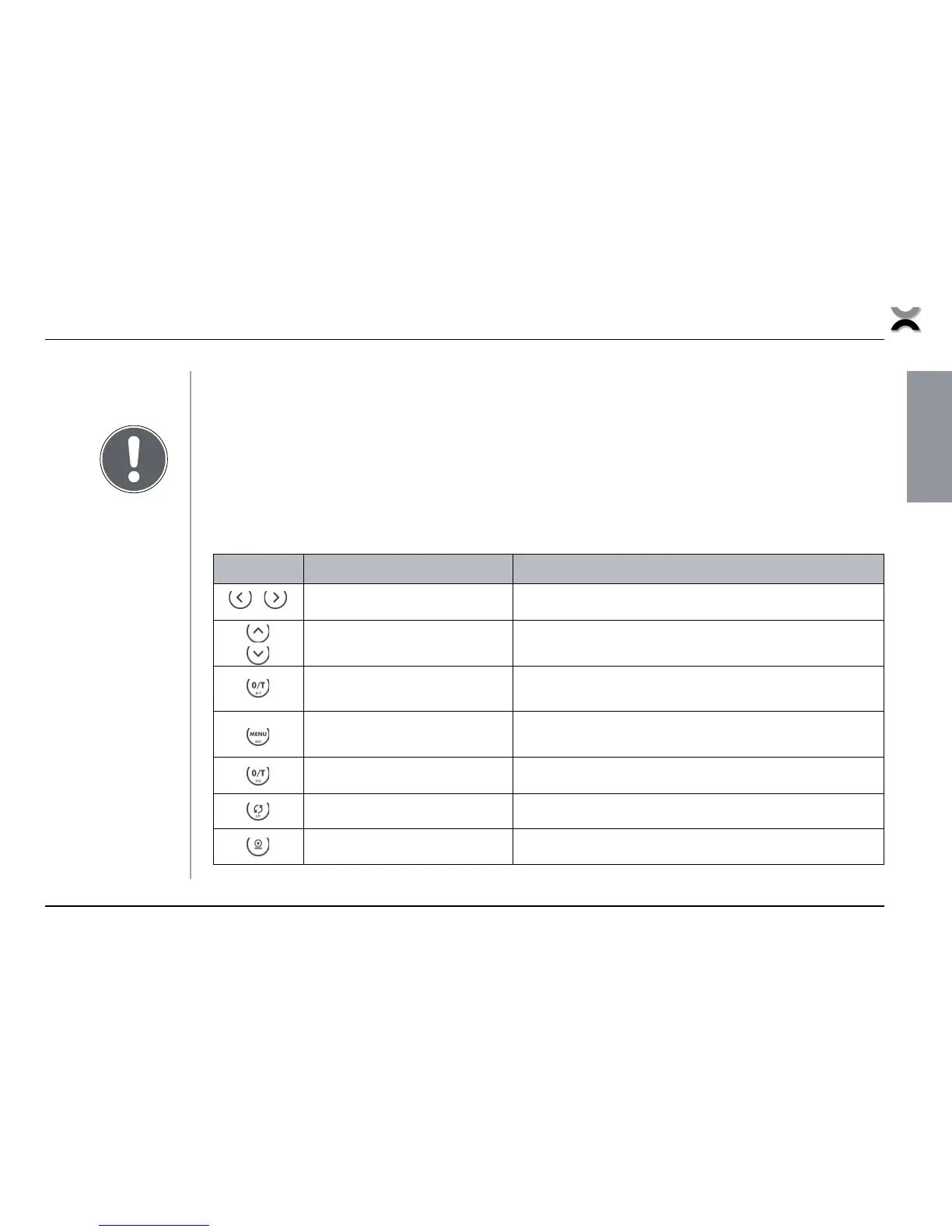
6.1 Menu control
Navigating through menu levels / Making an input:
/- . $,
left / right
Changes from menu main path into sub-paths and back
up /down
Up/Down movements within main and sub-paths
Changes selected parameters
O/T / enter
Selects parameters
Stores the changed parameters
MENU / esc
Interrupts an input
Leaves the menu
O/T / ins
Places insert marker (in text entry)
CHANGE / clr
Deletes input (in text entry)
PRINT
Inputs a point (in text entry)
Tab. 6.1
Navigating through
menu levels /
Making an input













 To Next Page