14
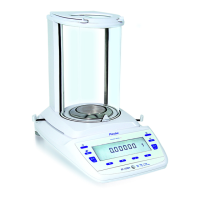
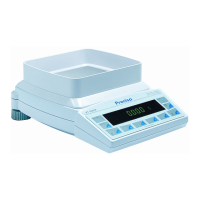
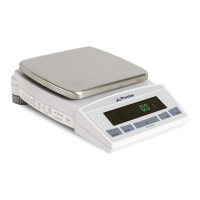
Series 321
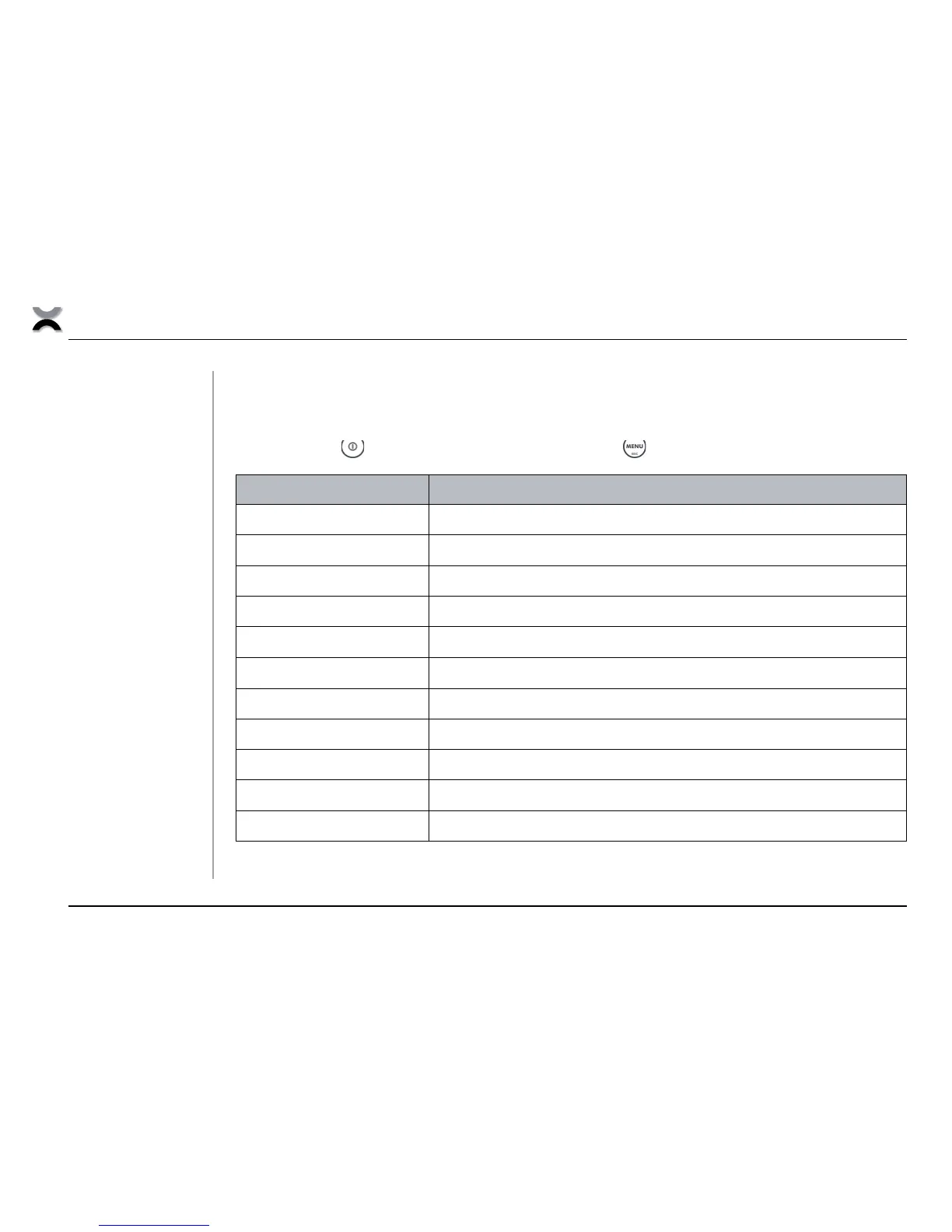
6.2 Configuration menu
• Switch the balance off.
• First press the
key briefly and then immediately press the key with a long press:
, $,
LANGUAGE
Selecting the language
UNIT-1
Unit in which the weighing results are displayed
SET DATA PRINT
Print formats, type of values to be printed out
SET CALIBRATION
Calibration method
SET WEIGHING MODE
Stability mode, Auto-Standby mode, zero correction, tare method, zero range
SET INTERFACE
Baud rate, parity, handshake functions of the peripheral interface
SET DATE AND TIME
Date and time
PASSWORD
Password protection for menu definitions
THEFTCODE
Activating / deactivating and changing the anti-theft code
KEY TONE
Keypad sound
BUS
Enable or disable the Precisa BUS or other accessories
Tab. 6.2
Contents of the
configuration menu




 To Next Page