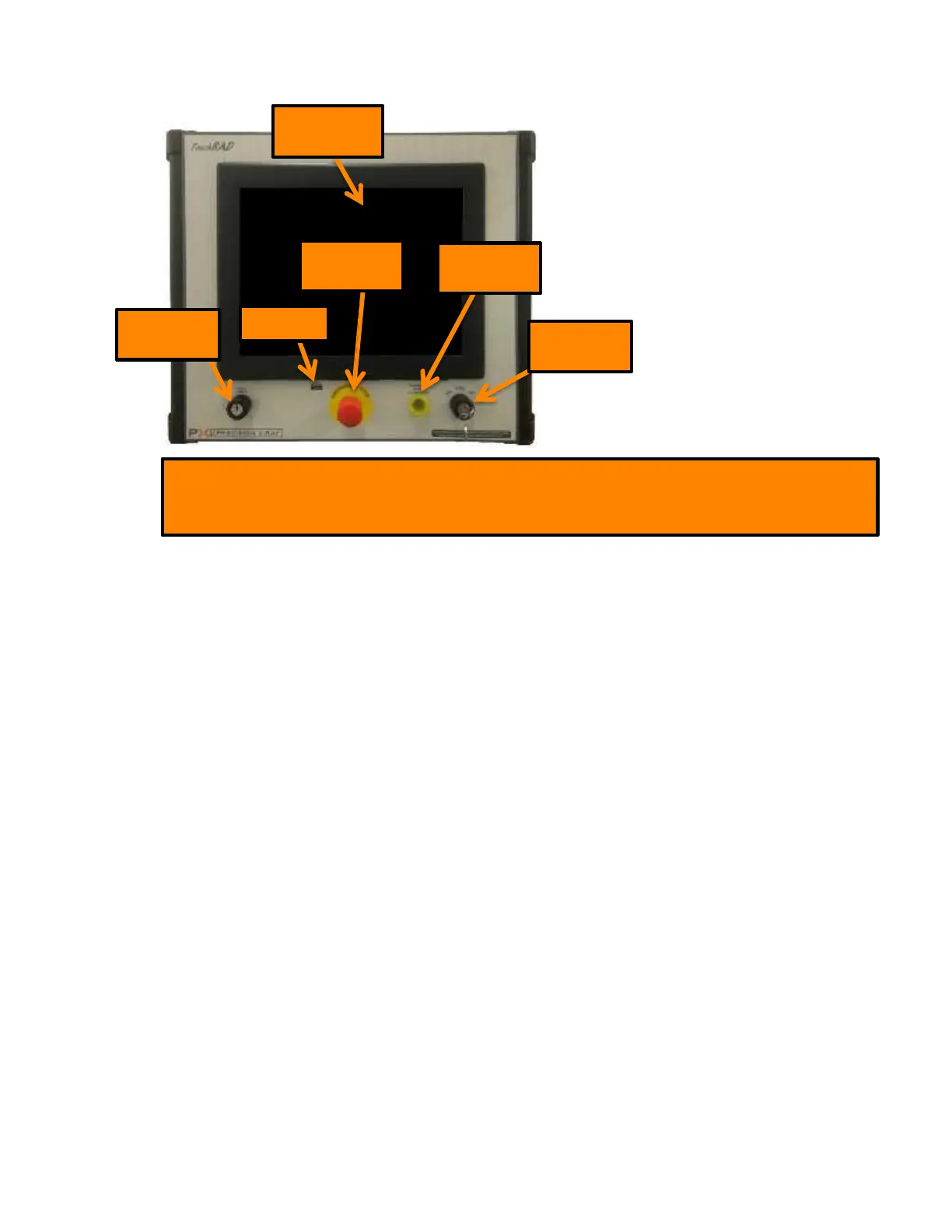
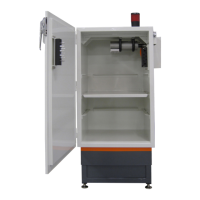
Touchscreen
Computer
Emergency
Stop
Warning
Lamp
Shelf
Key-Switch
USB Port
System
Key-Switch
Note-Refer to section 4 TouchRAD Panel for a detailed description of TouchRAD Panel
Components
2.3 TouchRAD User Interface
The TouchRAD User Interface is a touchscreen interface that allows the user to operate all features of
the X-RAD Biological Irradiator. The TouchRAD User Interface allows a user to manipulate kV and mA,
run time dependent or dose dependent programs and review exposure histories as well as many other
features.
2.4 Available Accessories
To enhance capabilities, there are several options available designed for specific usage with the X-RAD
Biological Irradiator. All options can be retro fitted on existing installed unit.
3 Irradiation Cabinet
3.1 Safety Interlocks
All X-RAD Biological Irradiators feature safety interlocks to prevent accidental radiation exposure to
the user(s). If one or more of the interlocks are disabled, X-Rays will not be permitted. If X-Rays are on
and an interlock is disabled, i.e. emergency stop, X-Rays will immediately shut off. Each X-RAD
Biological Irradiator is equipped with an CDRH Switch, Center for Devices and Radiological Health
Switch, located on the cabinet door which physically inhibits X-Rays from being produced while the
door is open.



 To Next Page