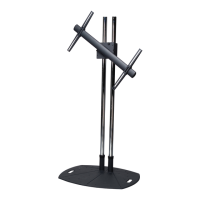
EST100/EST200
Mount Adjustment
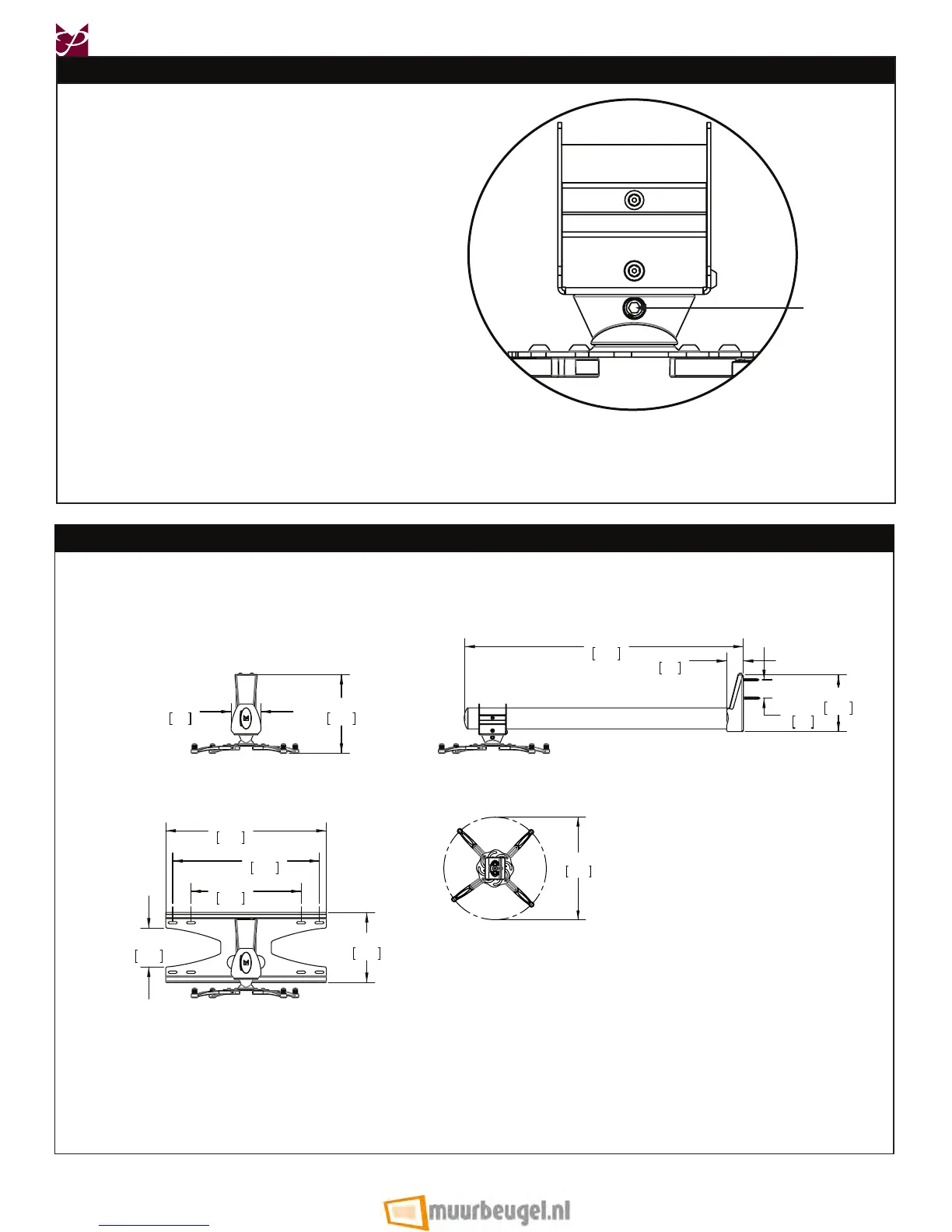
After the projector has been installed, the projector must
then be adjusted. To adjust the projector:
Loosen the M5 set screw using the M5 Allen wrench
(both sides).
®
Adjust the projector to the correct position. Firmly
grasp the projector in both hands, and tilt either
forward or backward to adjust the level.
-OR-
¯
Firmly grasp the projector in both hands and rotate
side to side for orientation adjustment.
°
Tighten both M5 set screws using the M5 Allen
wrench.
M5 Set Screw
All measurements are in inches(mm).
Technical Specications
16.00
406
12.00
305
17.50
445
7.64
194
4.23
107
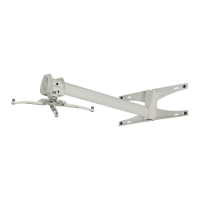
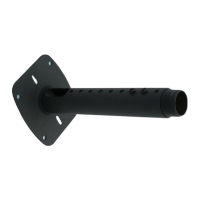
EST-100 SHORT THROW SINGLE STUD
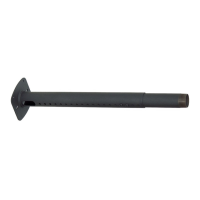
EST-200 SHORT THROW DOUBLE STUD
3.25
83
8.60
218
30.35
771
6.18
157
2.00
51
1.81
46
Ø1 3.79
350
Installation Instructions Visit the Premier Mounts website at http://www.mounts.com Page 17



 To Previous Page