19
AUGER SYSTEM
Check the flow meter; if low,
investigate the cause
Fittings or connections are too small
Replace with the proper fittings
The hydraulic pump is worn or
damaged
Insufficient digging power
The teeth or auger point have
become worn
Check the pressure gauge; if low,
investigate cause
Relief valve damaged or set
incorrectly
Adjust or replace the relief valve as
required
Reduce the load to remain within
machine specifications
Re-install the hoses in the correct
orientation
Replace the hydraulic fluid and filter
Insufficient amount of hydraulic fluid
Fill the reservoir to the proper level
Hoses and/or fittings are loose or
damaged
Tighten or replace the parts as
required
Hydraulic motor seals are worn or
damaged
DRIVE UNIT SERVICING PROCEDURES
IDENTIFICATION
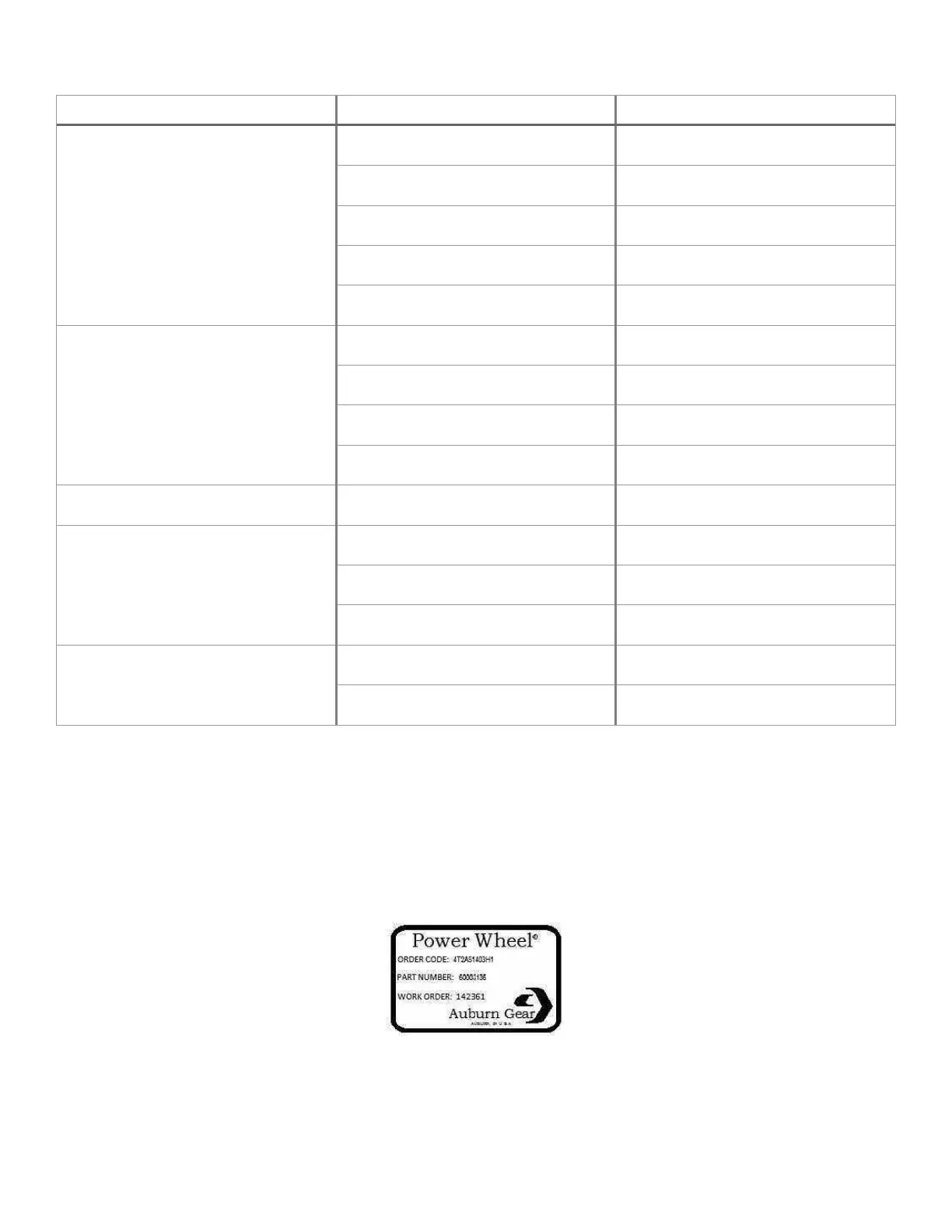
All Power Wheel drive units and kits are shipped with a label (example shown below) that includes the Auburn Gear part
number and order code.
In addition to the label, Power Wheel drive units are stamped with the last four digits of the part number and the date code,
which appears on the cover or hub flange. When ordering parts, the information included on the label or the stamped
identification number is necessary to accurately identify the drive unit and obtain the correct replacement parts.



 To Next Page