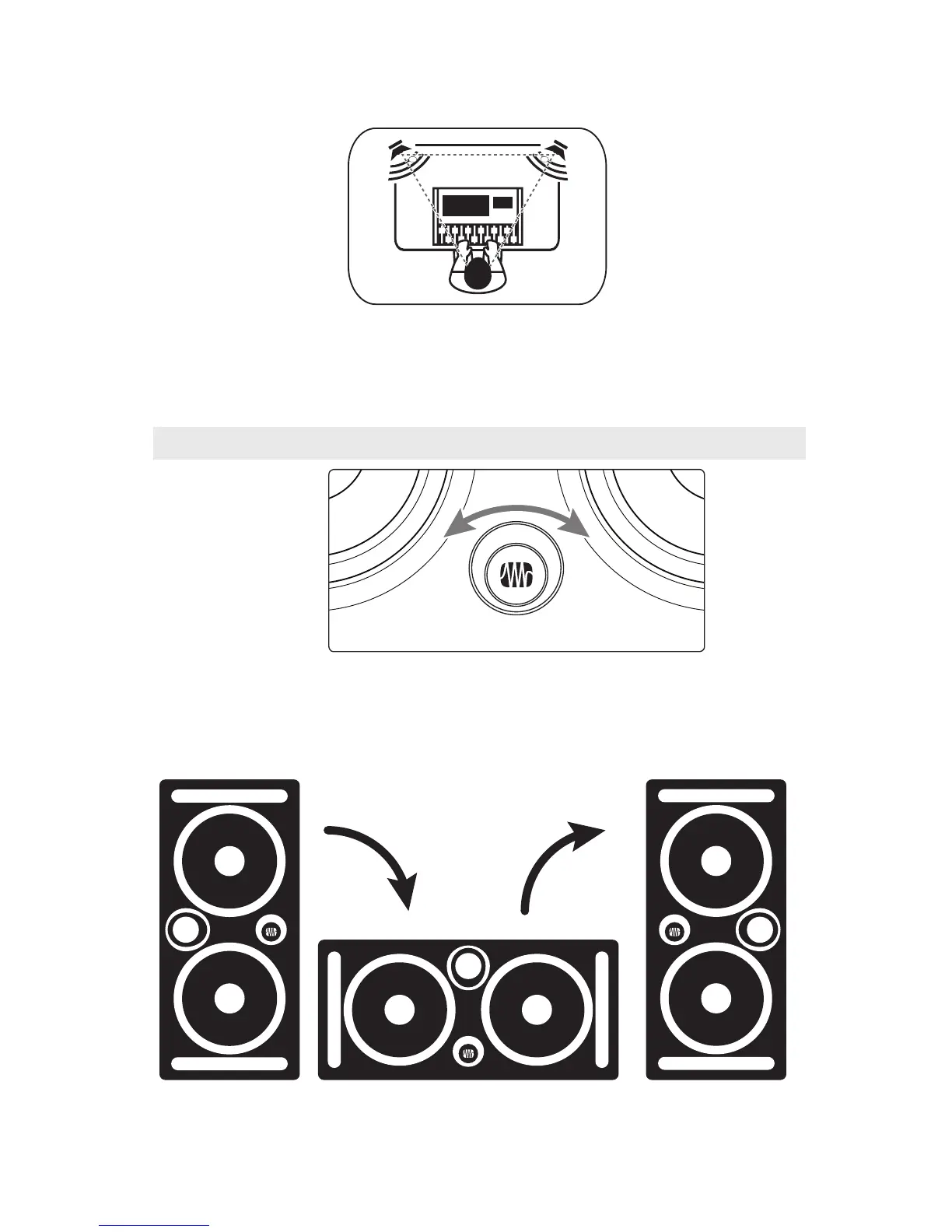
The speakers should be separated so that the tweeters
form an equilateral triangle with your head. The
monitors should be “toed in,” or angled, so that they
are pointed at you, not pointed straight ahead.
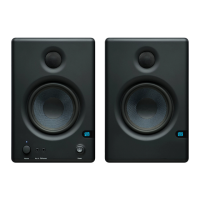
3.1.1 Badge Rotation
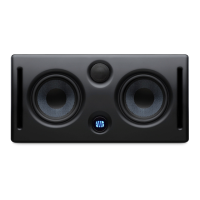
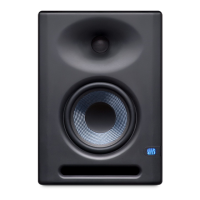
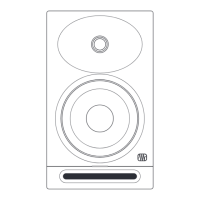
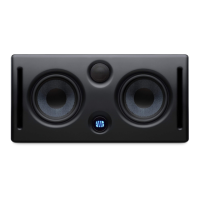
The logo badge on your Eris E44 and E66 can rotated
to match their orientation in your studio. Once you
have positioned your monitors in the orientation
that works the best for you, simply use your fingers
to twist the logo so that it is right side up.



 To Next Page