1. Overview
1.1 Introduction
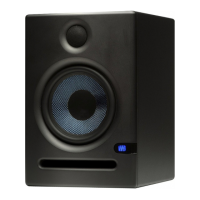
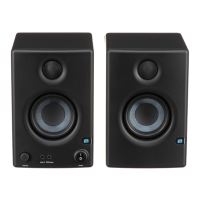
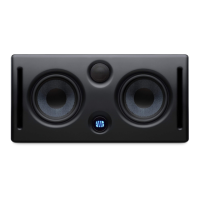
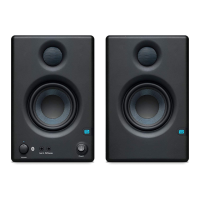
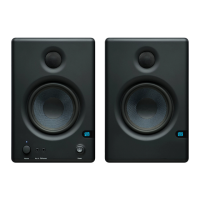
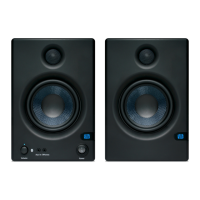
Thank you for purchasing the PreSonus® high-definition media reference monitors. These multi-pur-
pose speakers are Ideal for gaming, content creation, or just listening to your favorite album. Eris media
reference monitors deliver studio-quality sound, with a smooth and accurate frequency response.
PreSonus Audio Electronics is committed to constant product improvement, and we highly value your
suggestions. We believe the best way to achieve our goal of constant product improvement is by listen-
ing to the real experts: our valued customers. We appreciate the support you have shown us through the
purchase of this product and are confident that you will enjoy your Eris!
About this manual: We suggest that you use this manual to familiarize yourself with the features, applic-
ations, and correct connection procedures for your Eris media reference monitors before trying to con-
nect it to your other audio equipment. This will help you avoid problems during installation and setup.
Throughout this manual, you will find Power User Tips that can quickly make you an Eris expert and
help you get the most out of your investment
1.2 Product Registration
PreSonus is committed to delivering the best experience for our customers. MyPreSonus is a one-stop
portal for all our registered customers’ needs. From your my PreSonus account, you can view all your
PreSonus hardware and software registrations; contact support; track orders and more.
Go to My.PreSonus.com and follow the onscreen instructions.
...or download the MyPreSonus app from the Apple App Store or Google Play.
1. Overview 3



 To Next Page