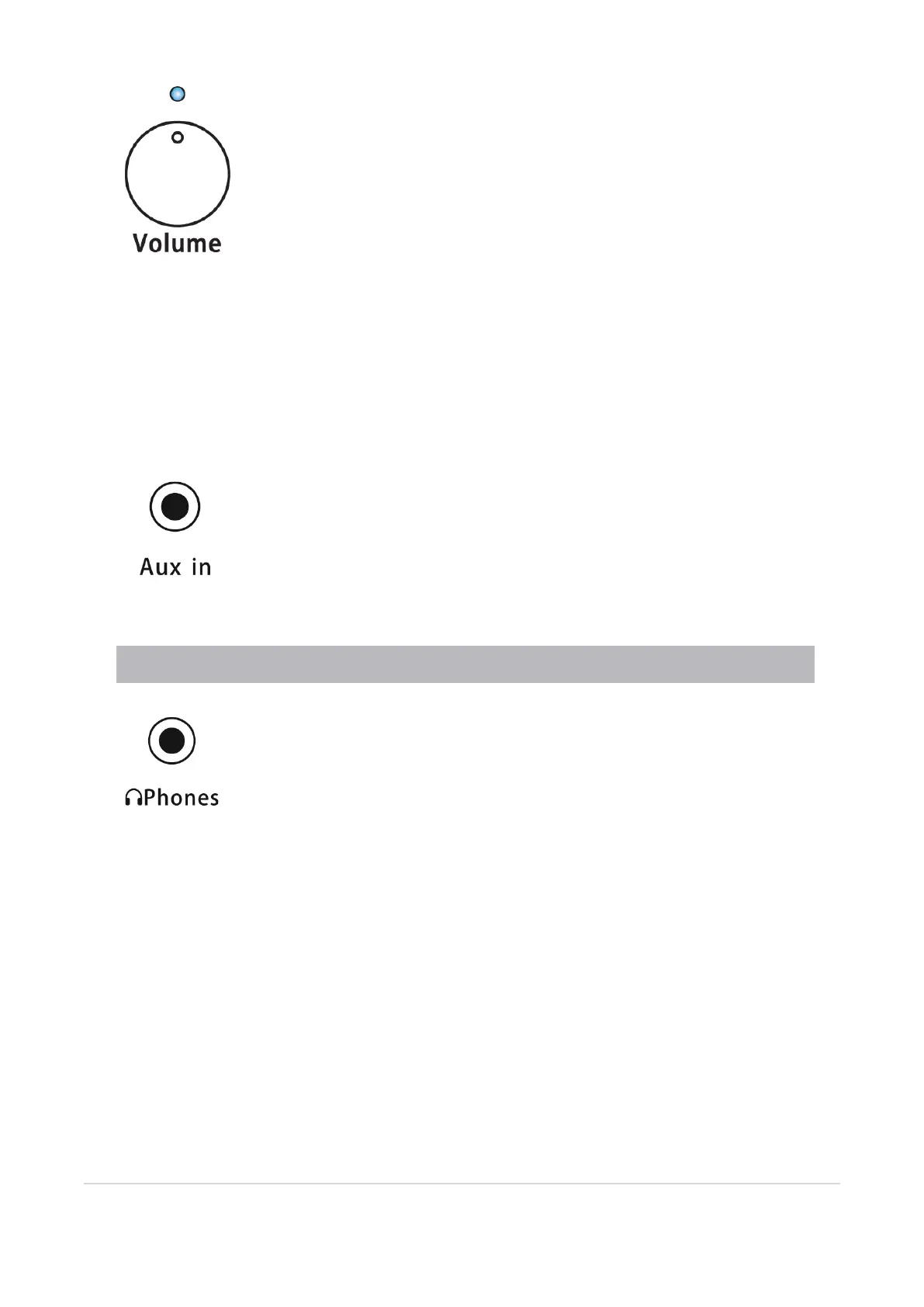
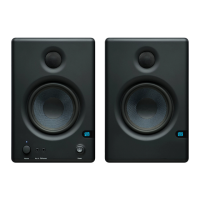
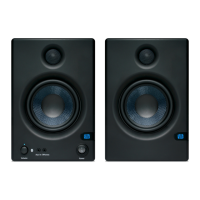
Power / Bluetooth Status LED. The LED above the volume control indicates power status. This LED
also displays the Bluetooth status as follows:
l
Solid Blue. Eris speaker is powered on.
l
Flashing Blue. Eris speaker is in pairing mode.
l
Solid White. Eris speaker is paired to a Bluetooth device.
Volume. Sets the volume level of the input signal before it is amplified. This is also the volume control for
the front-panel headphone amp.
Aux In. This stereo 1/8” jack can be used to patch in a media player for a quick reference check.
Power User Tip: This input will sum with the inputs on the back panel.
Headphone Out. This headphone output is controlled by the Volume knob.
2.2 Active Speaker Front Panel 9



 To Next Page