1.4.2 Windows
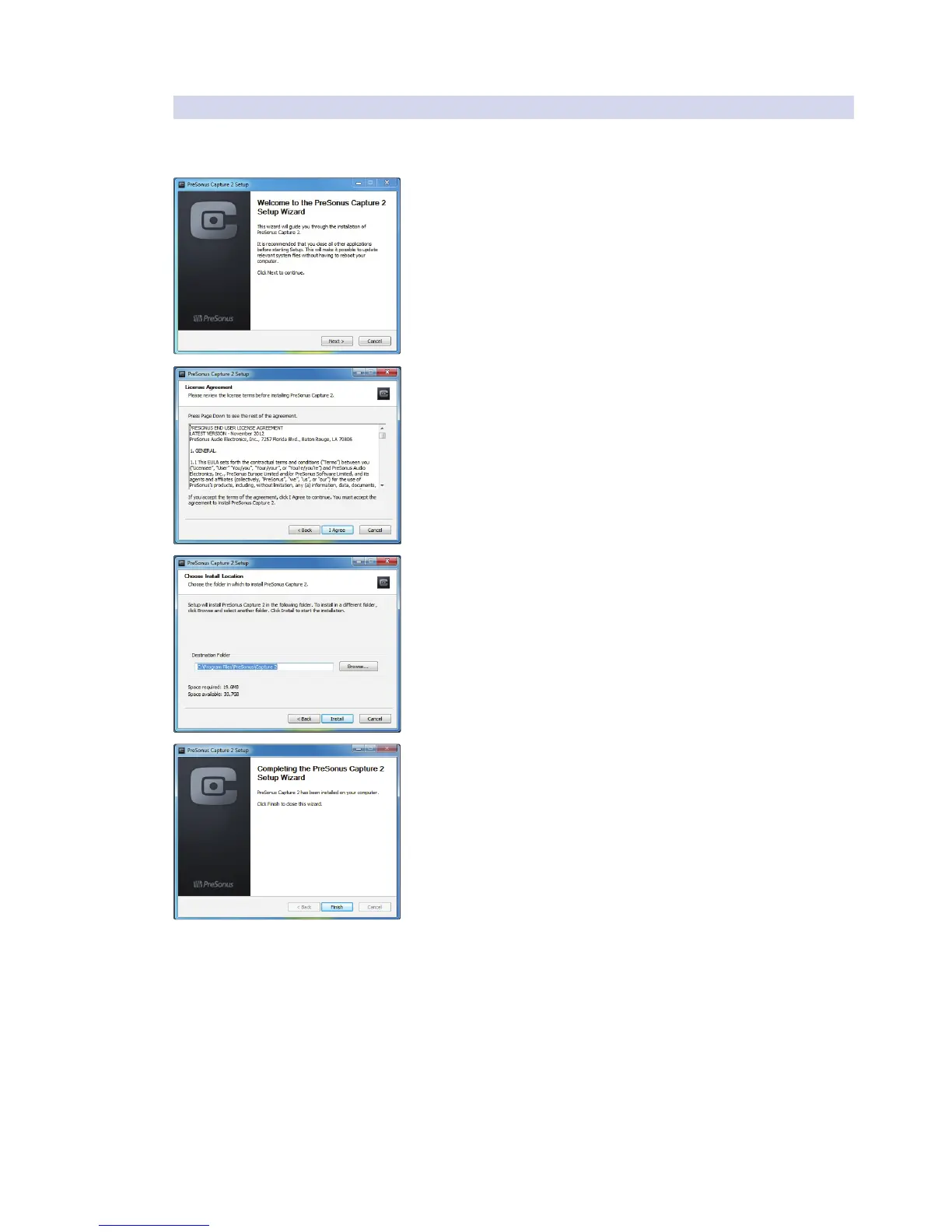
The Windows installer for Capture 2.0 was designed with easy to follow
onscreen instructions to make the installation process quick and simple.
1. When you launch the Capture.exe file, a Welcome Screen will launch. If
you haven’t already done so, close all other open applications before
clicking “Next.”
2. Before Capture 2.0 can be installed on your computer, you must first
agree to the licensing terms. Click “I agree.”
3. By default, Capture 2.0 will install in the Program Files folder on your
computer. It is highly recommended that you do not change this
default location. Click “Install.”
4. Once Capture 2.0 has been successfully installed on your computer,
you can click “Finish” to exit the install wizard. You’re ready to start
recording!












 To Next Page