9. Settings
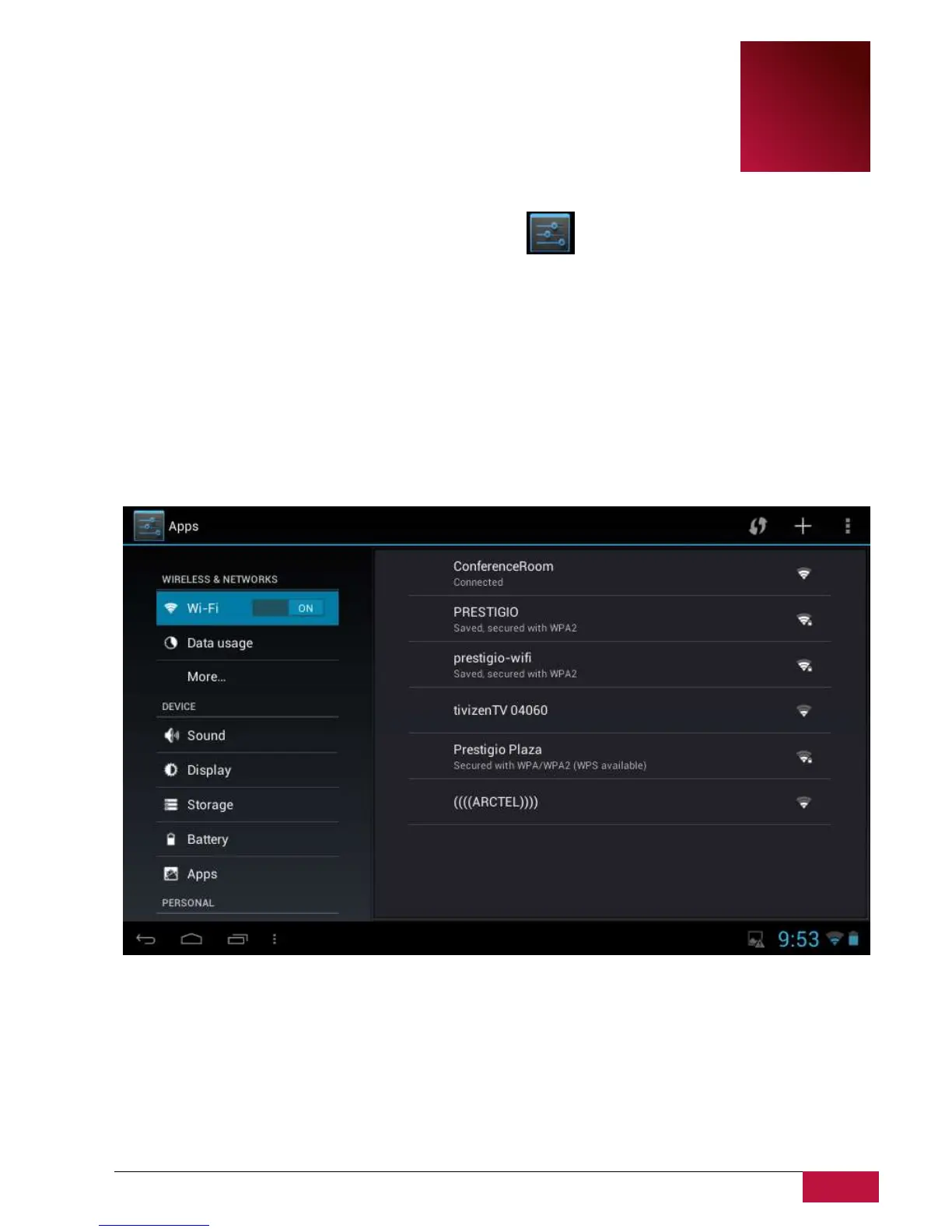
Control and customize your device settings on the Settings screen.
To open the Settings screen, simply tap the Settings icon on the Home screen.
You can scroll on the screen upwards/downwards to check the rest setting items.
9.1 Wireless & networks
Configure your device’s wireless connections, e.g., Wi-Fi, Virtual Private Networks, or set the options for
Portable hotspot.
Wi-Fi
To turn on/off Wi-Fi, simply slide your finger rightward/leftward on the control bar.















 To Next Page