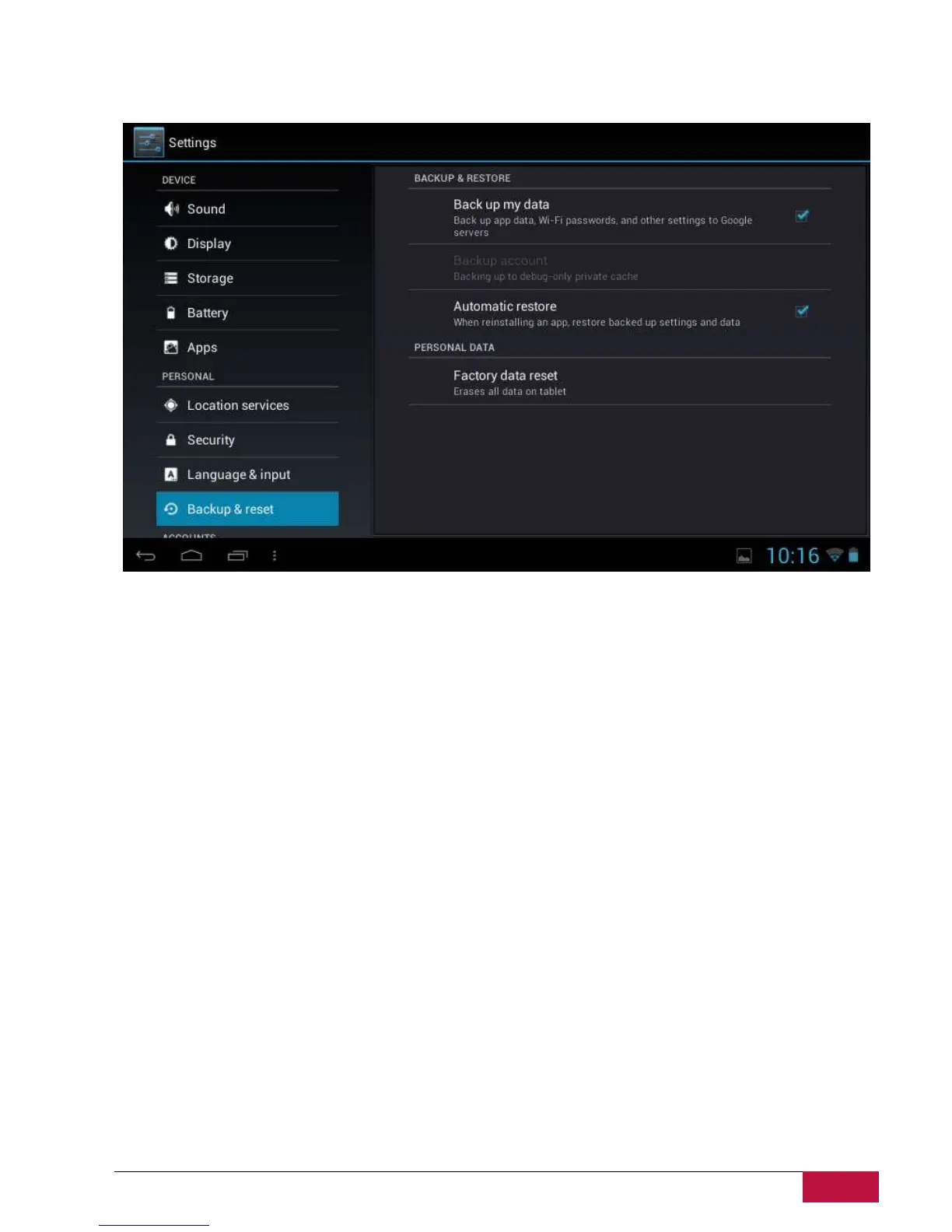
9.10 Backup & reset
You can enable or disable the automatic backup feature of the device and reset the device.
[Note]: after factory data reset, you personalizing settings and the installed third-party applications will
be removed from your device. Before restoring default settings, it is suggested to backup
data/applications you want and remove your storage card safely in case of data loss or damage during
restoring factory default settings.















 To Next Page